
Developer Tools · Mac
Coming soonShotlist
App Store screenshots from code, for every device, locale and appearance.
Coming soon to the Mac.
Read the guideFree to download and look around. Capturing, composing and uploading come with a subscription, with a free trial. Needs macOS 26 and Xcode 27.
How it works
Screenshots as code, from scene to store.
Write your screenshots once. Every new build, locale and device size after that is one command.
- 01
Scenes in code
Describe each screenshot as a scene: your real root view, taken to one screen with fixture data. SwiftUI, UIKit and TCA alike.
- 02
Capture
Shotlist builds once, boots its own simulators headless and captures every device, locale and appearance, waiting on your app, never on a timer.
- 03
Review
Each run marks every screenshot new, changed or unchanged against the last, with before and after for anything that moved.
- 04
Compose
Captions from a String Catalog, templates at every App Store size, and the product page header and search art with Apple’s safe areas.
- 05
Publish
A plan of exactly what would change in App Store Connect, then one upload, in order, that only ever replaces its own screenshots.
The Mac app
The matrix is the hero.
Dense and calm, in the Xcode and Instruments family. Every state is a glyph and a word, never colour alone, and the matrix moves with the arrow keys.
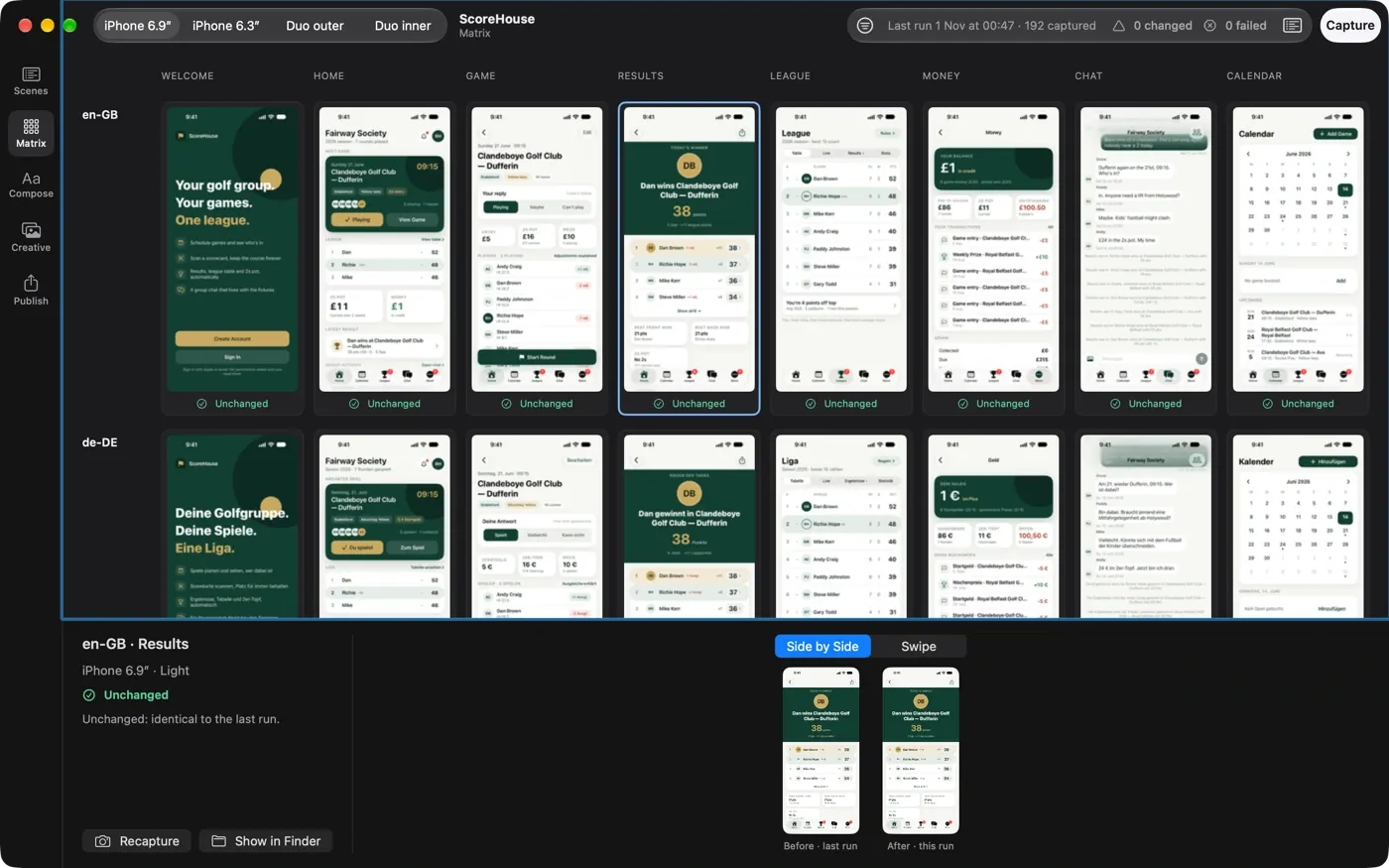
Matrix
Every slot, locale and scene, filled in live as a run lands, with before and after for anything that changed.
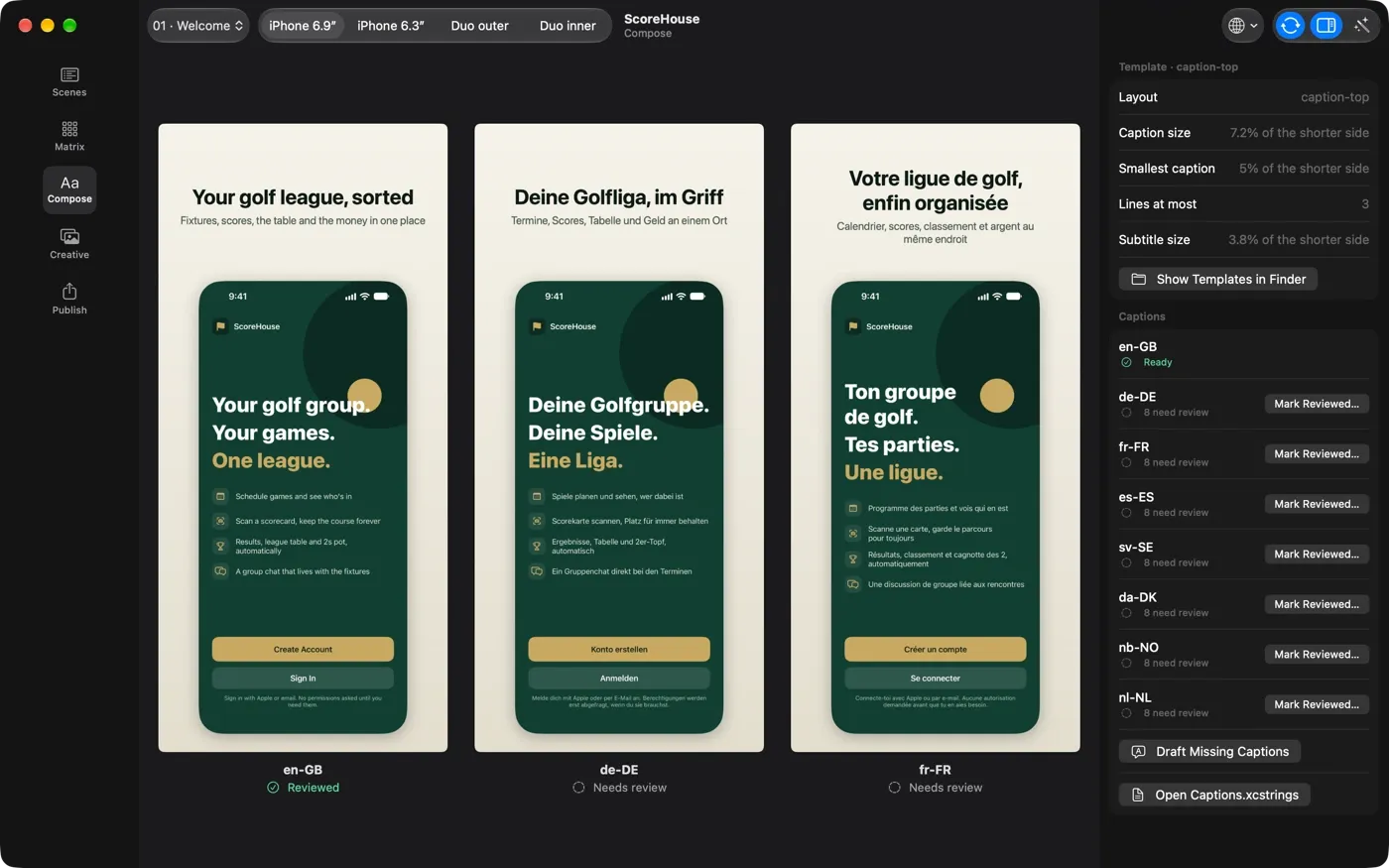
Compose
Locales side by side at true size, so a translation that runs long shows up before you compose them all.
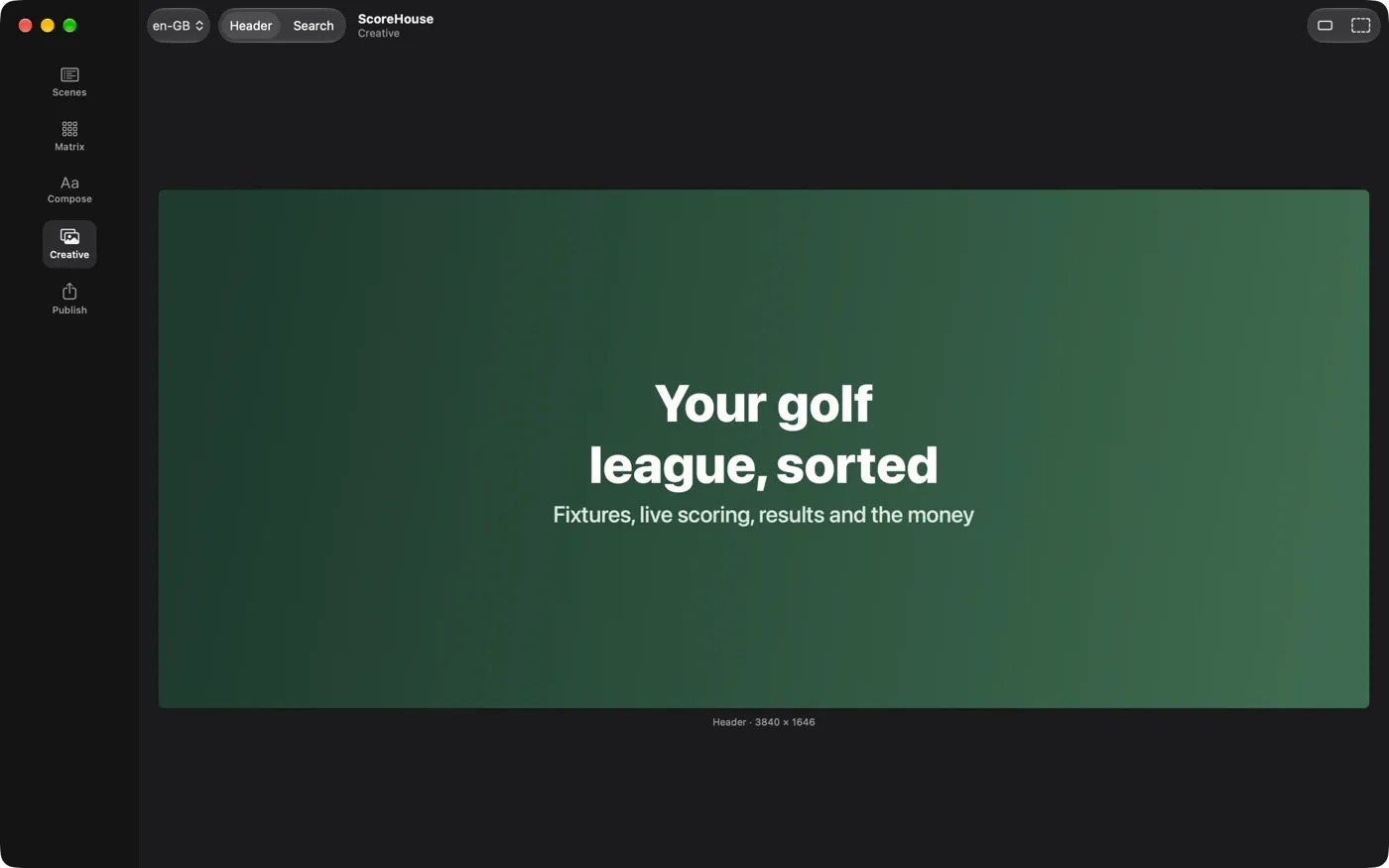
Creative
Header and search art with Apple’s safe areas, and the search art at the size people will see it.
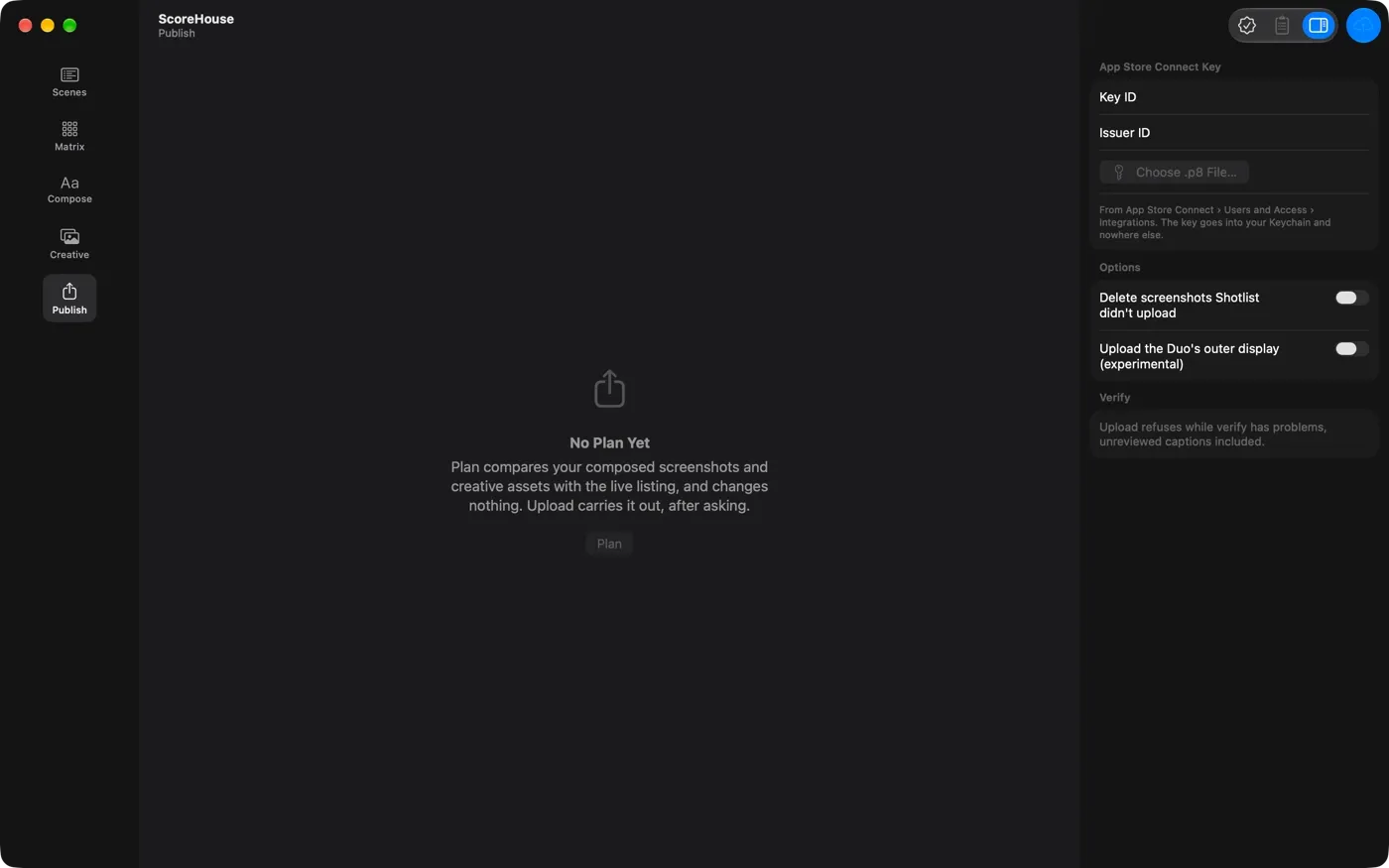
Publish
The App Store Connect plan as a table, and an upload that names the version before it changes anything.
Built to be trusted
Your app, your simulators, your listing: handled with care.
- Shotlist runs its own simulators, named “Shotlist · size · runtime”. Yours are never booted, changed or shut down.
- ShotlistKit, the small library your app links, is open source under the MIT licence and compiled out of Release builds entirely, and a script proves it in CI.
- Every wait is on a signal from your app, with a timeout that names what it was waiting for. No sleeps, no guessing.
- Two runs on the same build give byte-identical screenshots, so “changed” always means something changed.
- Publishing shows the plan first and only replaces screenshots Shotlist uploaded, unless you ask it to prune.
- Your App Store Connect key stays in your Keychain and talks straight to Apple.
Nothing about your app or your screenshots leaves your Mac, except what you send to App Store Connect yourself. There’s no analytics and no account to make.
Pricing
Look for free. Ship when you’re ready.
Free
£0
Set up, check and review, in the app or the CLI.
- Set up a project and check your Mac
- Verify screenshots against Apple’s rules
- Caption status, drafts and sign-off
- Browse every run, with before and after
- The App Store Connect plan, read-only
Subscription
Price to come
Everything, starting with a 14-day free trial. Cancel any time.
- Capture every device, locale and appearance
- Compose screenshots and creative assets
- Upload to App Store Connect
- The Mac app and the shotlist CLI, for CI too
- Up to 3 Macs, with every update included
Polar, our merchant of record, handles payment, tax and receipts.
- What do I need?
- A Mac with Xcode 27 and its iOS 27 simulators, and your app’s Xcode project. You add one small open-source Swift package, ShotlistKit, from GitHub to your app, where it compiles to nothing in Release, and describe each screenshot as a scene. The guide walks through it.
- Does it work with my architecture?
- Yes. Scenes work for SwiftUI with @Observable, UIKit and the Composable Architecture alike, and a scene can also reach its screen through your app’s own deep links.
- Is the Mac app different from the CLI?
- They’re the same engine. The CLI suits scripts and CI; the app adds a live matrix of every screenshot, before and after, captions side by side and the publish plan as a table. One subscription covers both.
- Can I run it in CI?
- Yes. Every command can print JSON and exits non-zero on failure. Set SHOTLIST_LICENSE_KEY instead of activating a Mac.
- How does the free trial work?
- Start it from the Start Free Trial button. You’re not charged until the trial ends, and you can cancel before then. Activate your license key in the app, or with shotlist licence activate, to unlock capturing, composing and uploading.
- What if I’m offline?
- Shotlist checks your subscription once a day. If it can’t get through, everything keeps working for 14 days.
- Who takes the payment?
- Polar sells Shotlist on our behalf as the merchant of record. Polar takes the payment, handles VAT and sales tax and sends your receipts. We never see your card details.
- How do I cancel?
- Choose Manage Subscription in Shotlist’s Settings, or email support@digitalhopeltd.com and we’ll do it for you. Everything free keeps working.
Shotlist is coming soon.
Read the guide to see how it works, or see what else we make.


