

Utilities
In reviewRatio
Unit converter & tracker
In review on the App Store
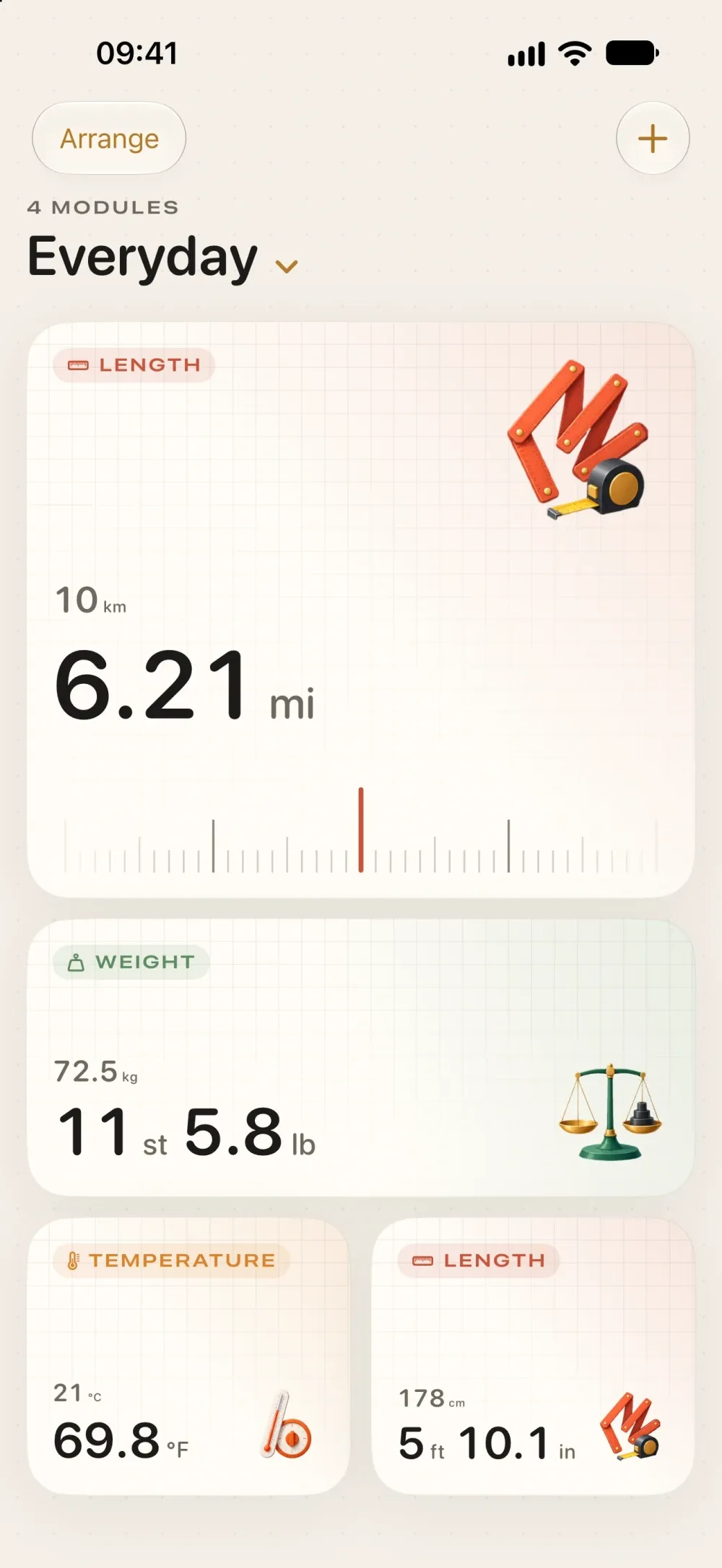
Screens
Take a look around.
What it does
Built around a few things done well.
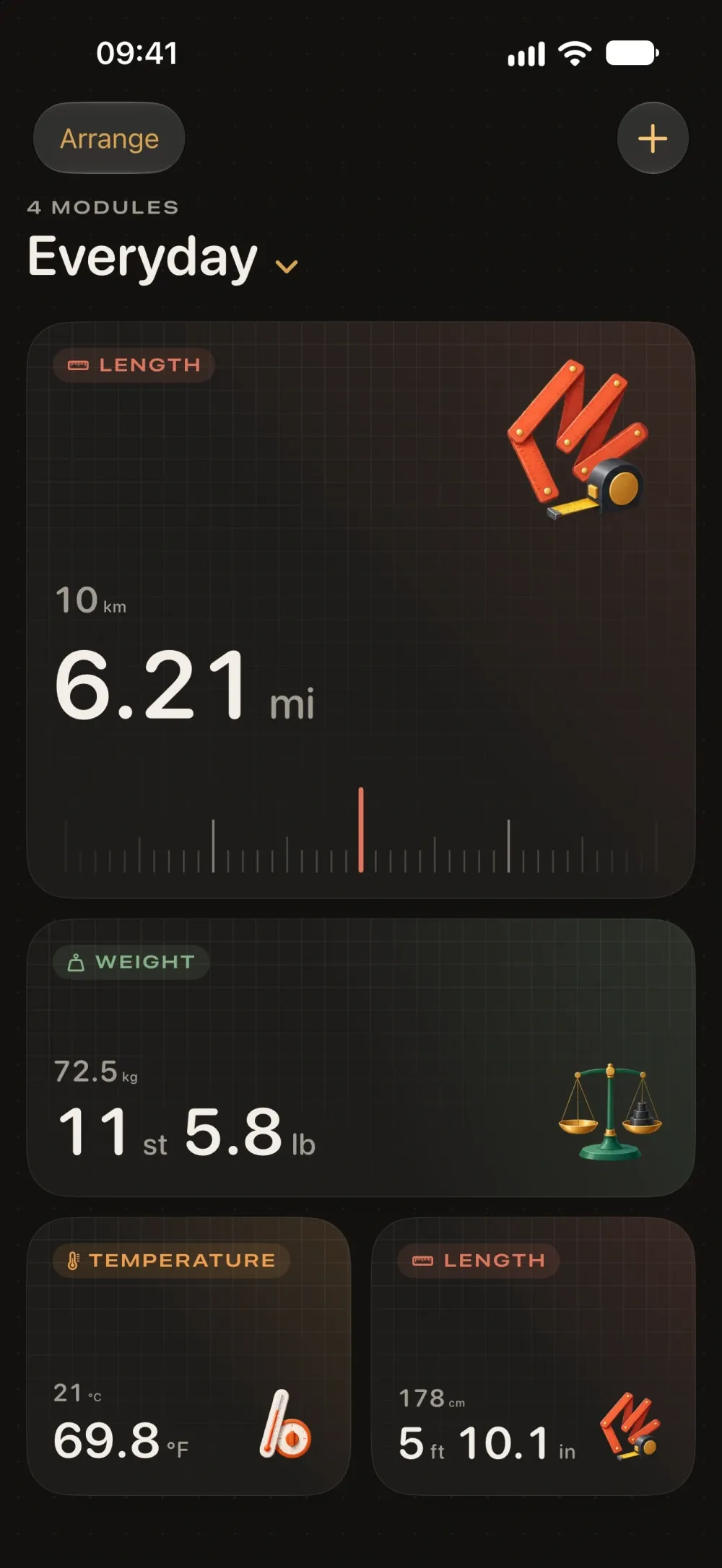
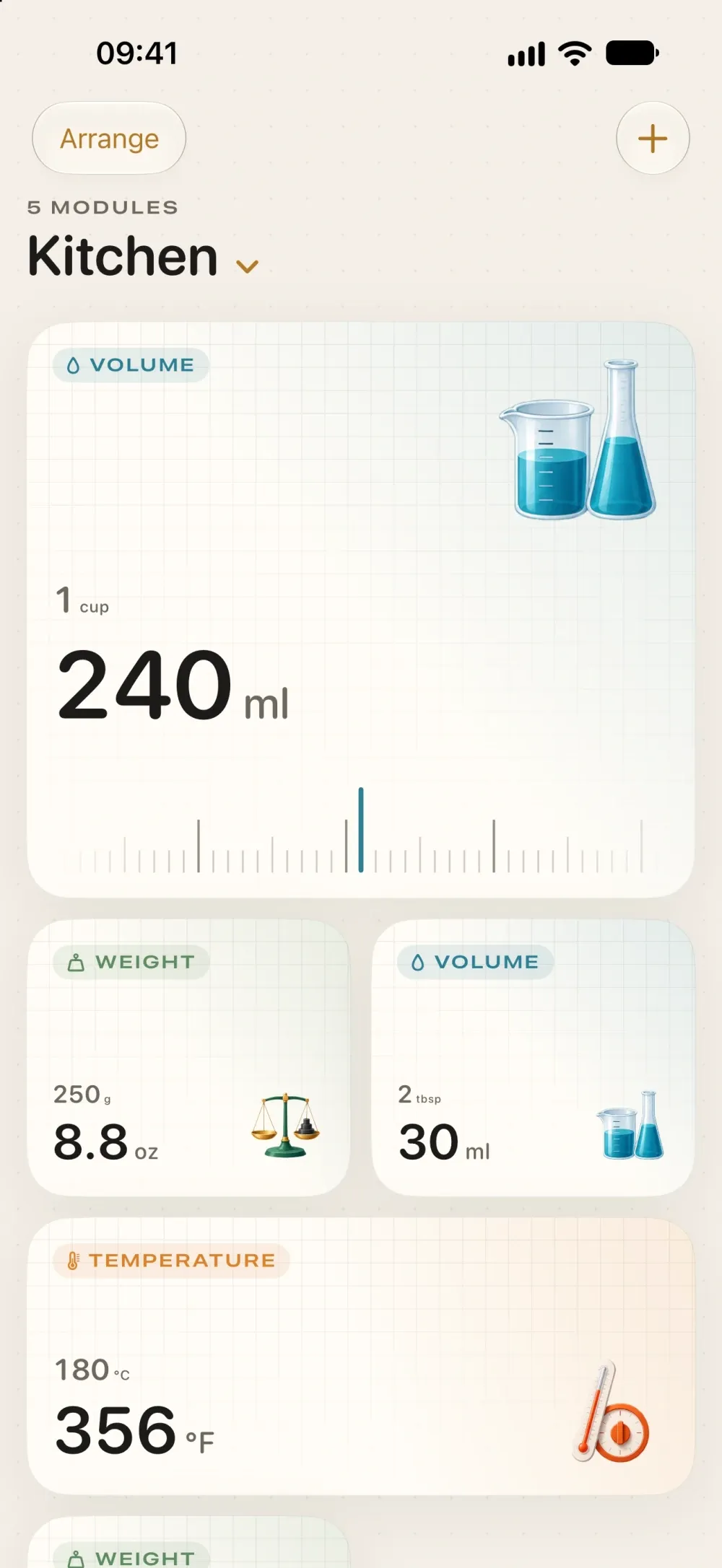
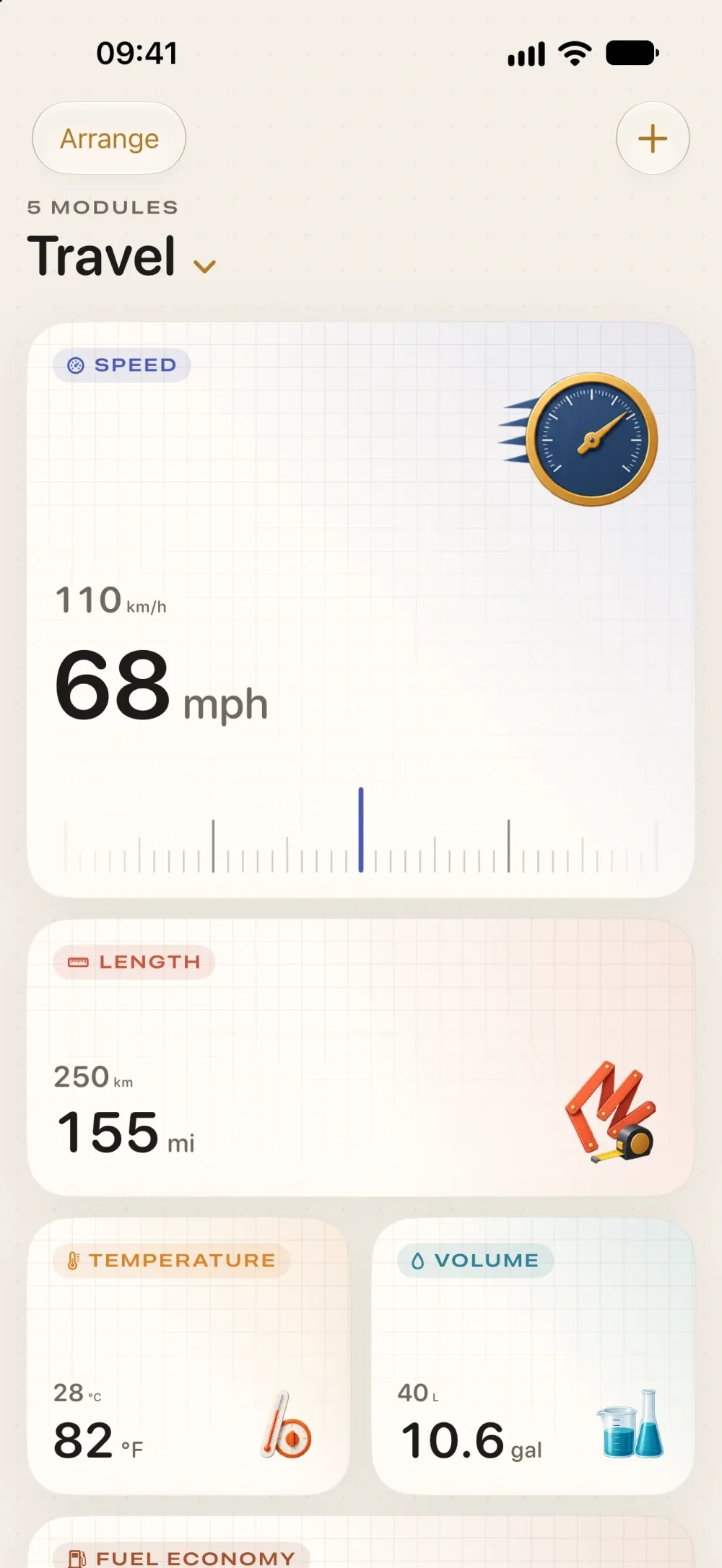
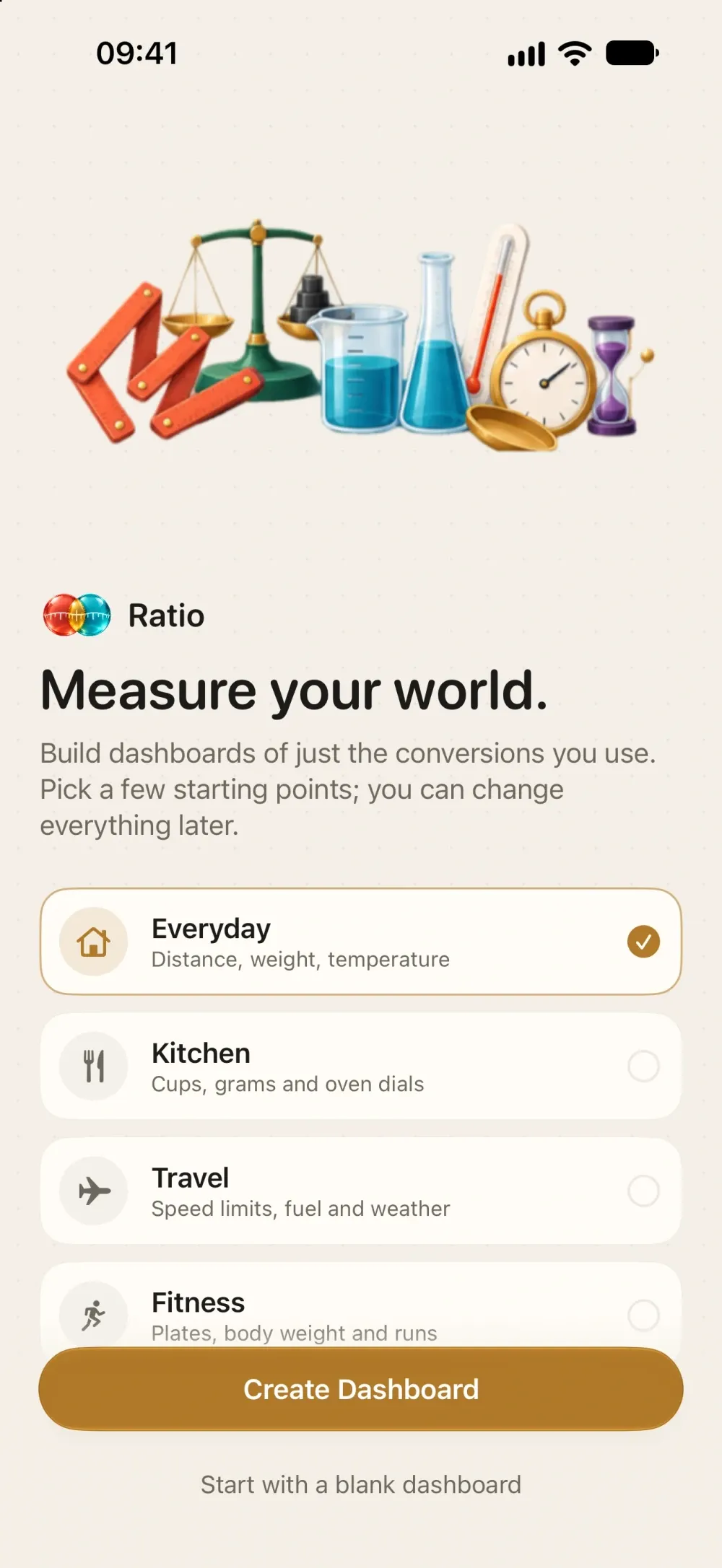
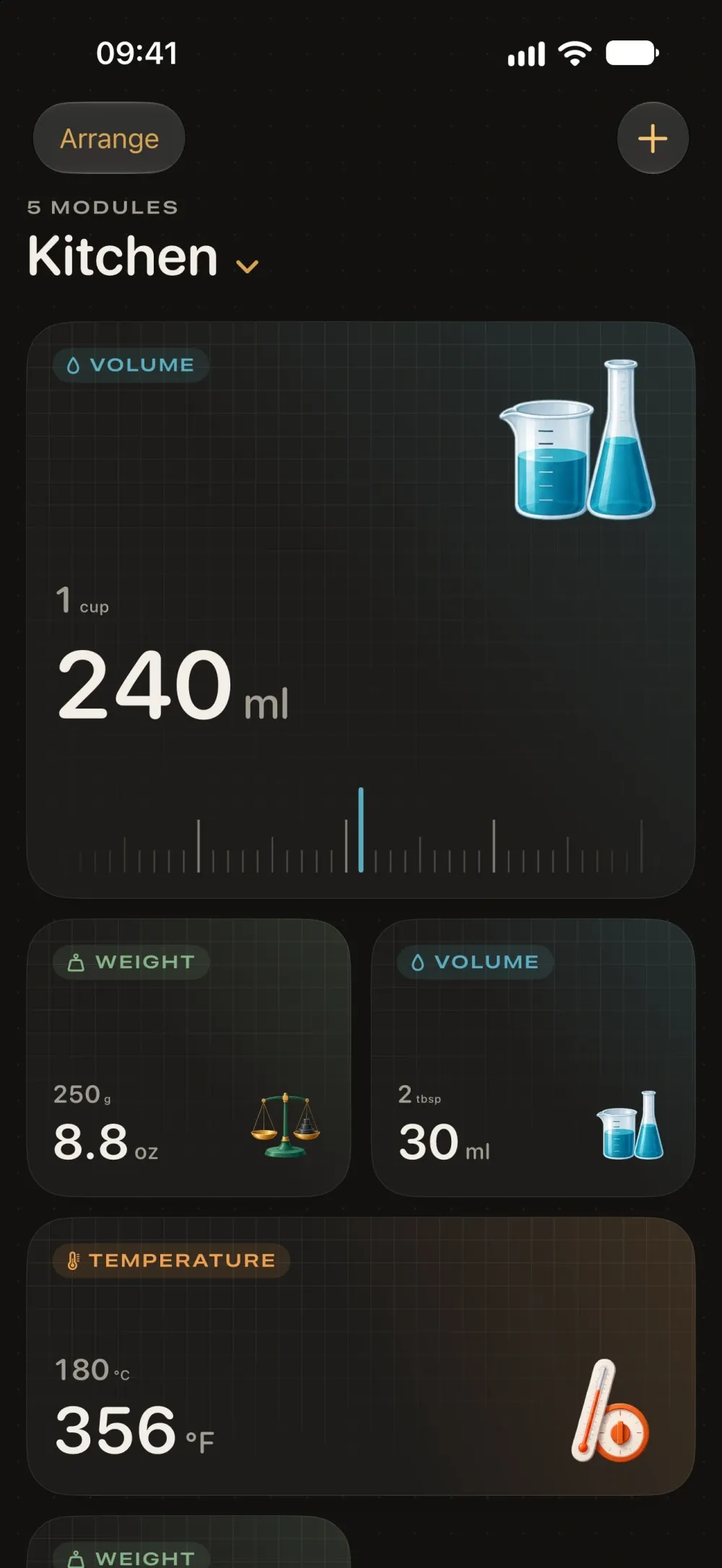
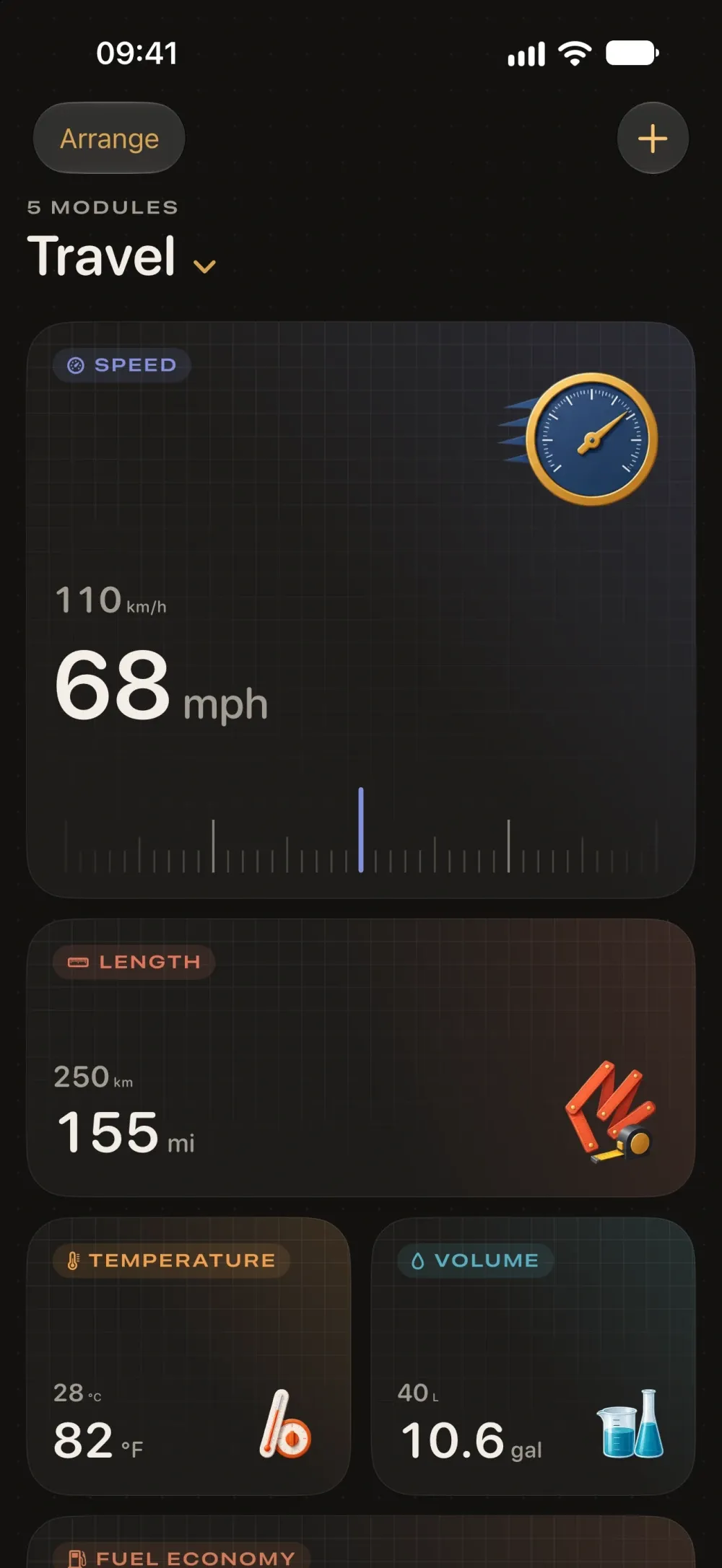
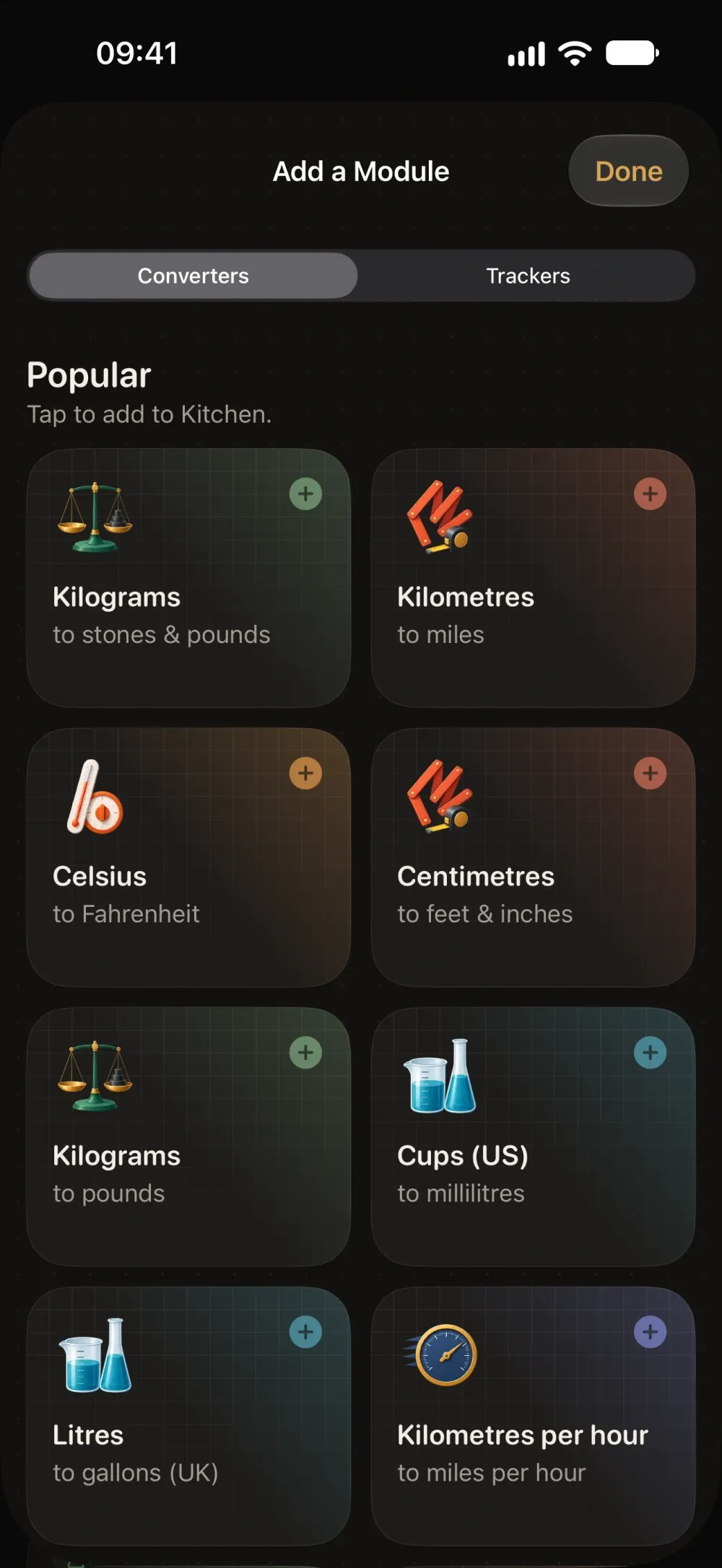
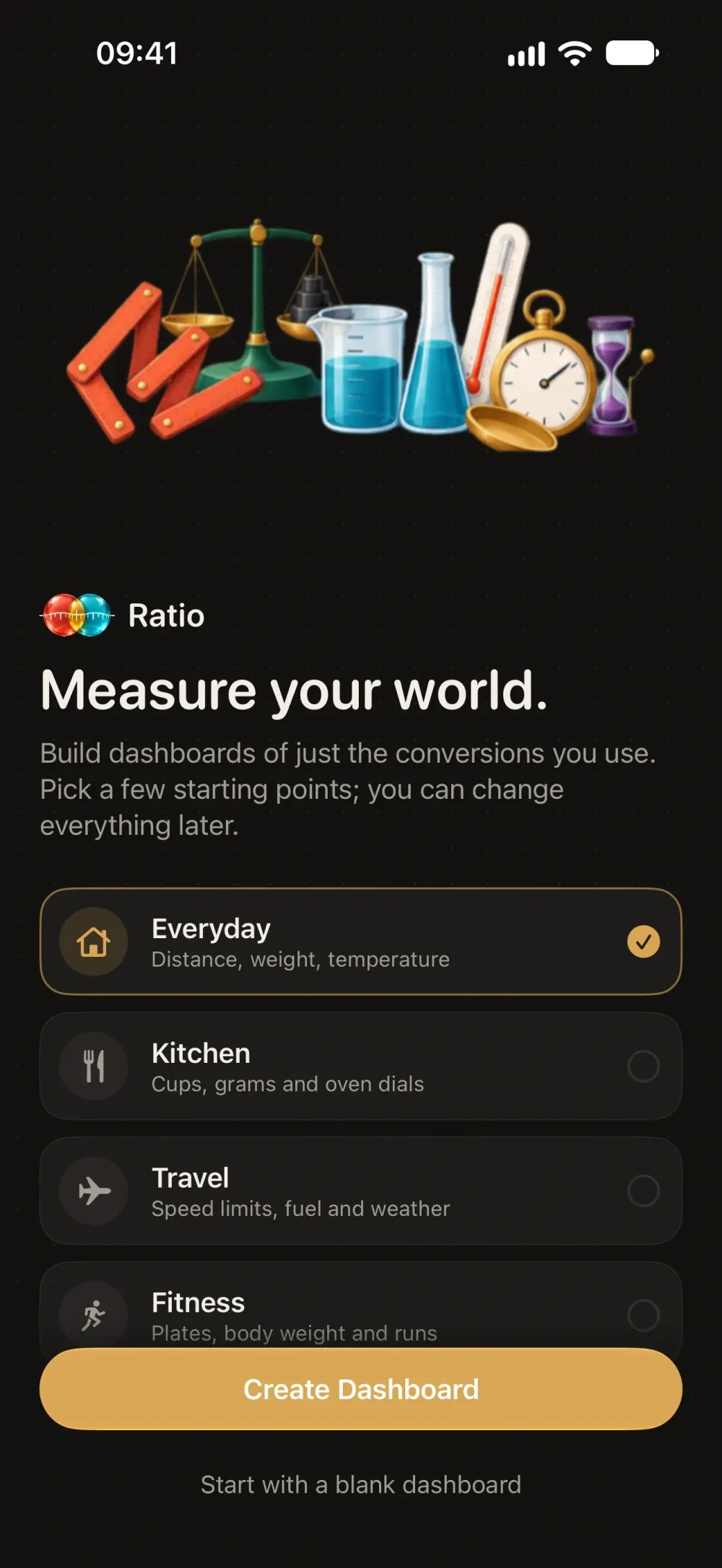
- Dashboards for everyday, the kitchen, travel, fitness or the workshop, or start from a blank canvas.
- Small, wide and large cards you can drag, resize, duplicate and mix on one dashboard.
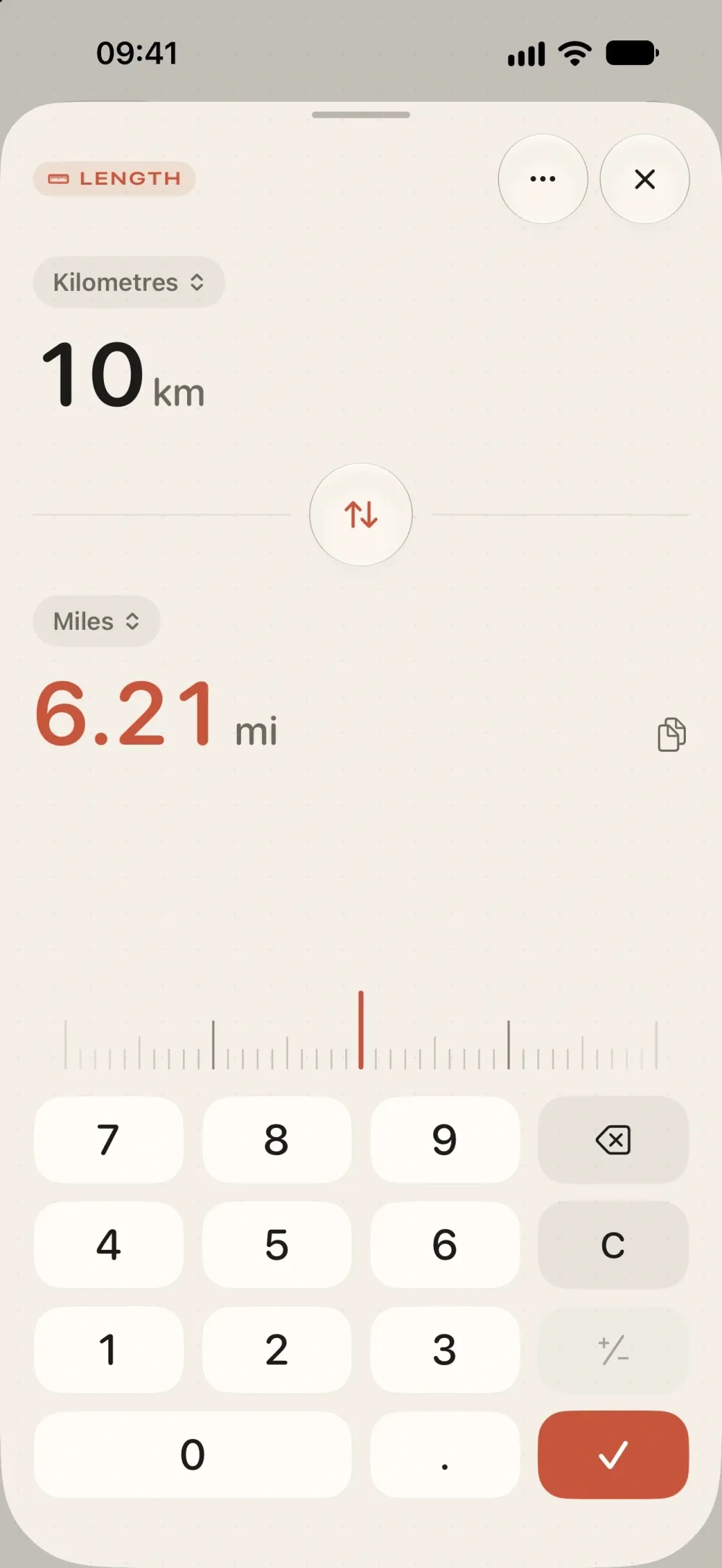
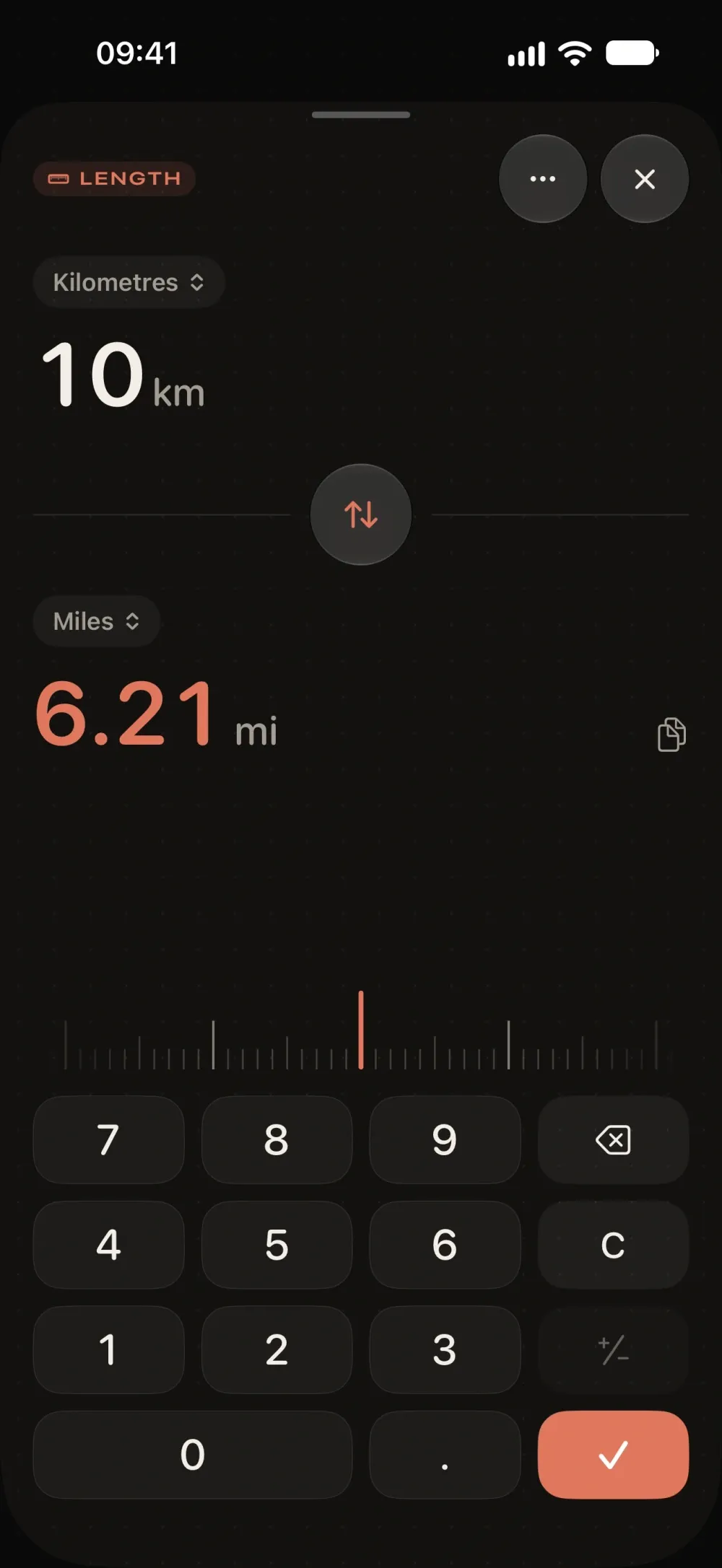
- A focused converter with a custom keypad, unit pickers and a ruler scrubber with haptics.
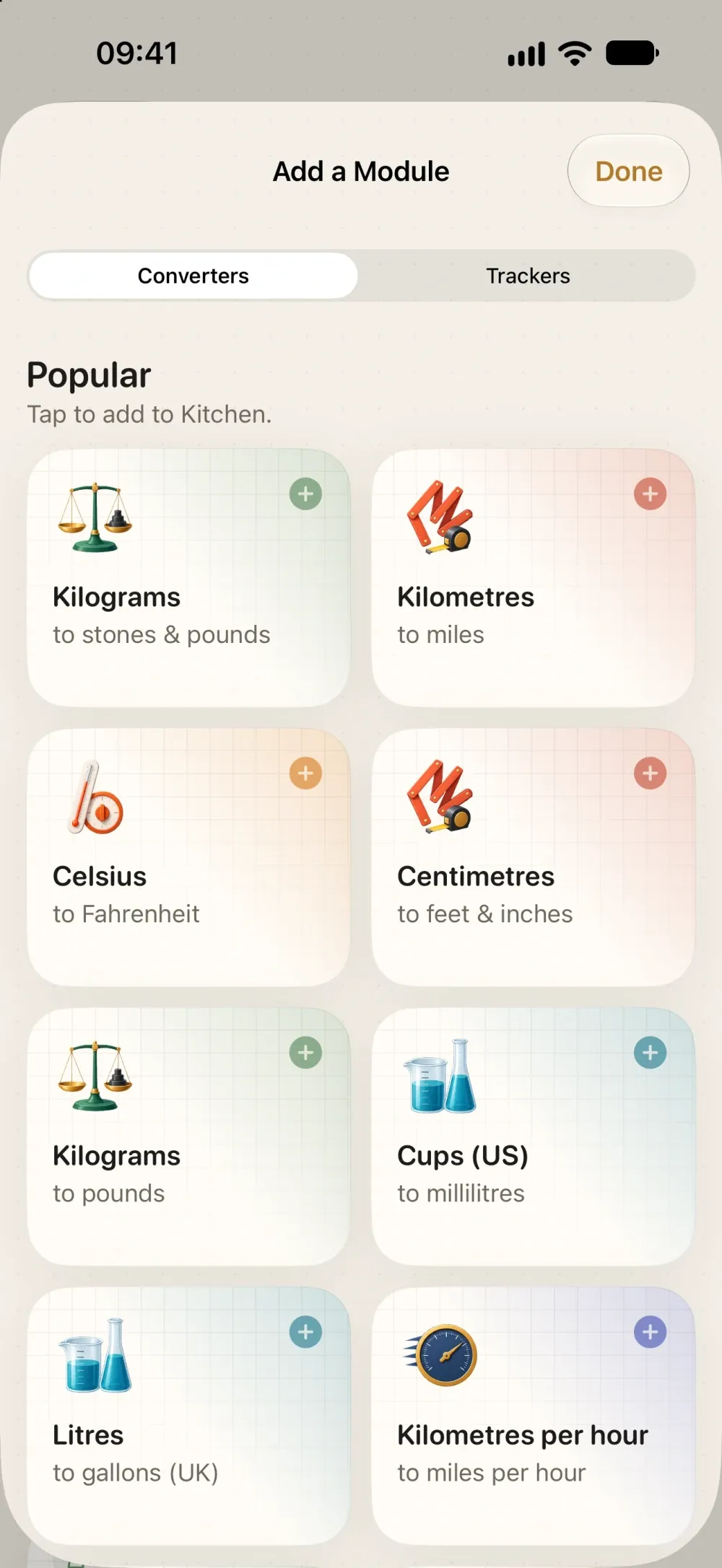
- 12 categories and 82 units, including UK and US volumes, stones and pounds, and feet and inches.
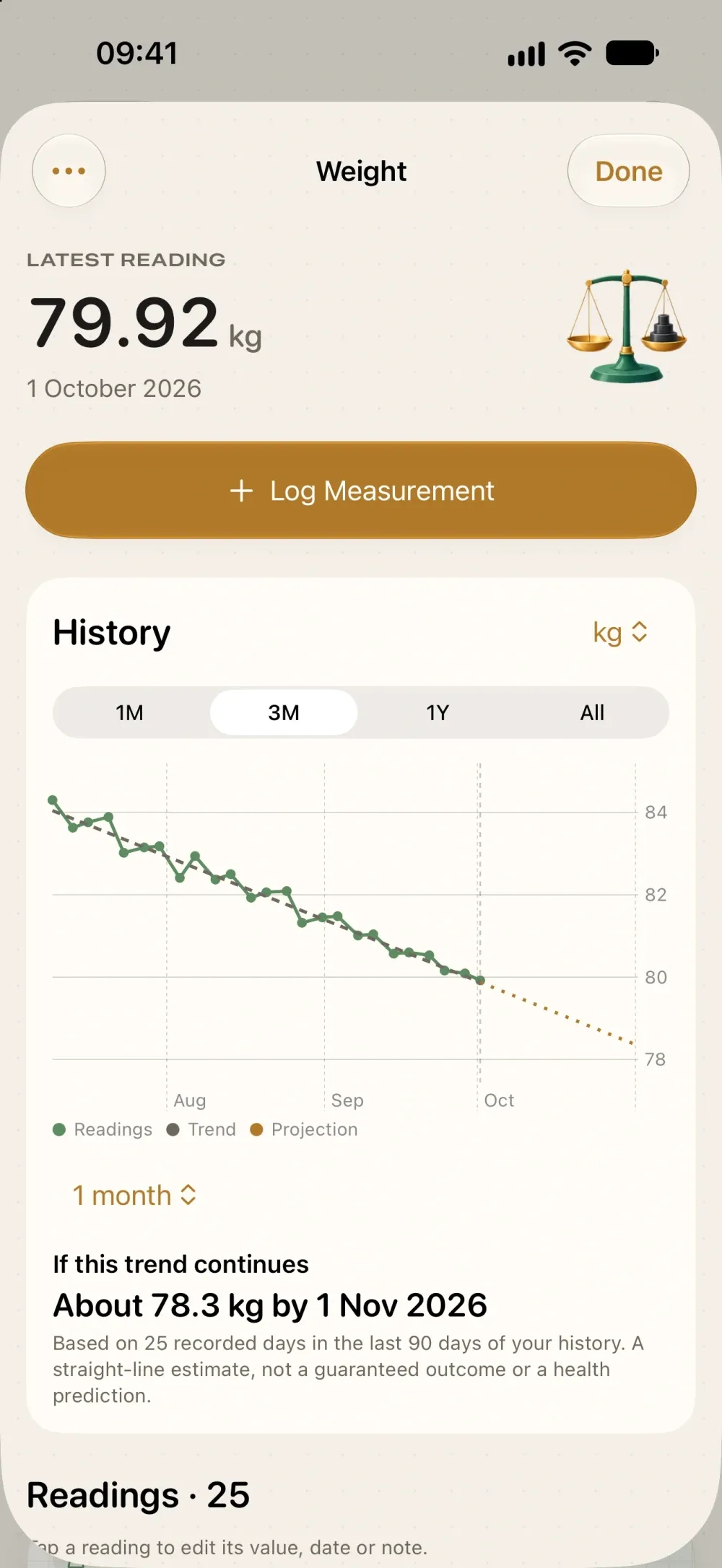
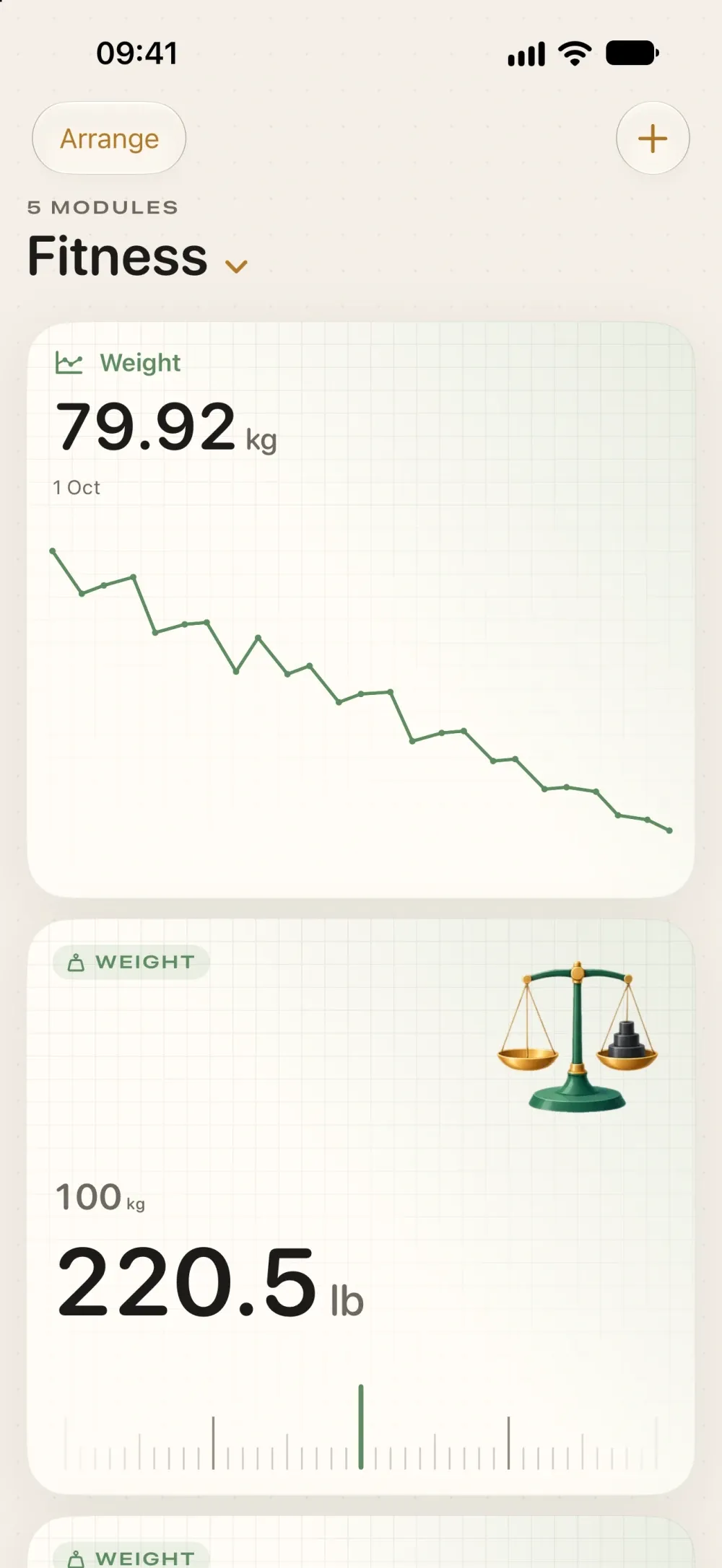
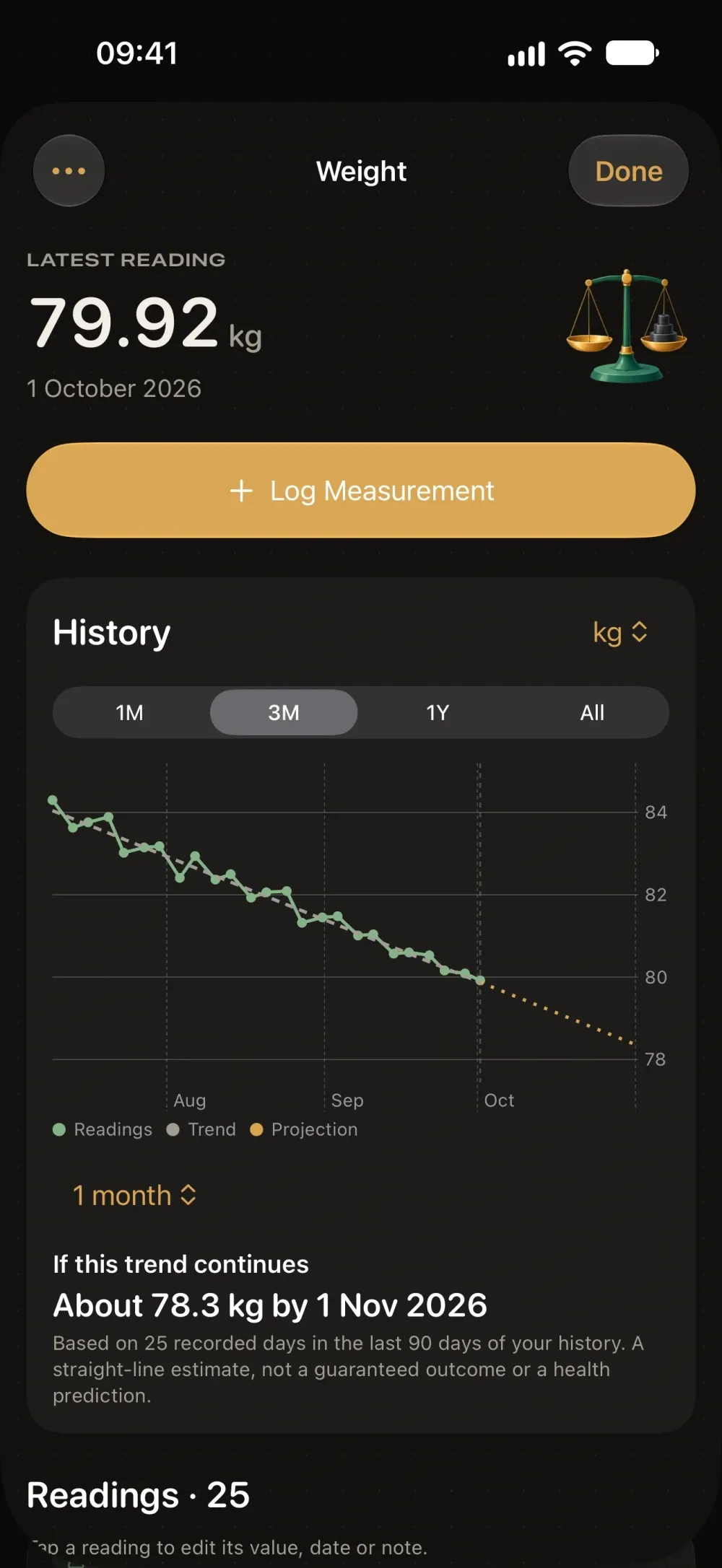
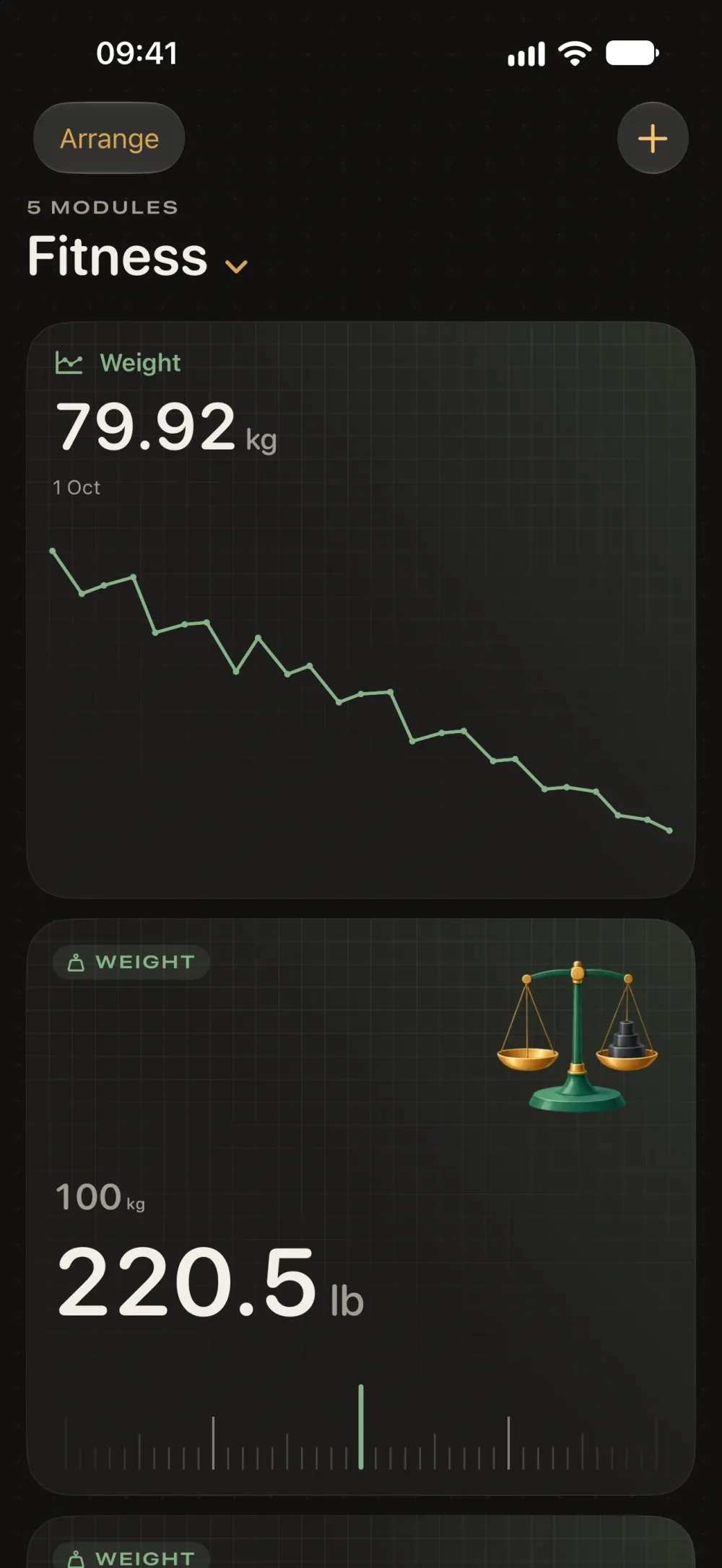
- Track weight, height, distance, run times or your own measurements, with charts and trend projections.
- No account and no internet connection needed: everything stays on your iPhone.
Ratio is a unit converter and measurement tracker for iPhone, built around the numbers you actually use. Miles for a trip, cups for the kitchen, kilos for the gym, or measurements you want to follow over time: put each one on a dashboard of your own and it's always one glance away.
DASHBOARDS THAT FIT YOUR DAY • Start with Everyday, Kitchen, Travel, Fitness or Workshop, or begin with a blank canvas • Keep several dashboards, each with its own name and symbol • Cards come in small, wide and large sizes, like widgets on your Home Screen • Drag to reorder, resize, duplicate or remove, and mix converters and trackers on one dashboard
QUICK, TACTILE CONVERSION • Tap a card for a focused converter with a custom keypad, unit pickers, swap and copy • Drag the ruler scrubber to nudge a value, with a gentle haptic tick for every step • Large cards keep a ruler on the dashboard itself, so you can convert without opening anything • Your last value is remembered on every card
12 CATEGORIES, 82 UNITS Length, weight, volume, temperature, speed, area, time, data, energy, pressure, fuel economy and angle. Everyday metric and imperial units, separate UK and US pints and gallons, and compound units that read the way people say them: feet and inches, stones and pounds, pounds and ounces, hours and minutes. Imperial units use their exact legal definitions, so results don't drift.
TRACK MEASUREMENTS OVER TIME • Log weight, height, waist, distance, temperature, run time or a measurement of your own • Add dated readings with notes, and edit or delete them whenever you like • See your history on clear charts over a month, a quarter, a year or all time • Turn on optional 2-week, 1-month or 3-month projections from your recent trend • Change a tracker's display unit and its whole history converts with it
MADE TO STAY YOURS Ratio feels like a well-made drafting instrument: warm paper, charcoal ink, brass accents and illustrated tools, with its own colour for each kind of measurement, in light and dark appearance. Everything stays on your iPhone. There's no account, no adverts, no tracking and no internet connection needed.
Projections are simple straight-line estimates of where a recent trend would lead. They are not medical advice.
Ratio is in review.
Check back soon.


