Education
Coming soonStudyLens
Photo notes to GCSE flashcards
Coming soon
Screens
Take a look around.
What it does
Built around a few things done well.
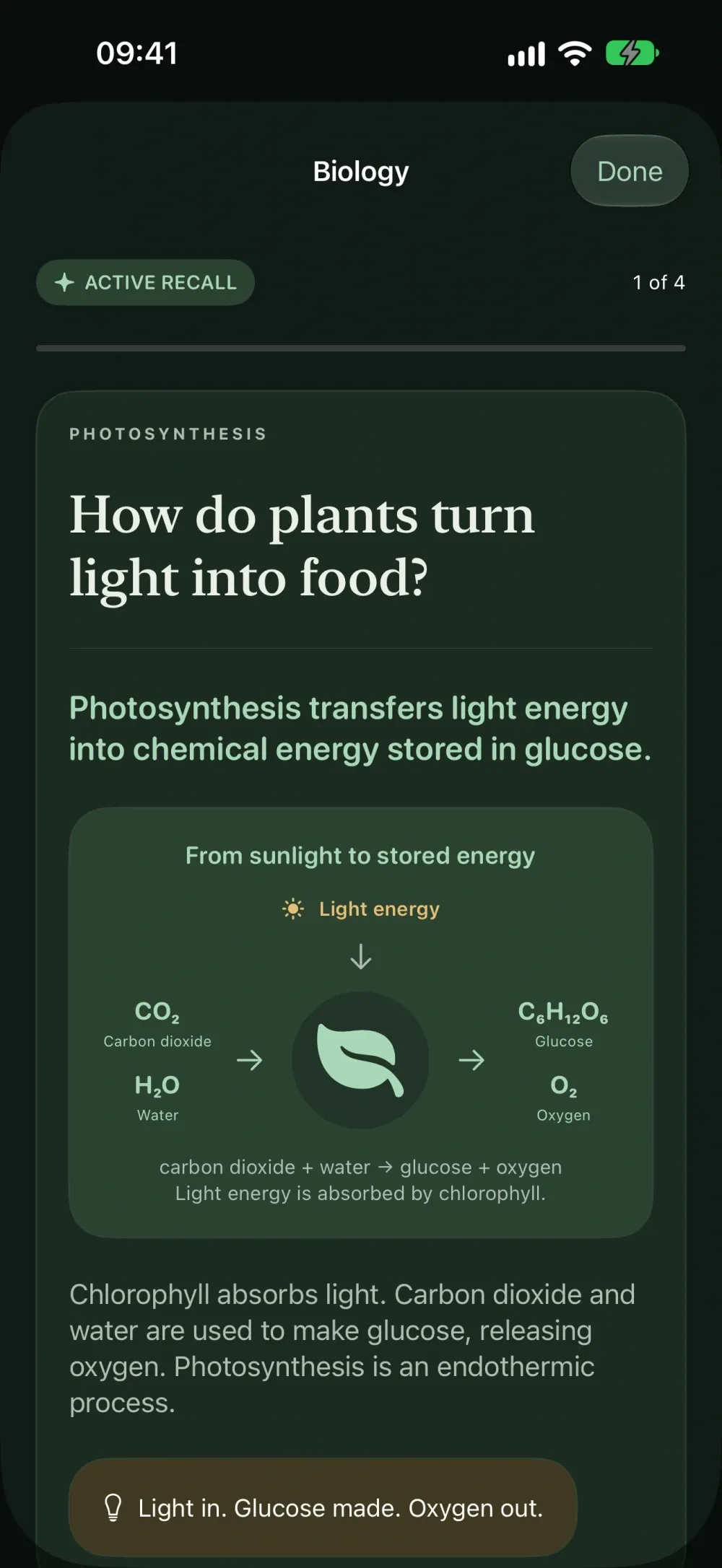
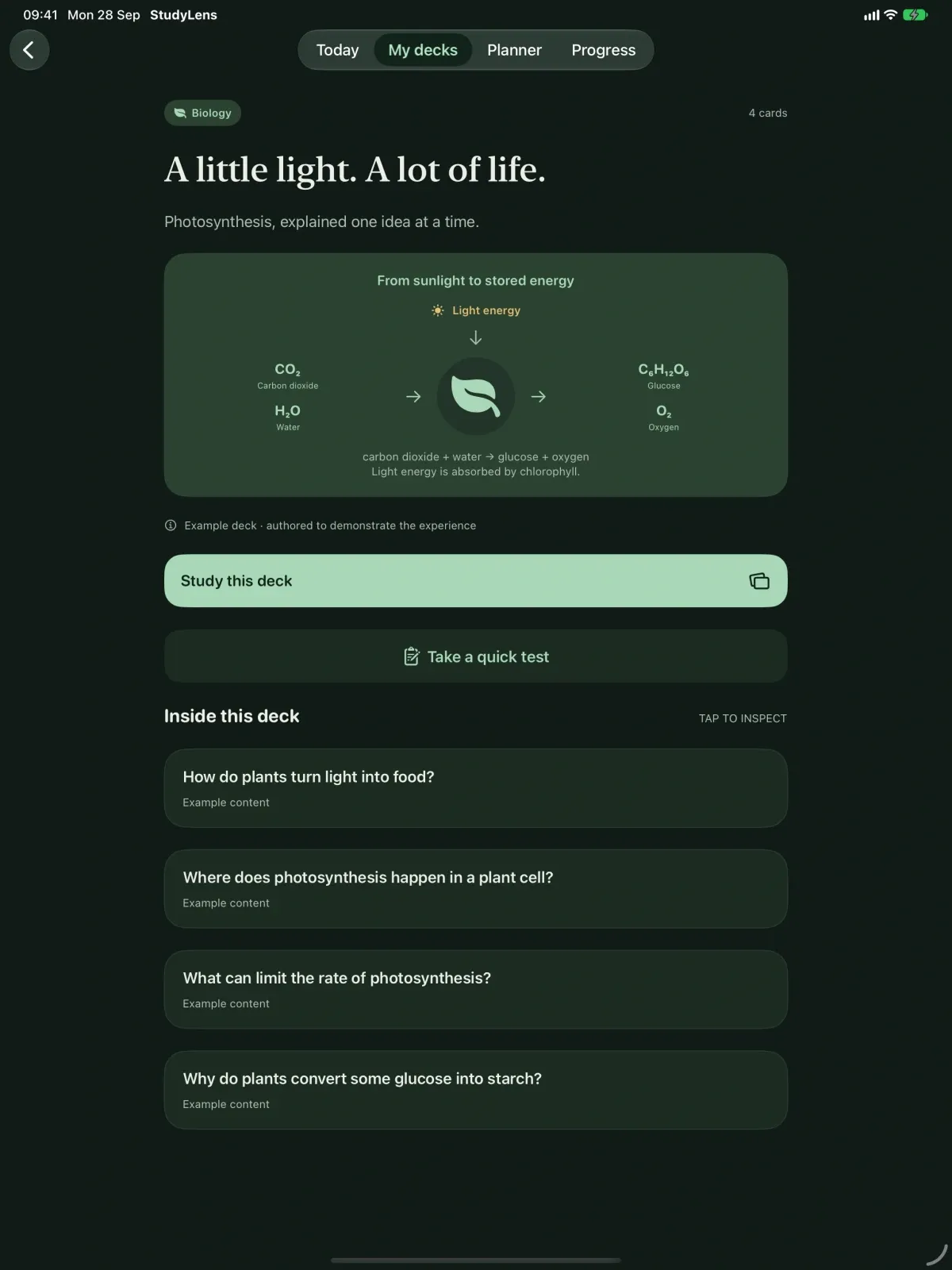
- Photograph pages of notes and get bite-sized questions, clear answers, explanations and memory aids.
- A second AI review checks each draft card against your photos, and you can edit any card yourself.
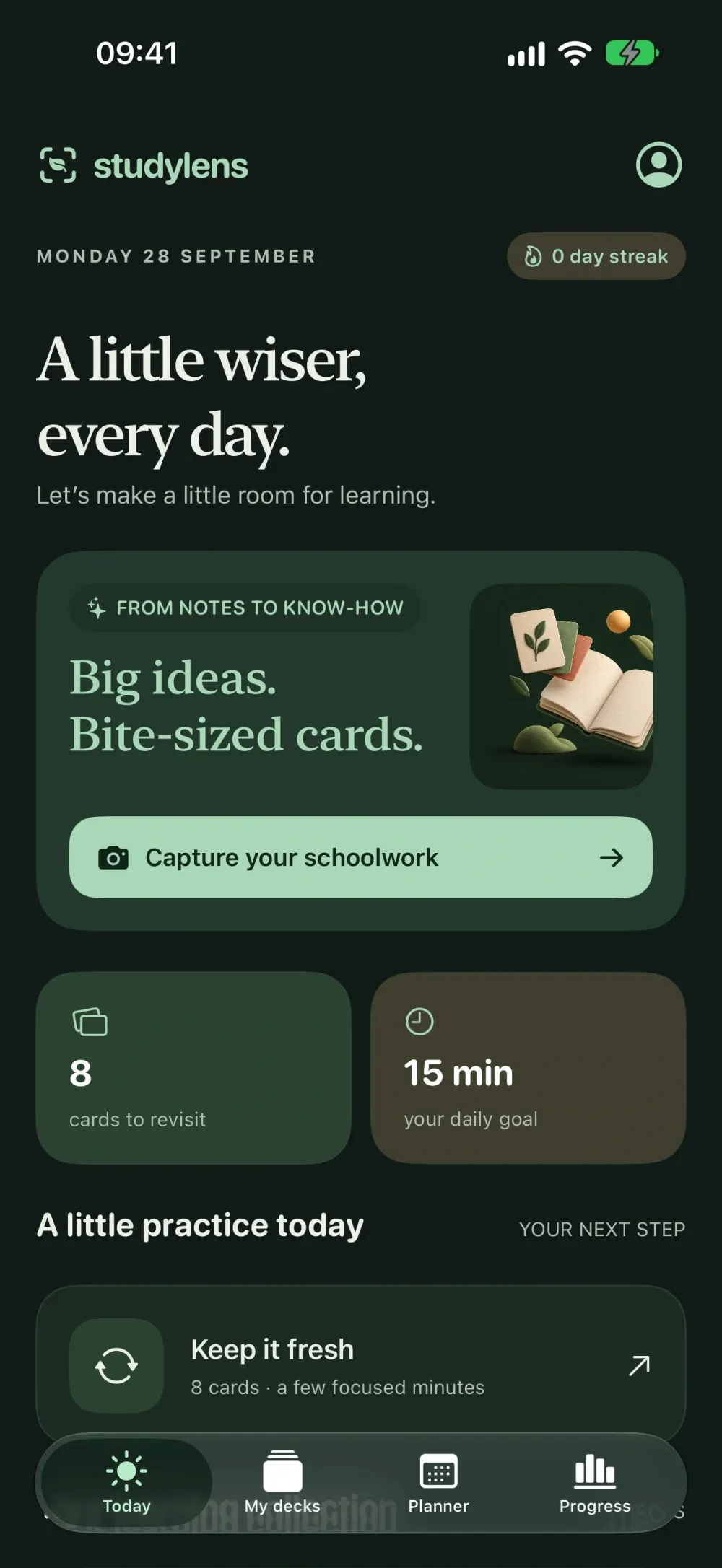
- Reveal answers, rate your recall and revisit cards with spaced practice.
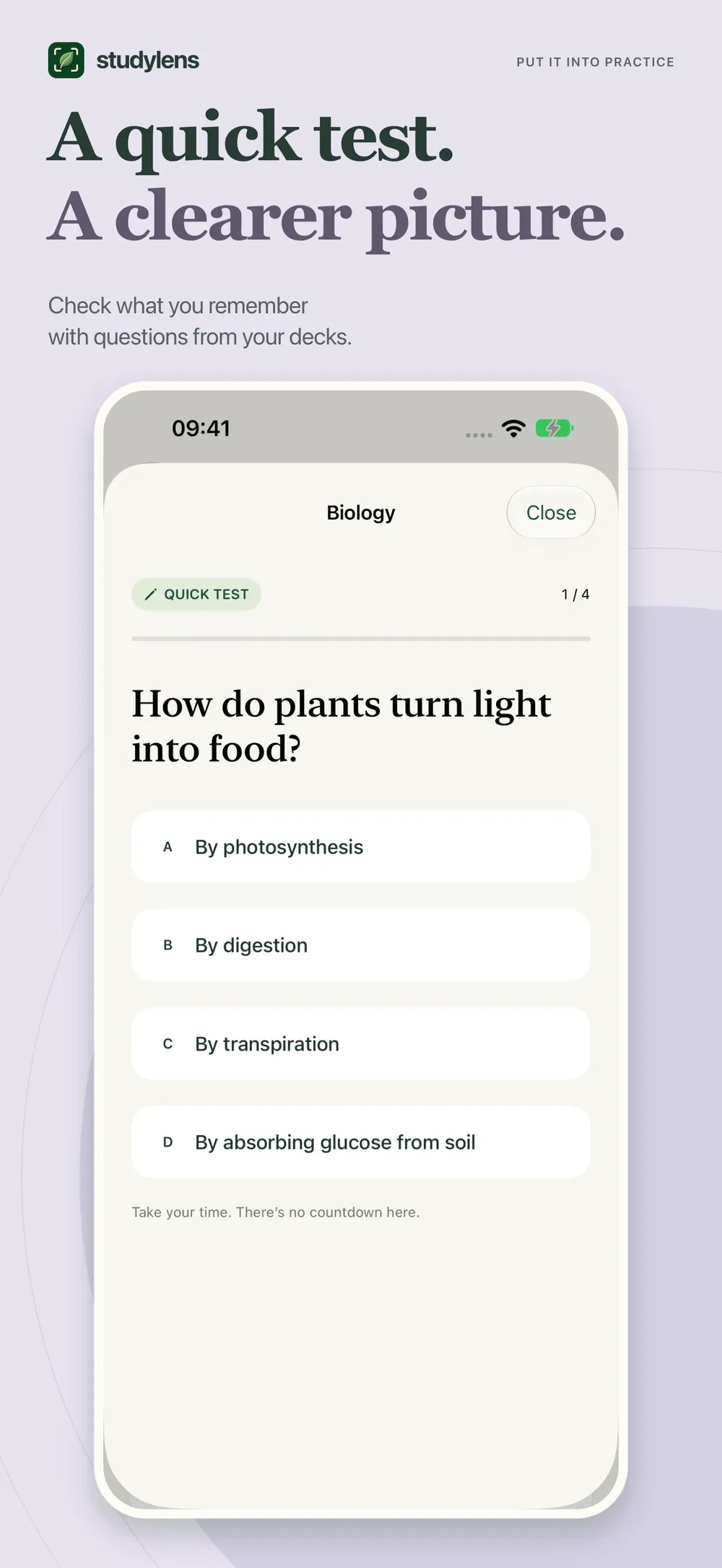
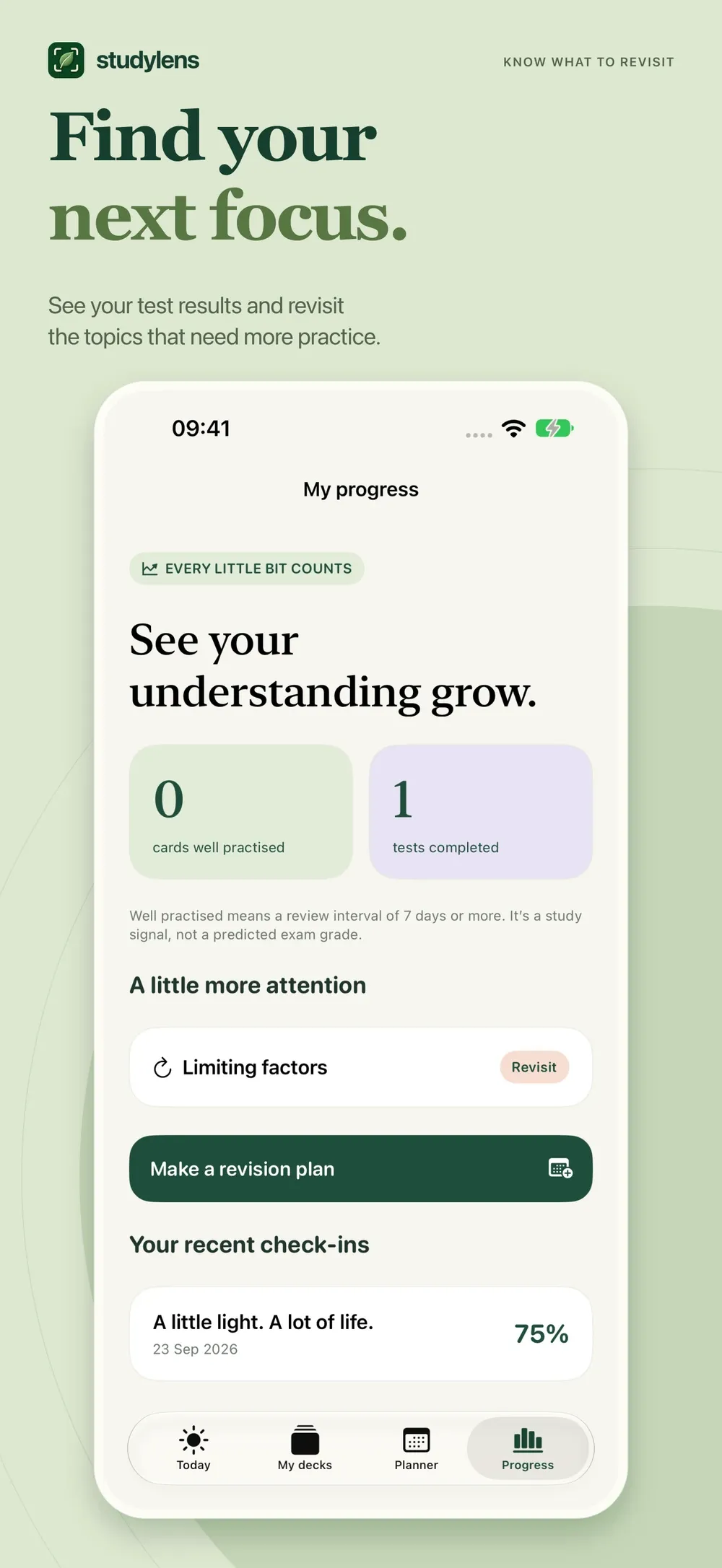
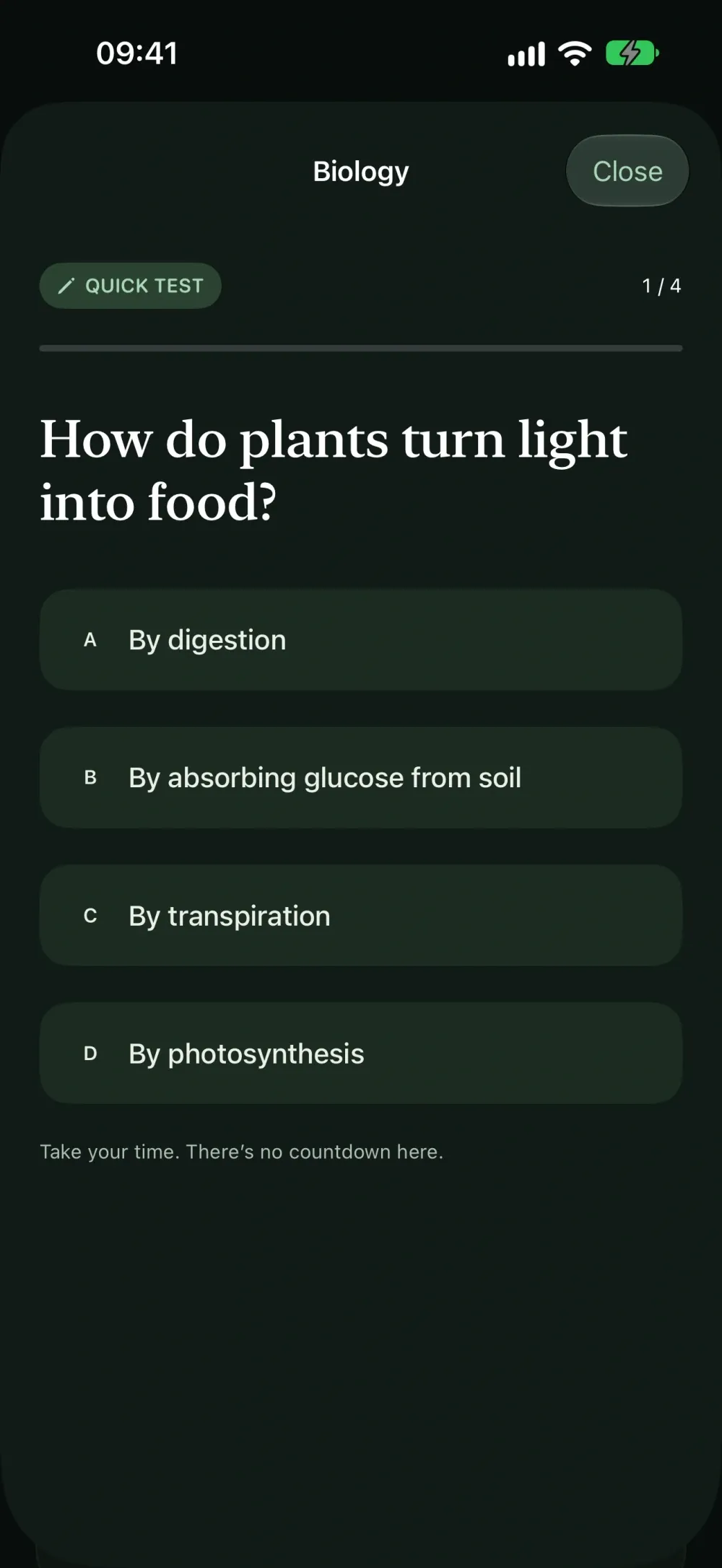
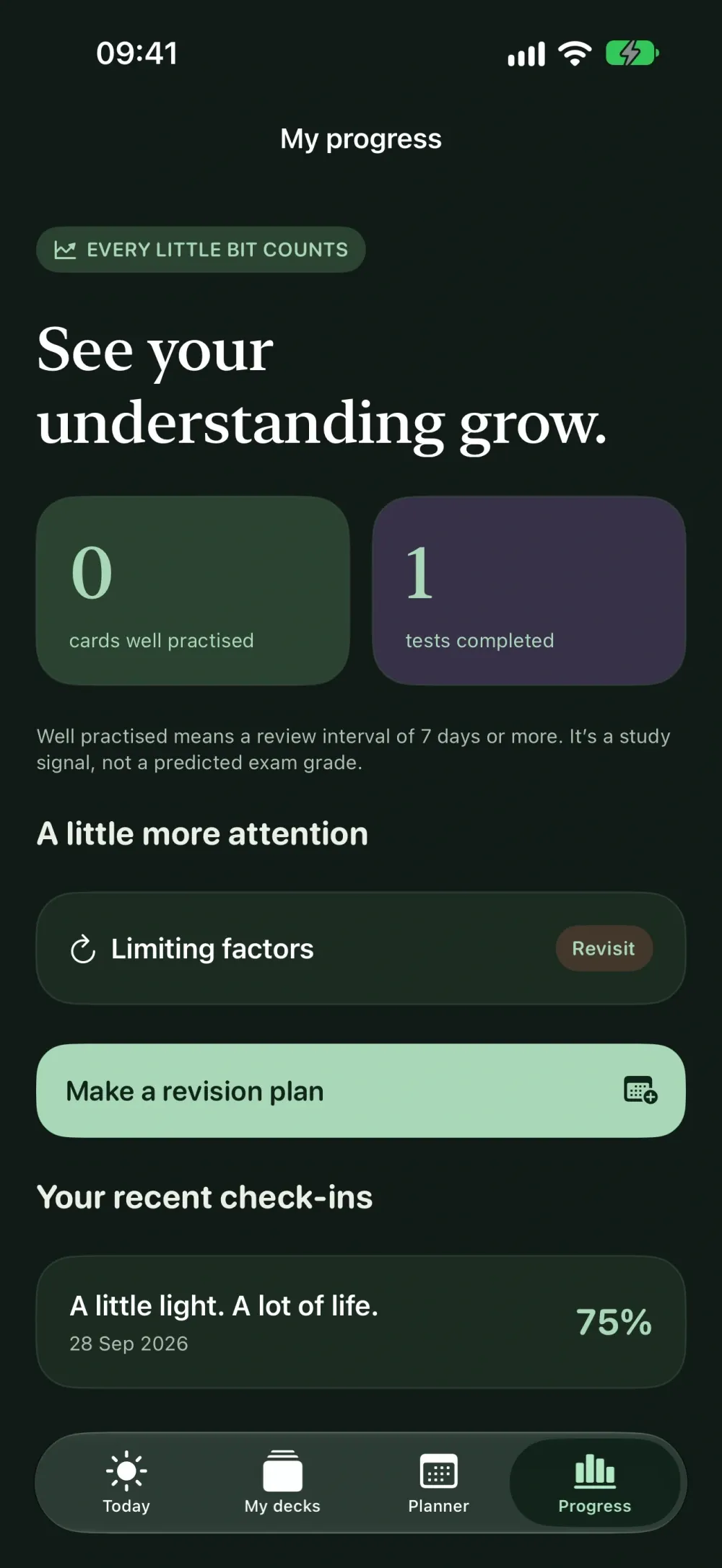
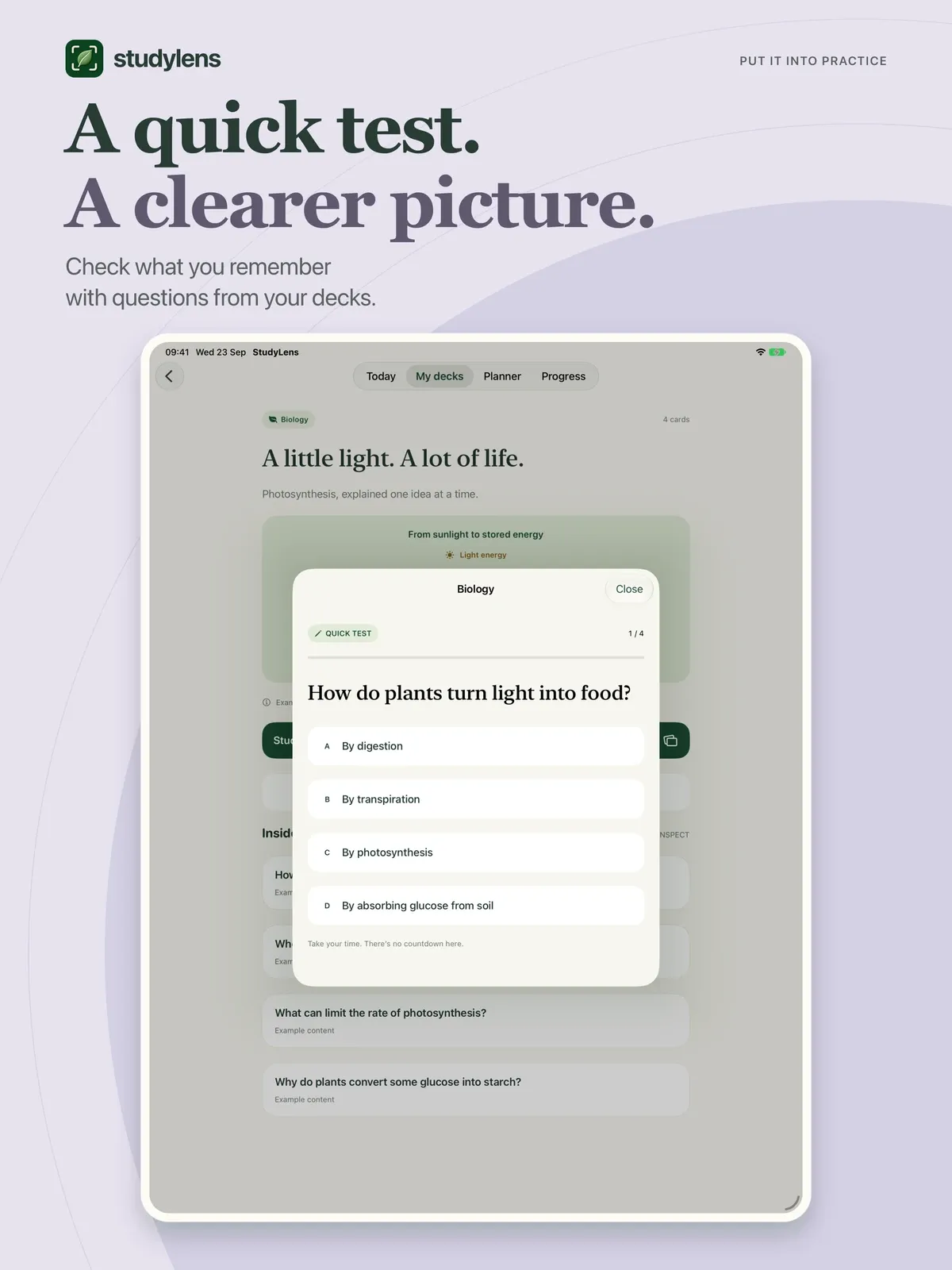
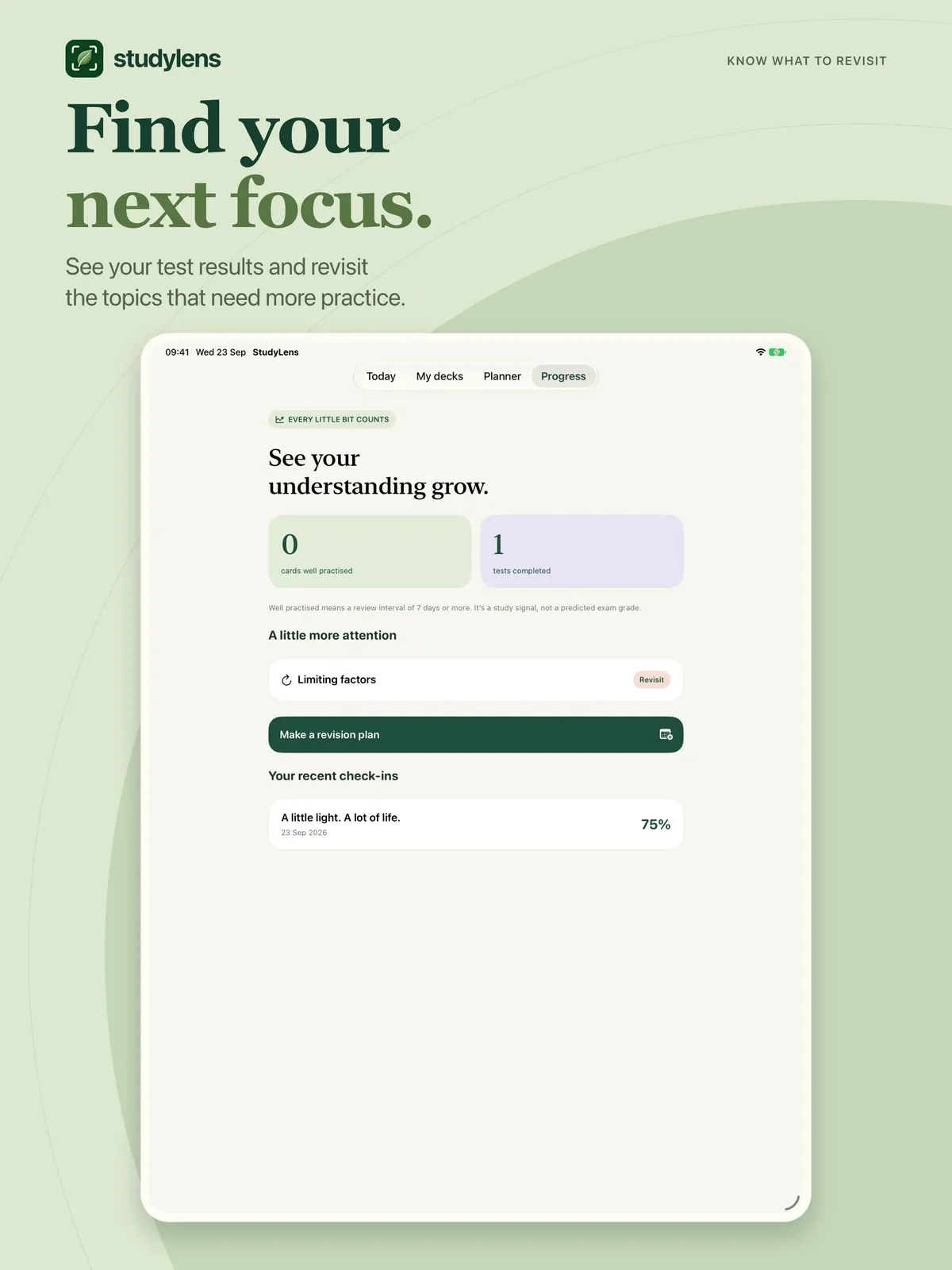
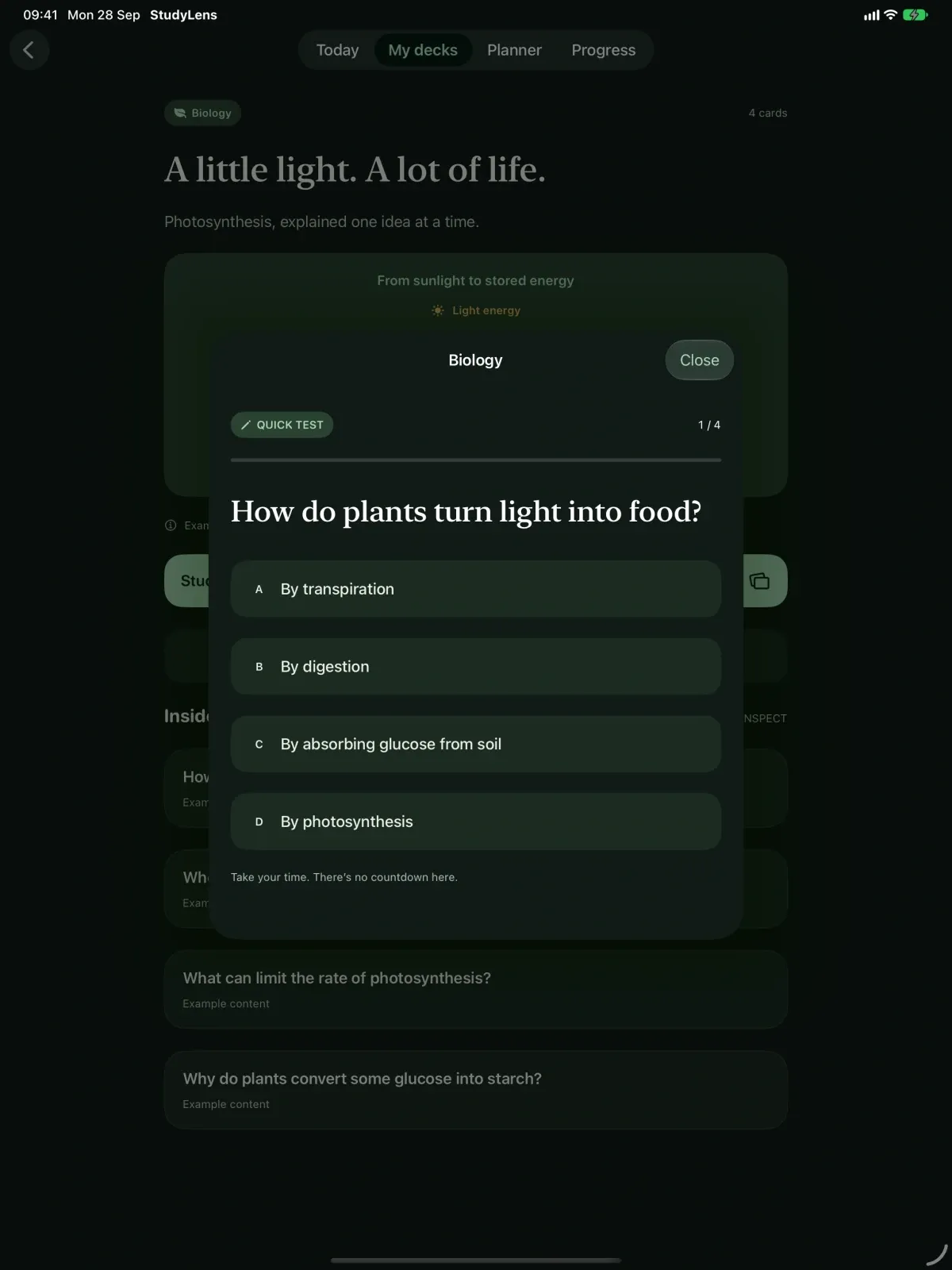
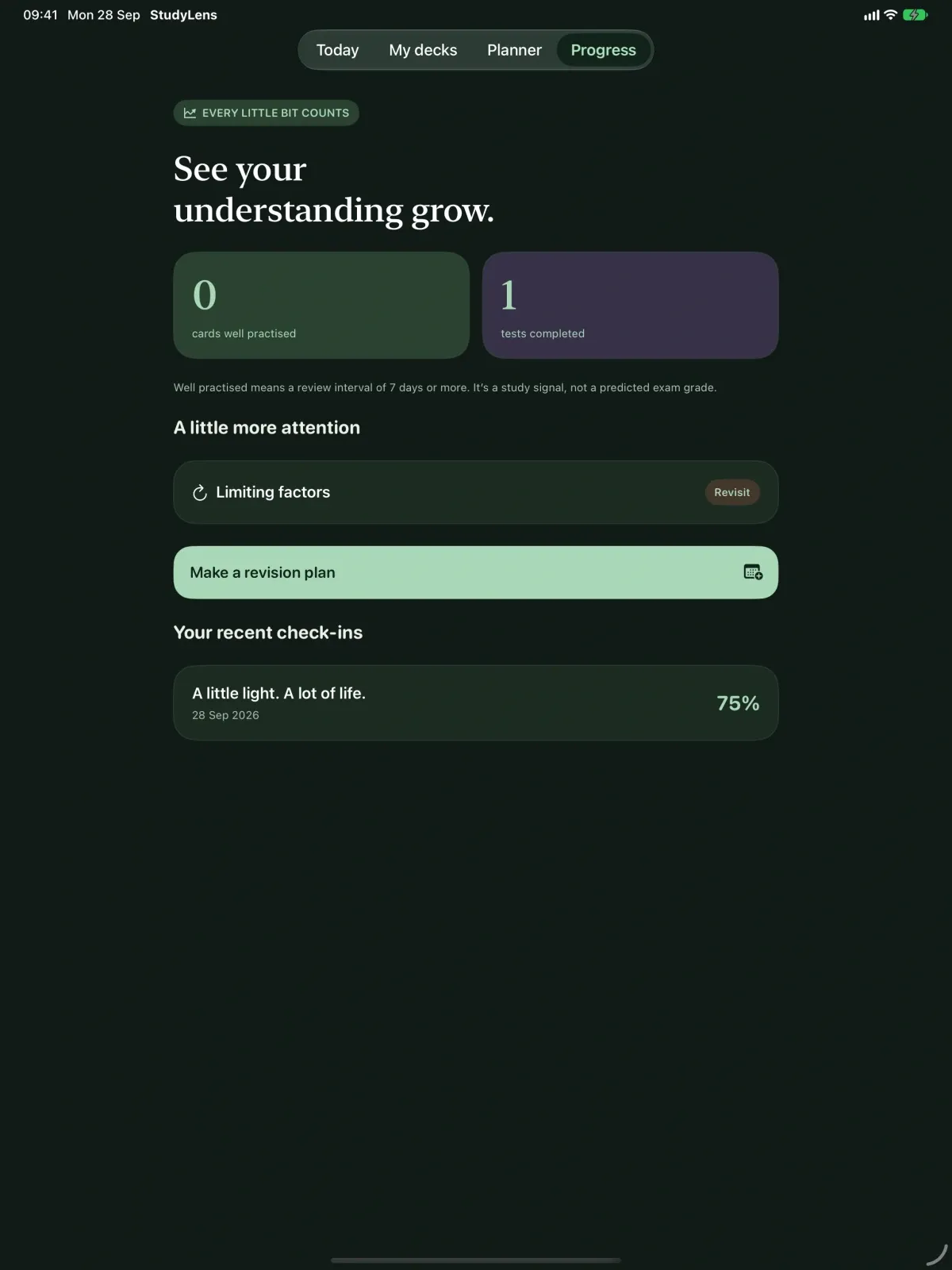
- Short multiple-choice tests show which topics need another look.
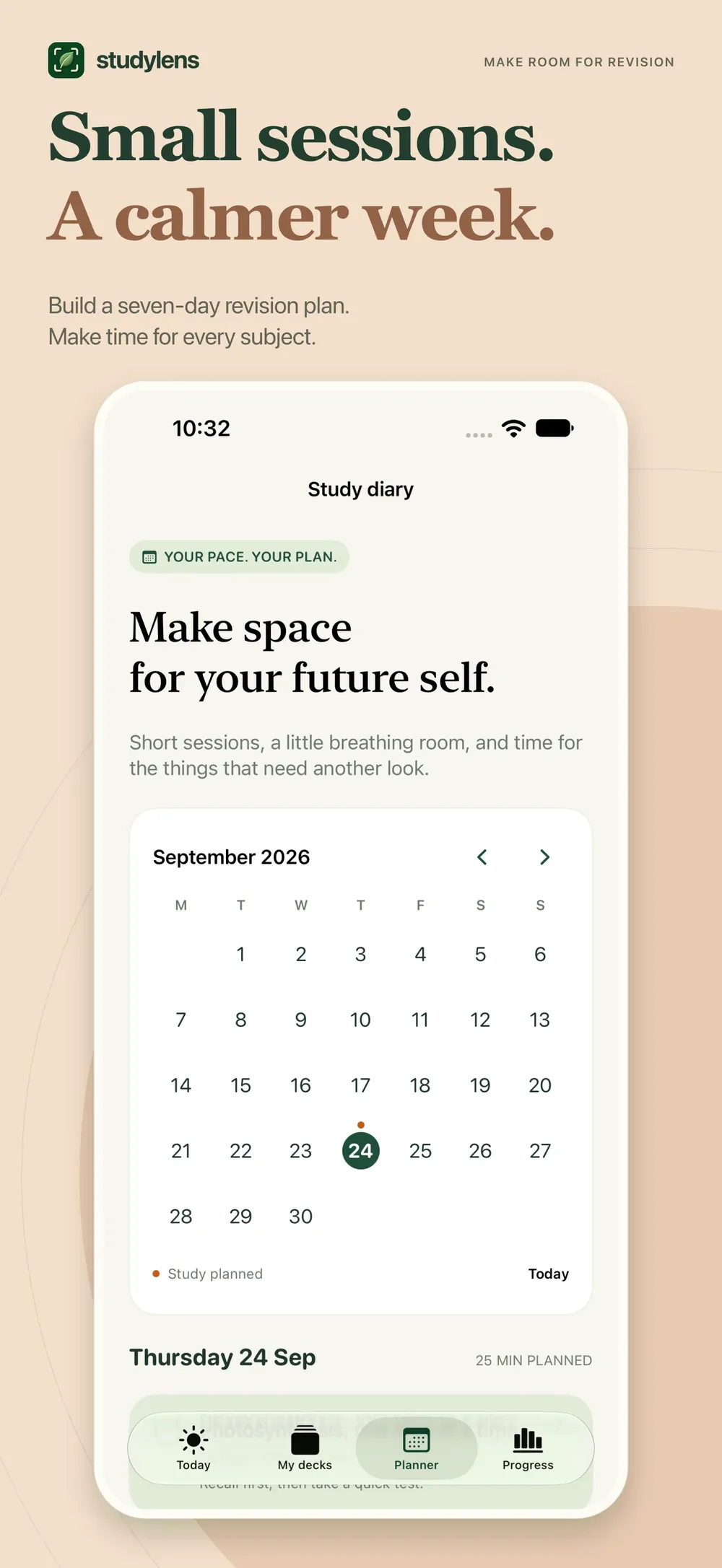
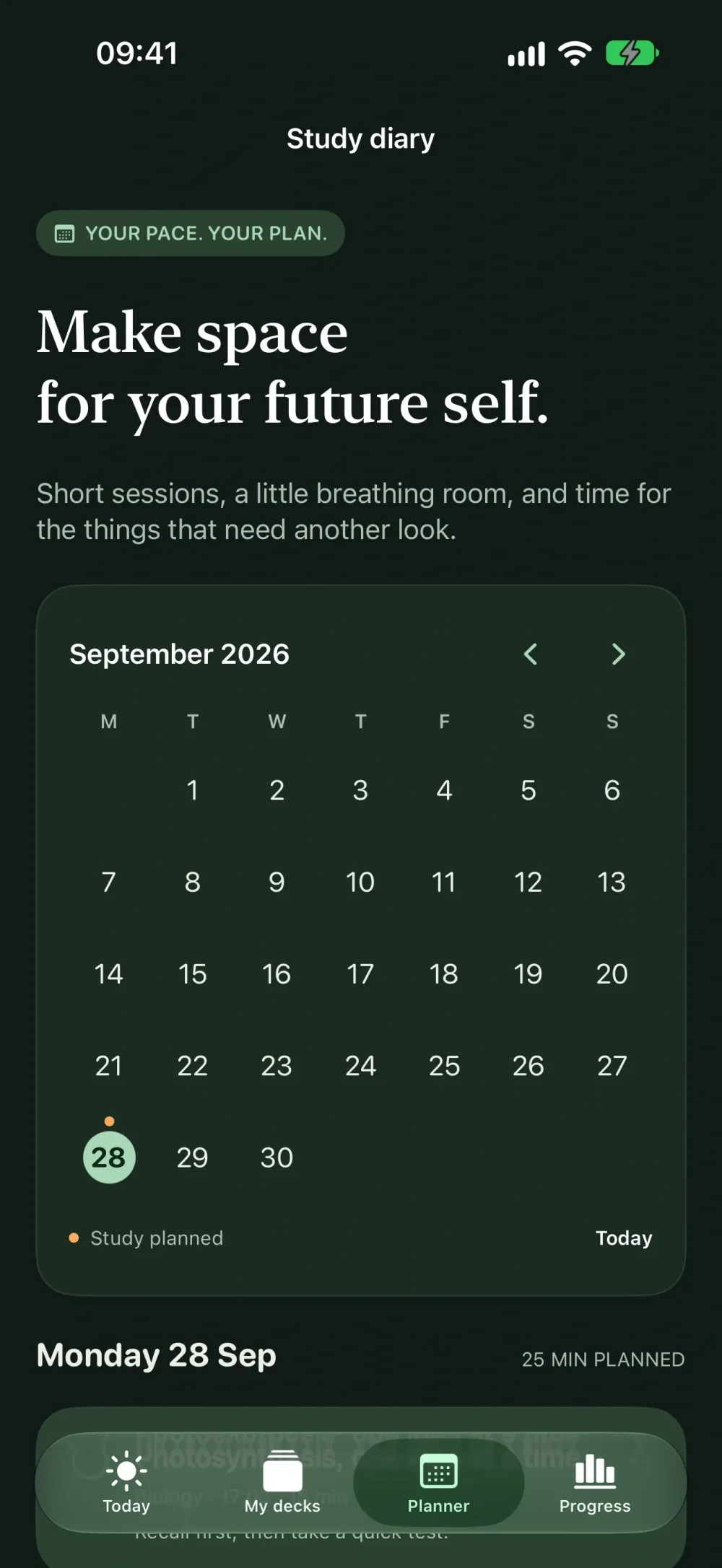
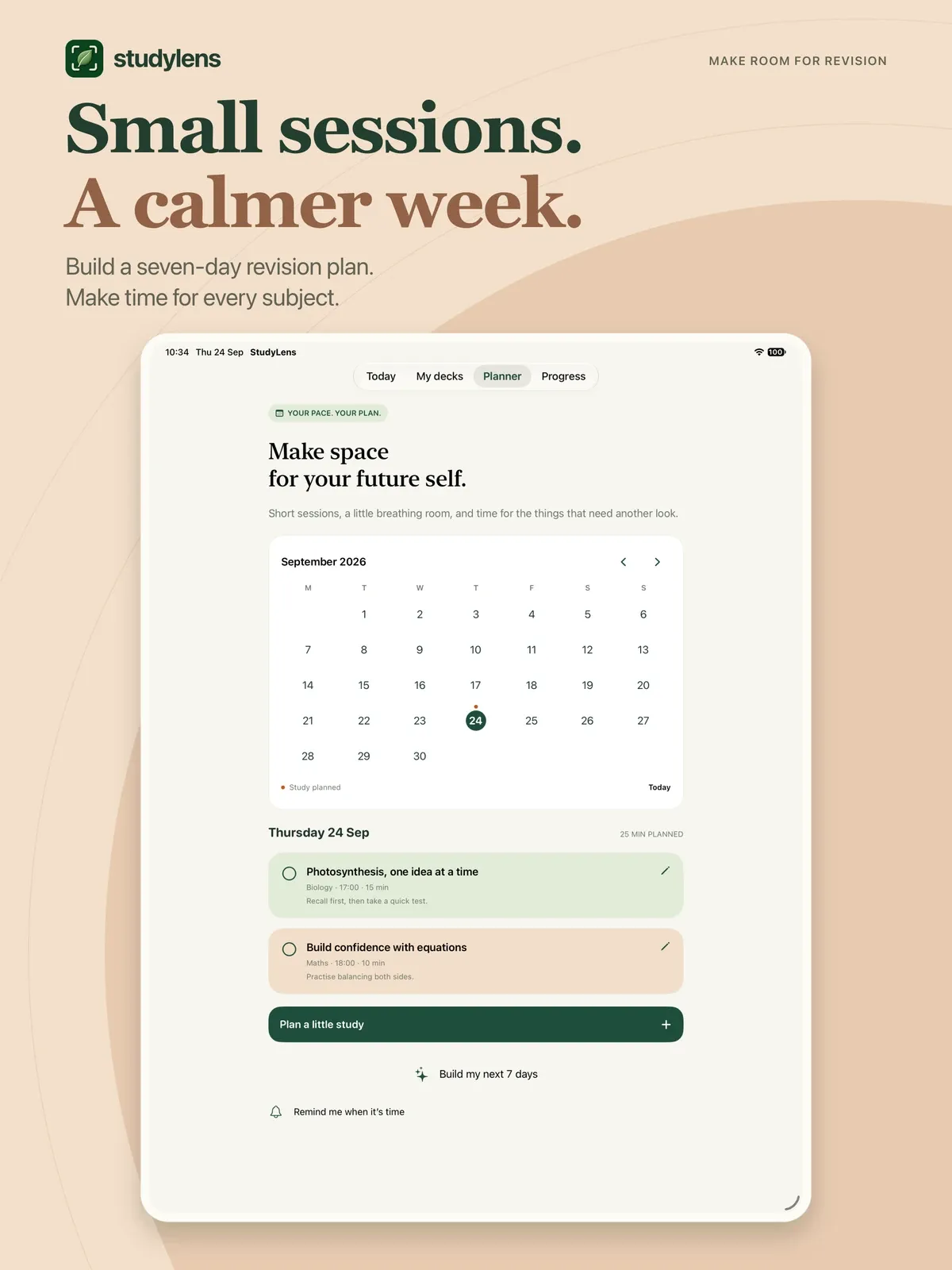
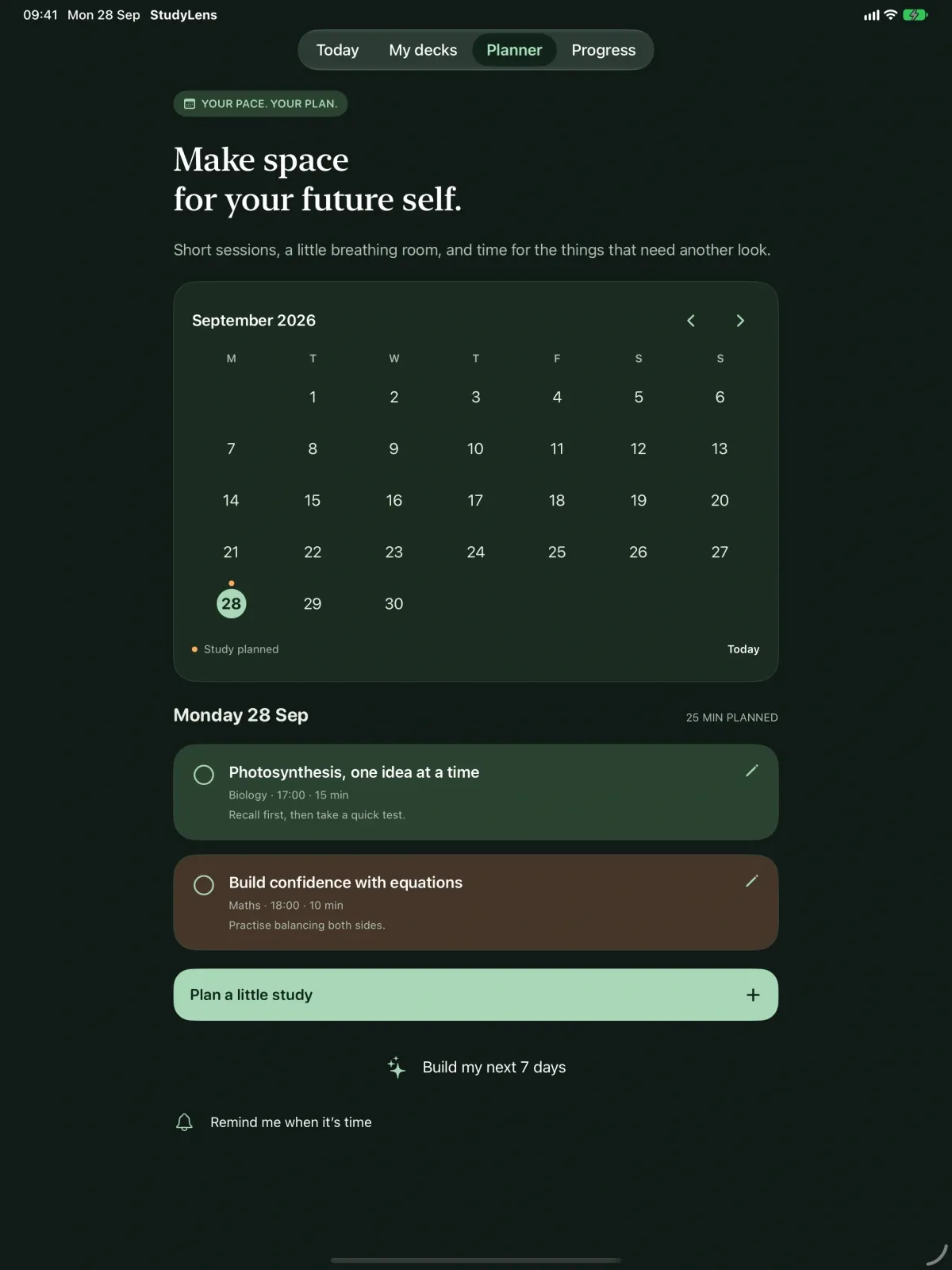
- A seven-day study plan built from your decks and recent results, with optional reminders.
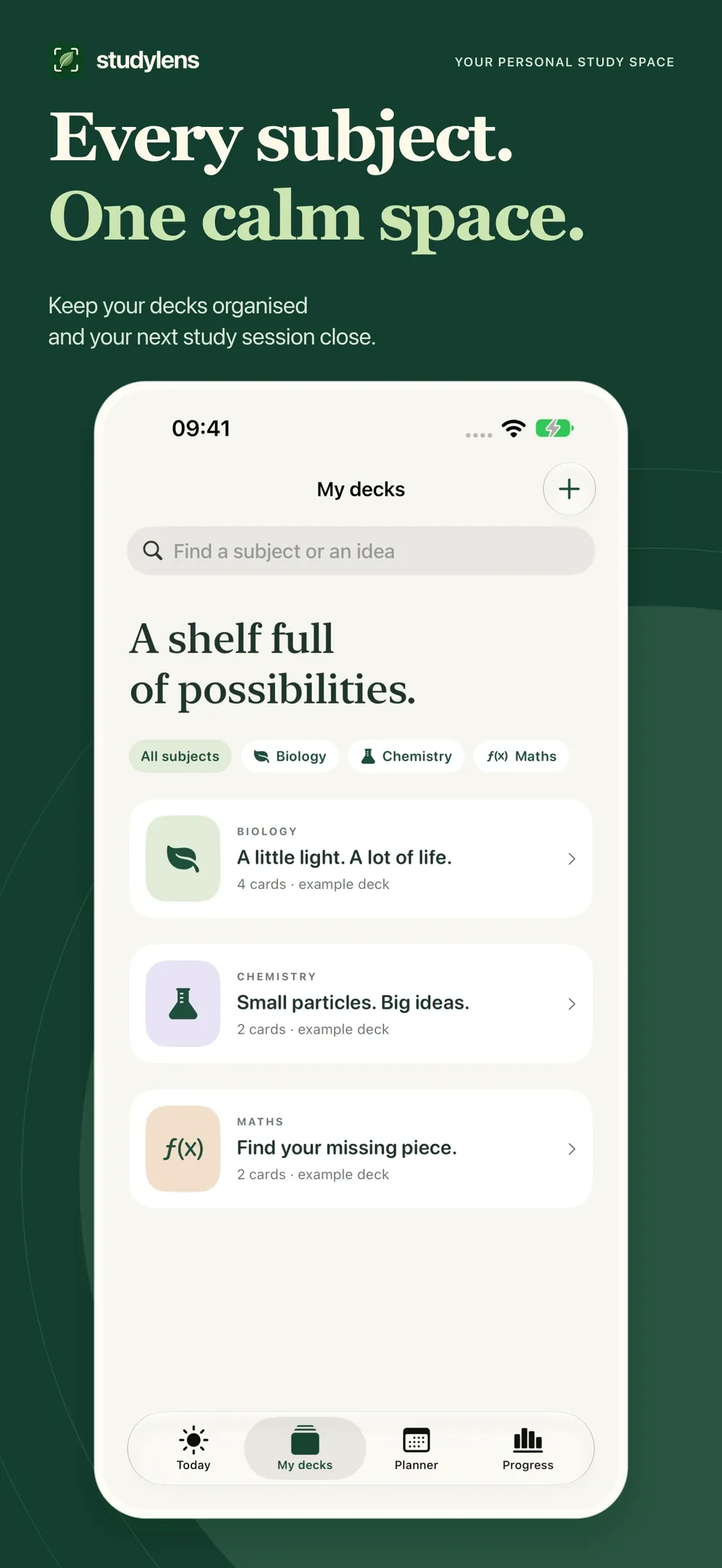
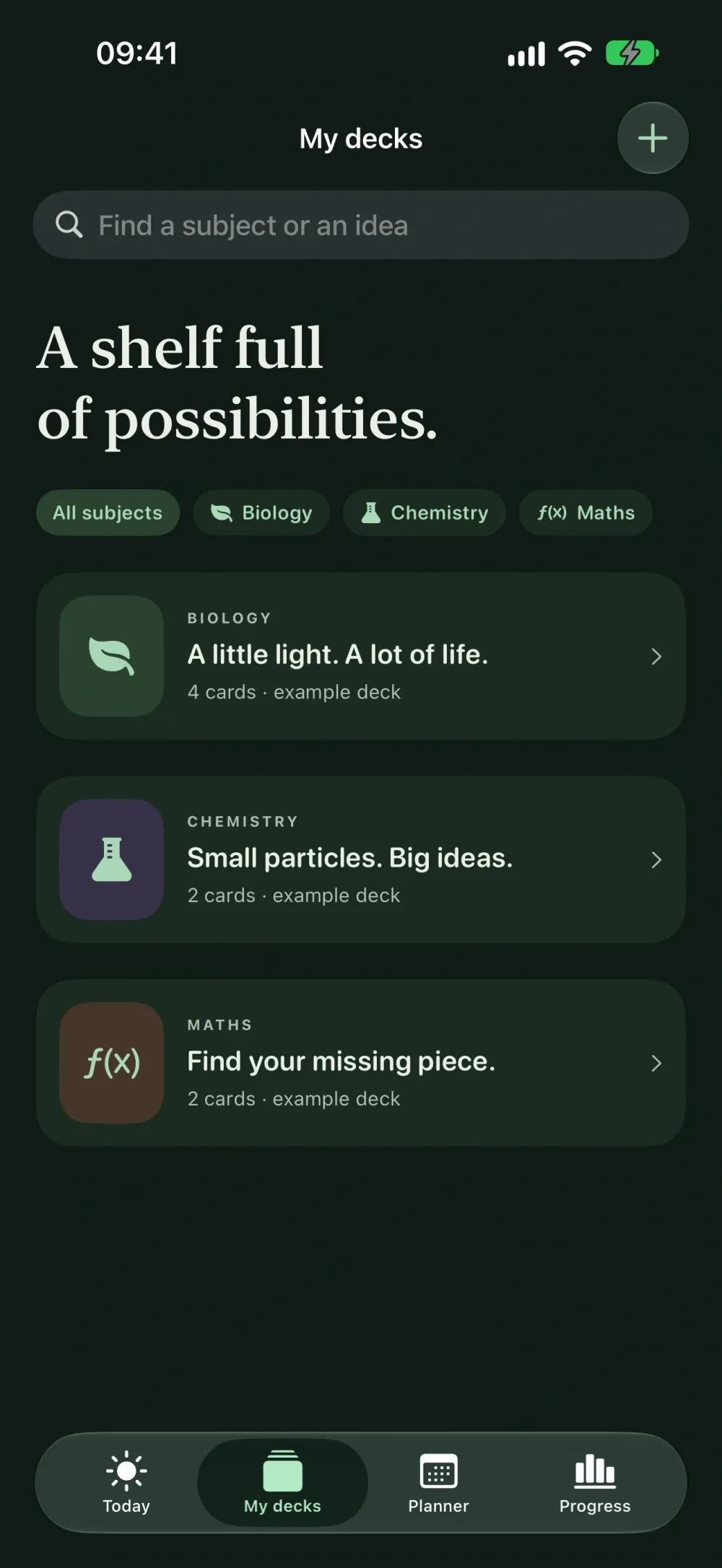
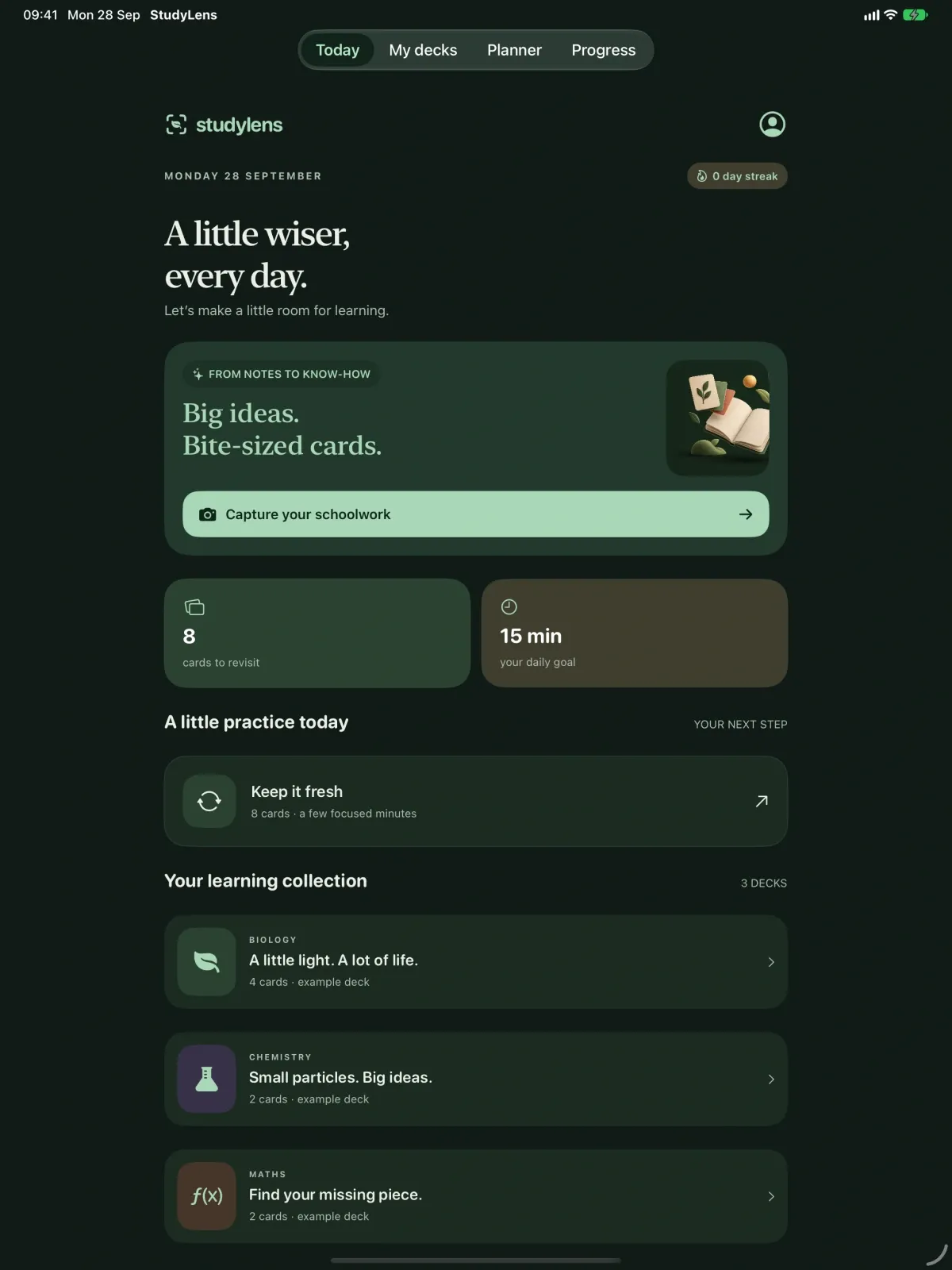
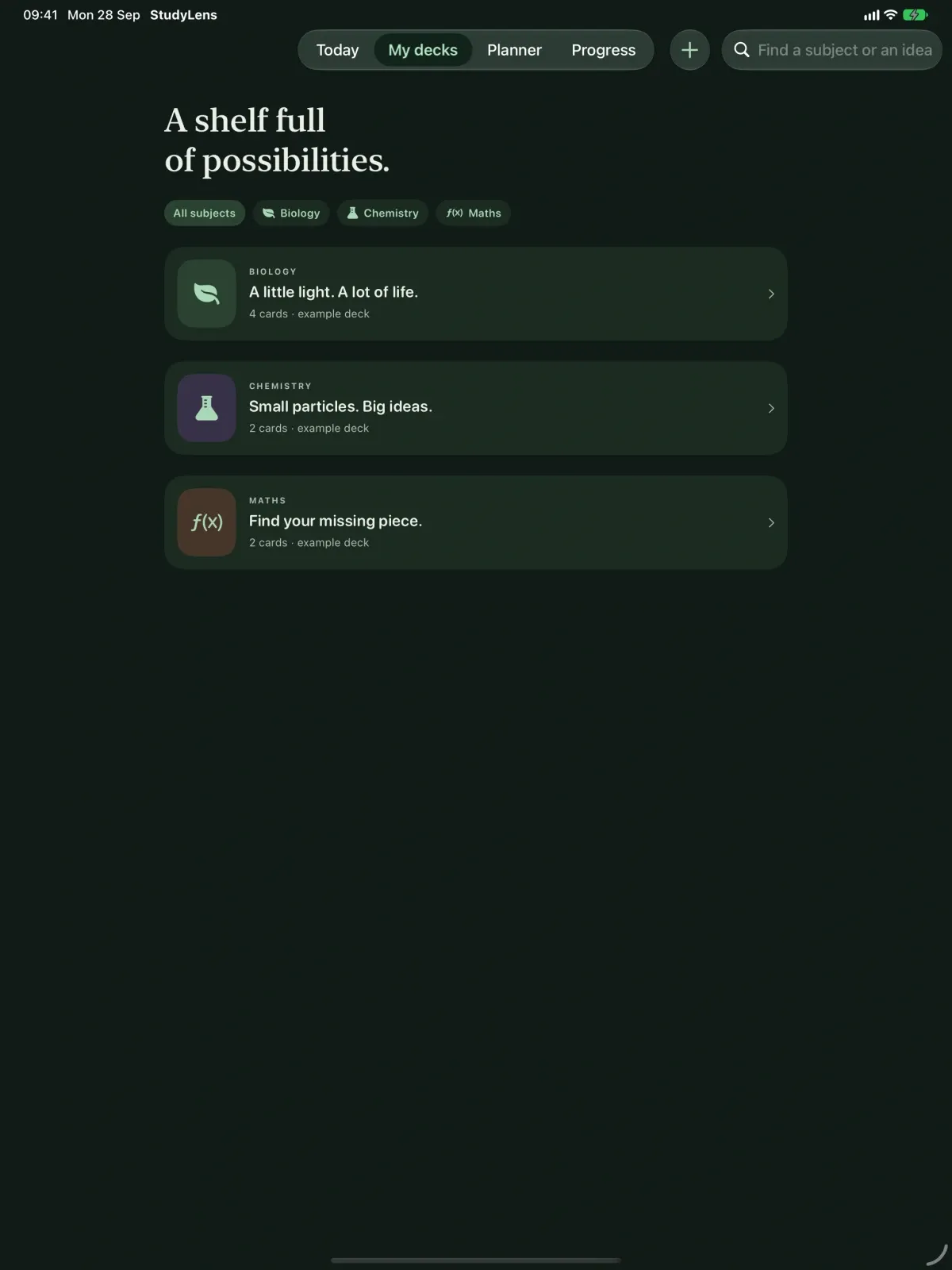
- Decks by subject, your exam-board preference, and light or dark mode on iPhone and iPad.
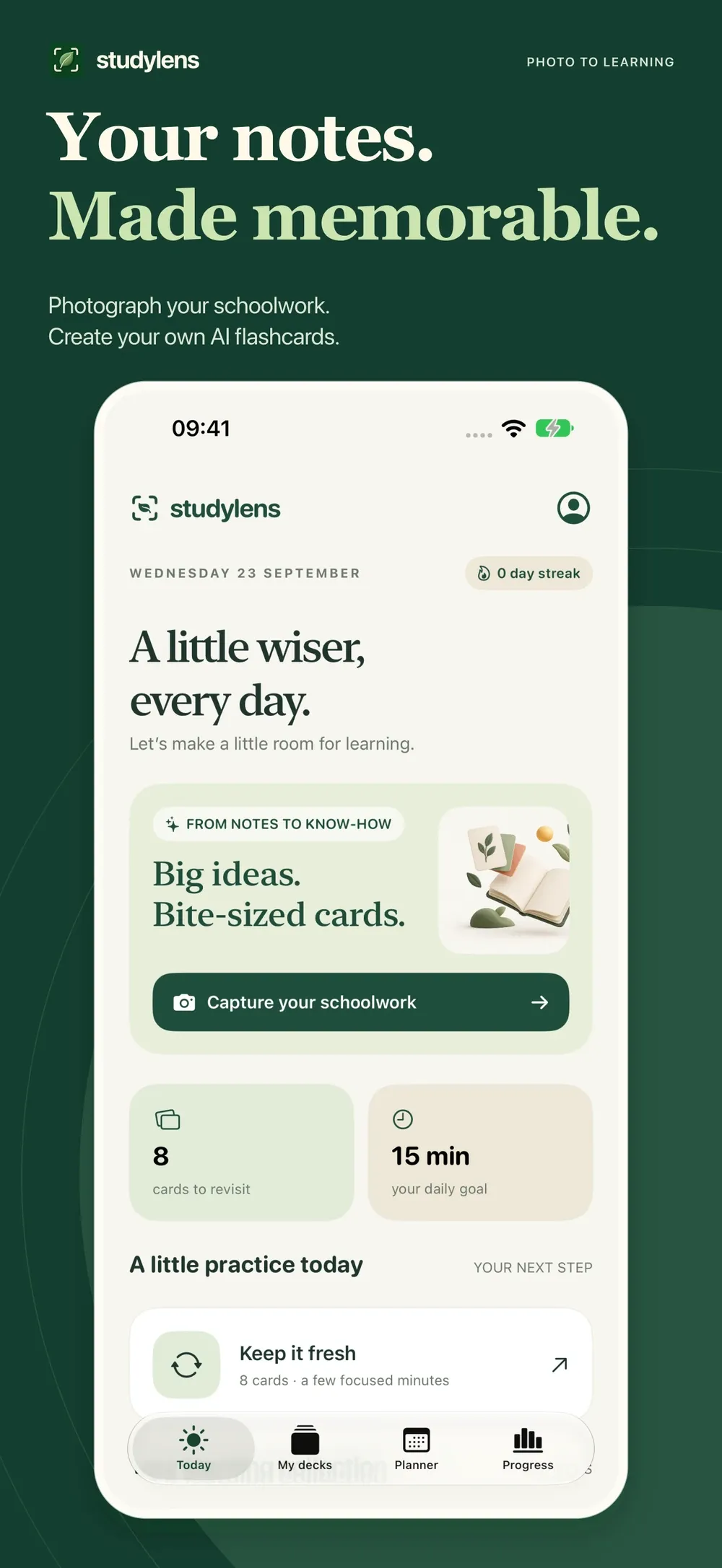
Turn your schoolwork into a calmer, more focused revision routine. StudyLens helps GCSE students turn photos of notes into flashcards, quick tests and a personal study diary.
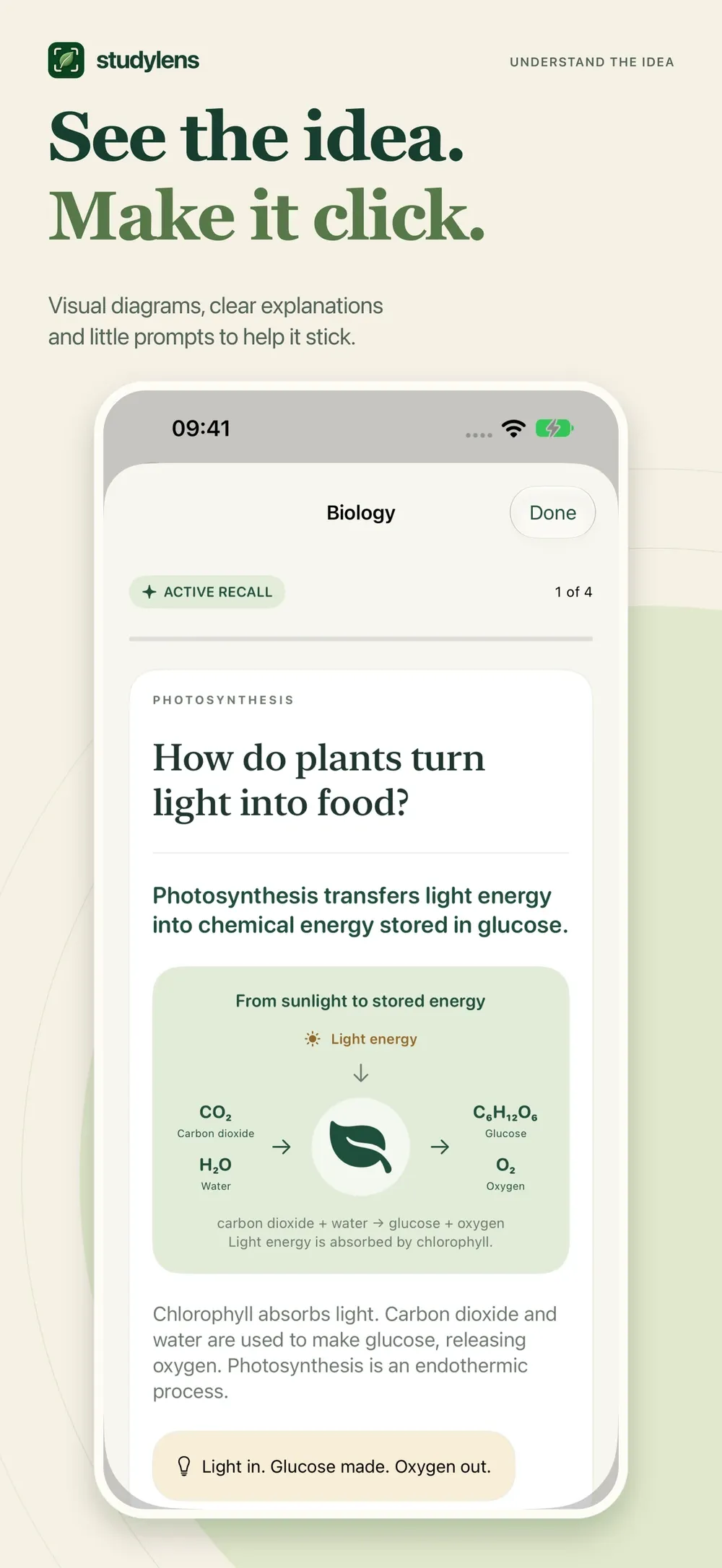
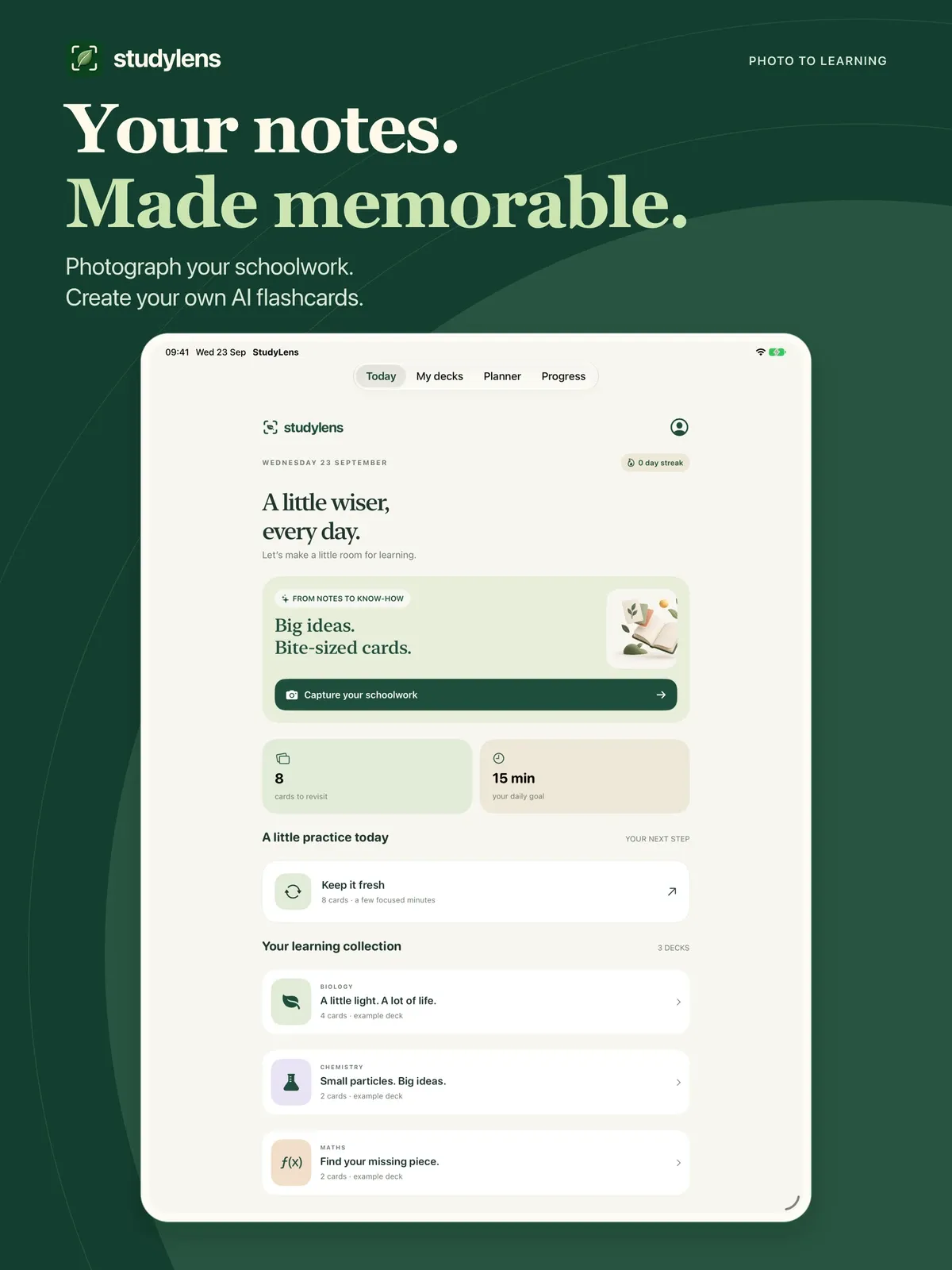
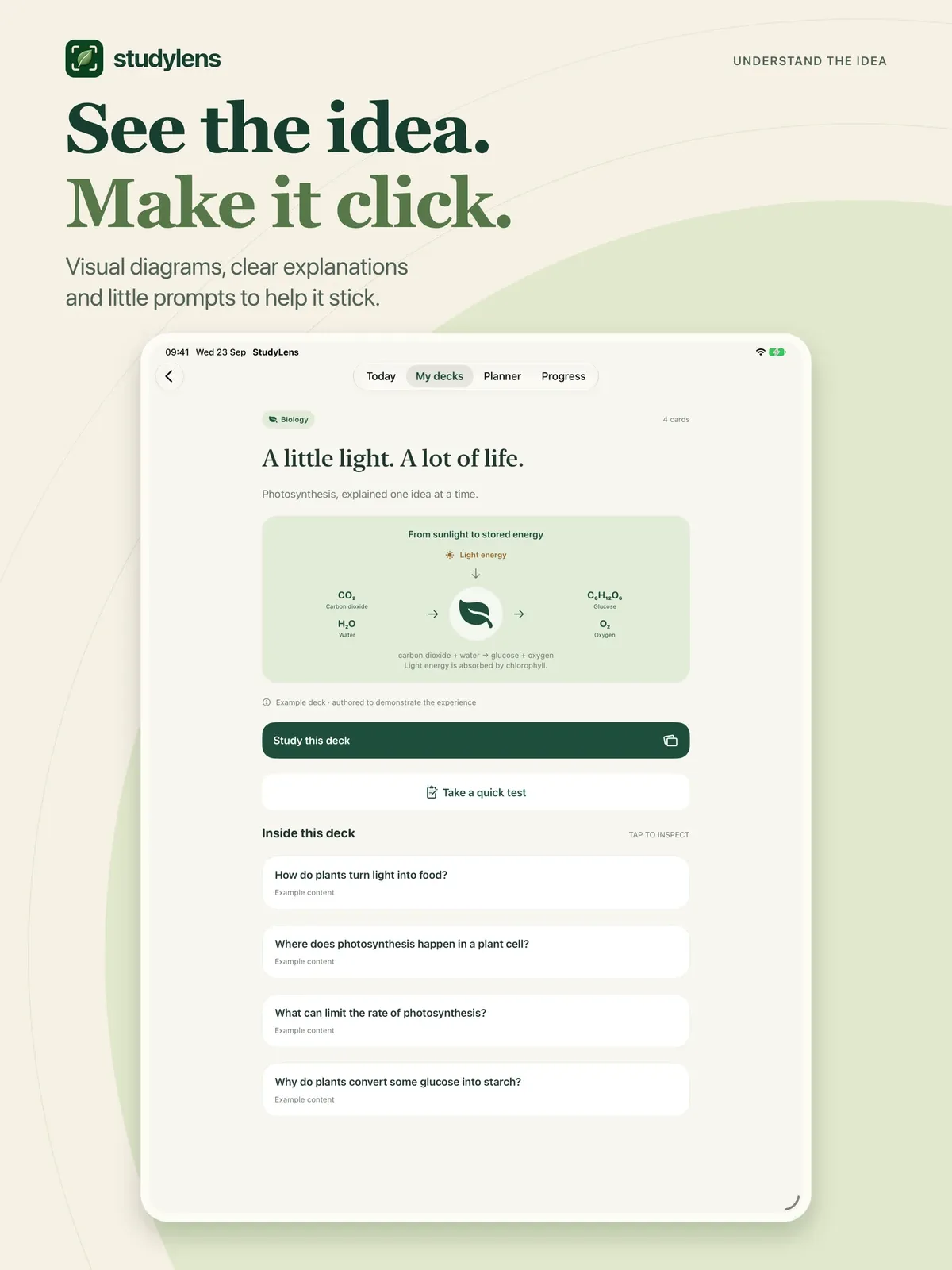
FROM NOTES TO FLASHCARDS Photograph or select pages of schoolwork. StudyLens reads your material and creates bite-sized questions, clear answers, explanations and memory aids, with simple diagrams where useful.
CHECK THE IDEAS, NOT JUST THE ANSWERS A second AI review checks the draft cards against your photos. Inspect source excerpts and edit cards yourself. AI can make mistakes, so always check important facts with your teacher or textbook.
PRACTISE UNTIL IT STICKS Reveal answers, rate your recall and revisit cards with spaced practice. Take short multiple-choice tests and see which topics need another look.
MAKE TIME TO REVISE Build a seven-day plan from your decks and recent test results. Add, move or delete diary entries and choose study reminders. Optional notifications let you know when a scan is ready.
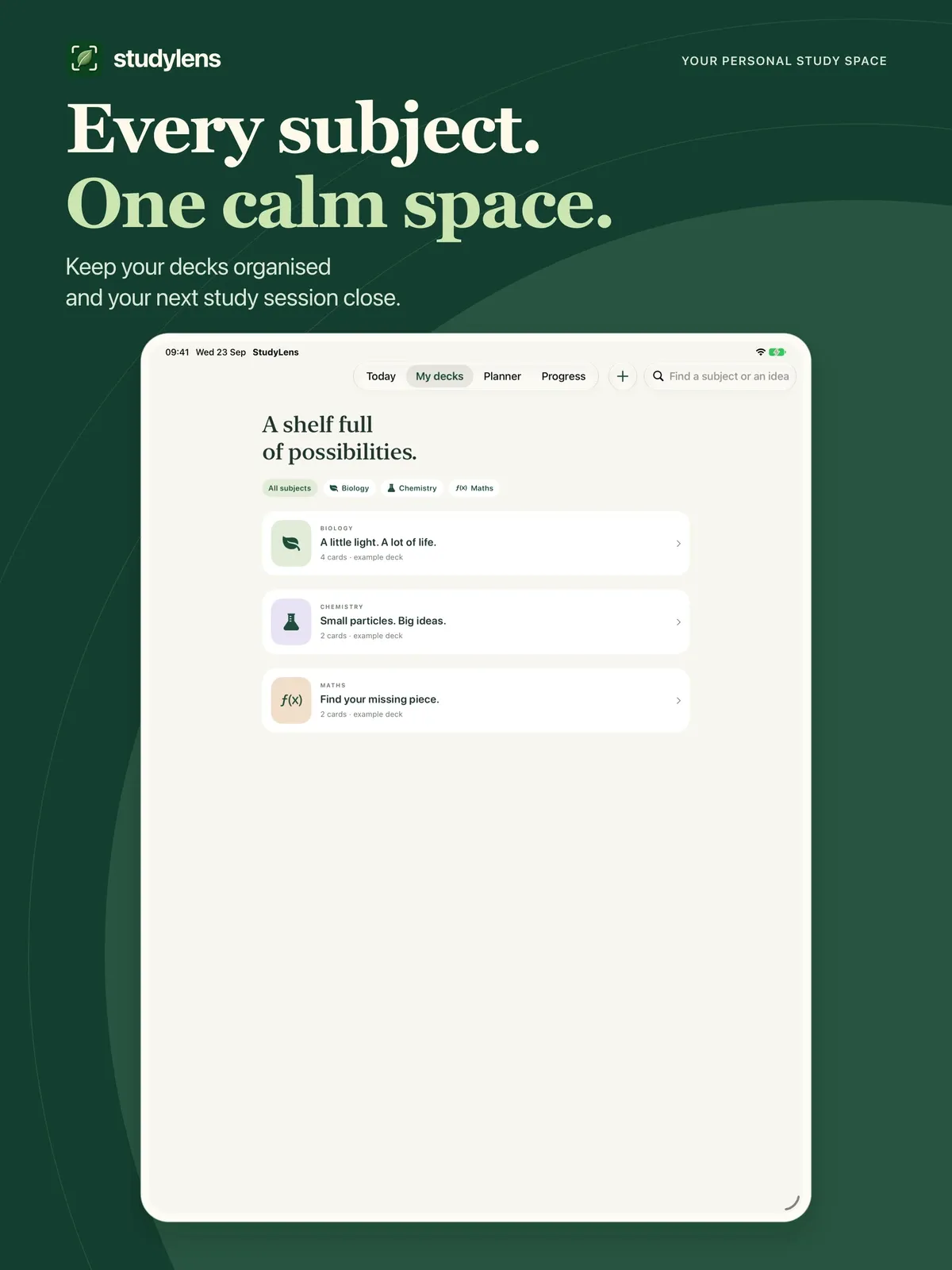
YOUR OWN STUDY SPACE Organise decks by subject, choose your exam-board preference, and study in light or dark mode on iPhone and iPad. Saved cards remain available for practice without generating them again. An account is required for AI generation and cloud backup.
START WITH 10 FREE CARDS Get 10 AI-generated cards once, with no monthly free refill. Keep studying your saved cards with unlimited revision and tests. Free-card eligibility is checked by account and device.
STUDYLENS PLUS Choose a monthly or annual auto-renewing subscription to generate up to 100 cards per UTC calendar month while your subscription is active. Unused allowance does not roll over. Both plans include the same monthly card allowance.
Payment is charged to your Apple Account at confirmation. Subscriptions renew automatically unless cancelled at least 24 hours before the current period ends. Manage or cancel in your Apple Account subscription settings. Your local price is shown before purchase.
StudyLens is a revision aid, not an exam-board-endorsed service or a guarantee of grades.
Terms of Use: https://www.apple.com/legal/internet-services/itunes/dev/stdeula/ Privacy Policy: https://digitalhopeltd.com/studylens/privacy
StudyLens is coming soon.
Coming soon


