


Food & Drink
Coming soonCookAgain
Recipe scanner & cookbook
Coming soon
Screens
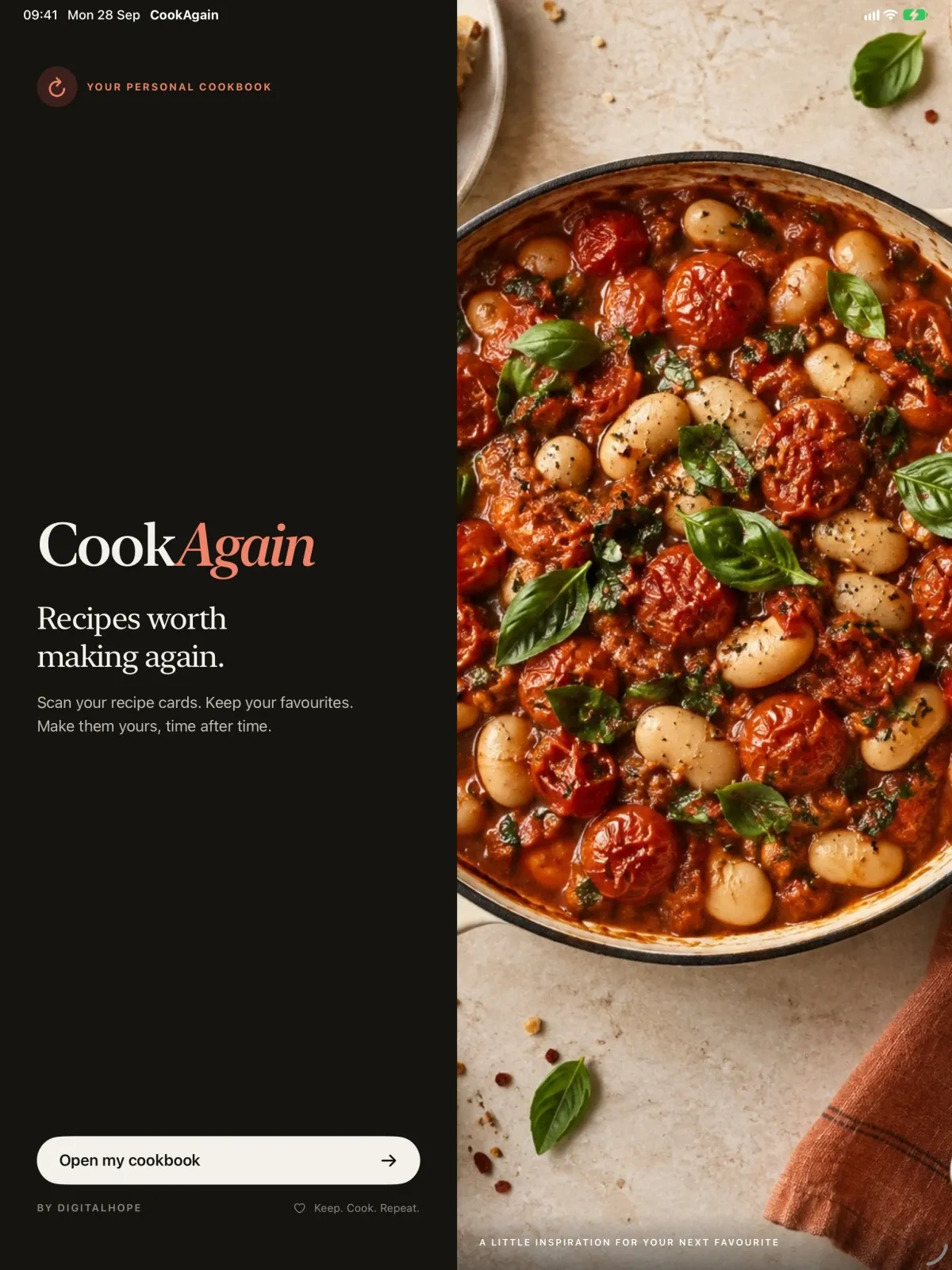
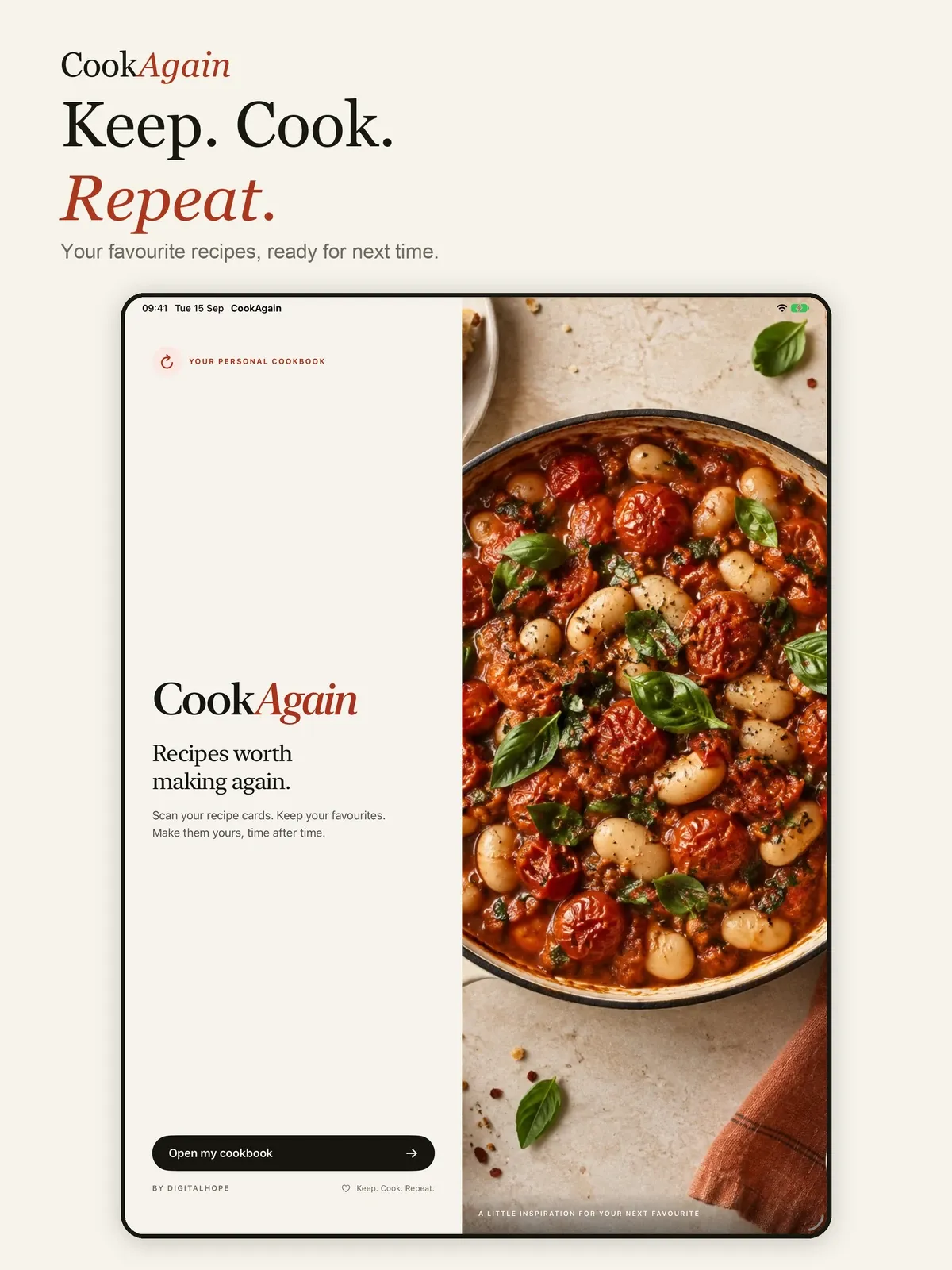
Take a look around.
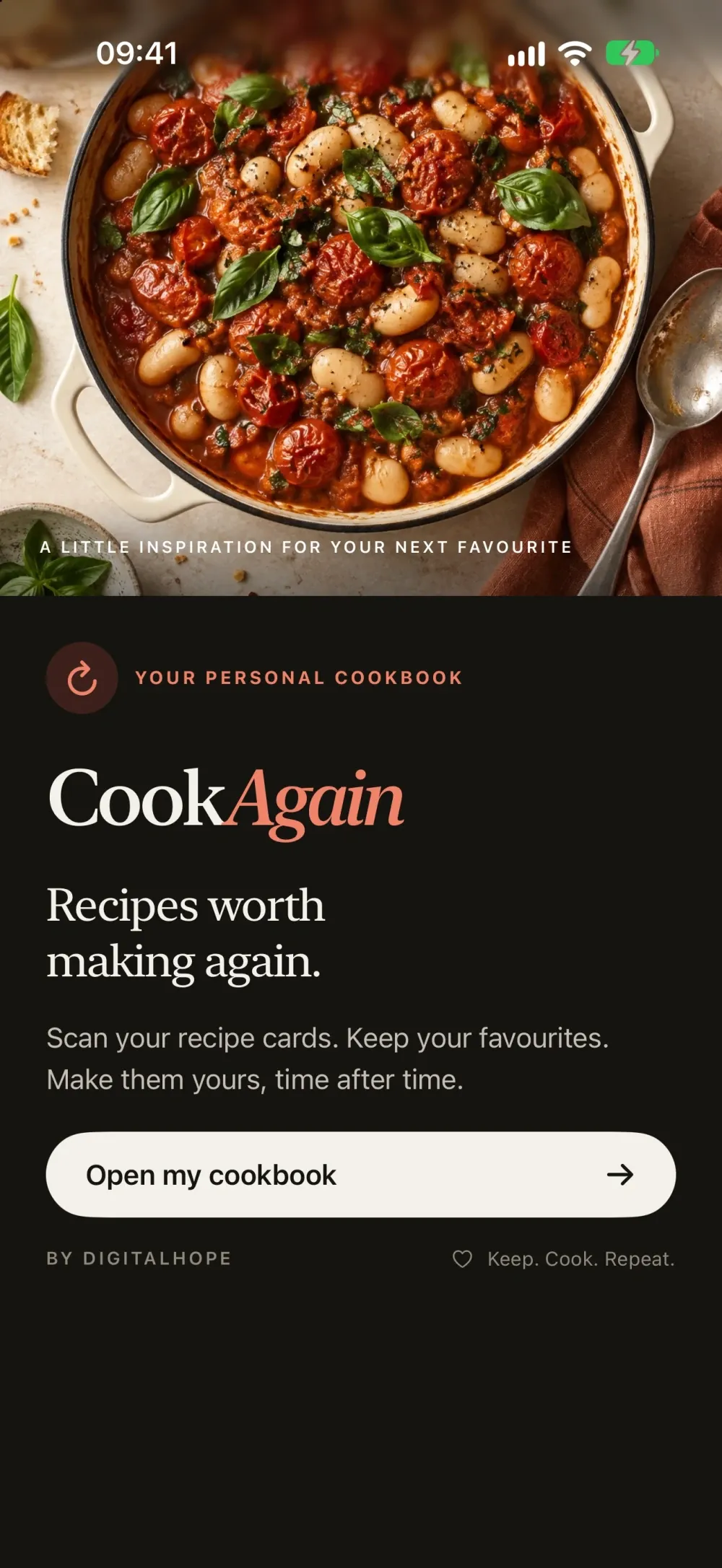
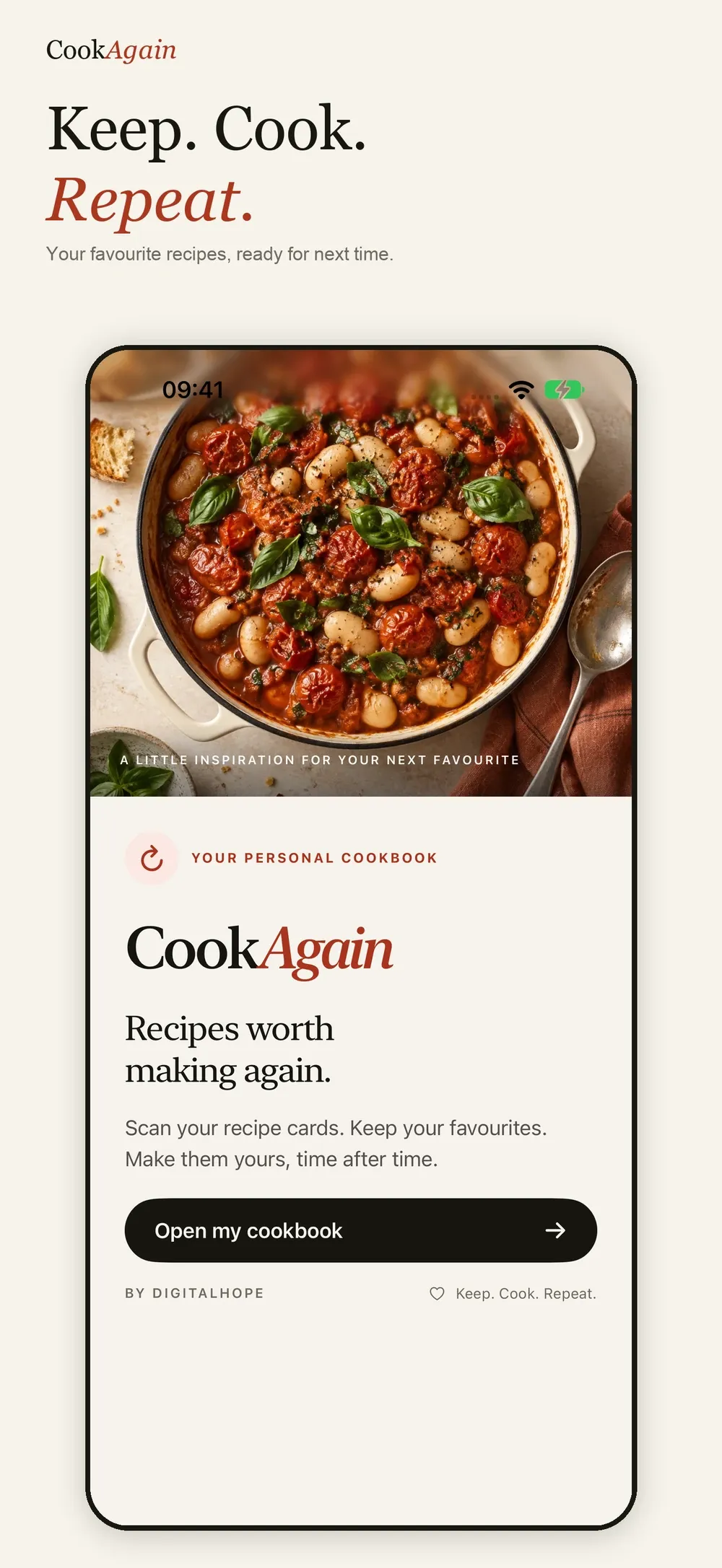
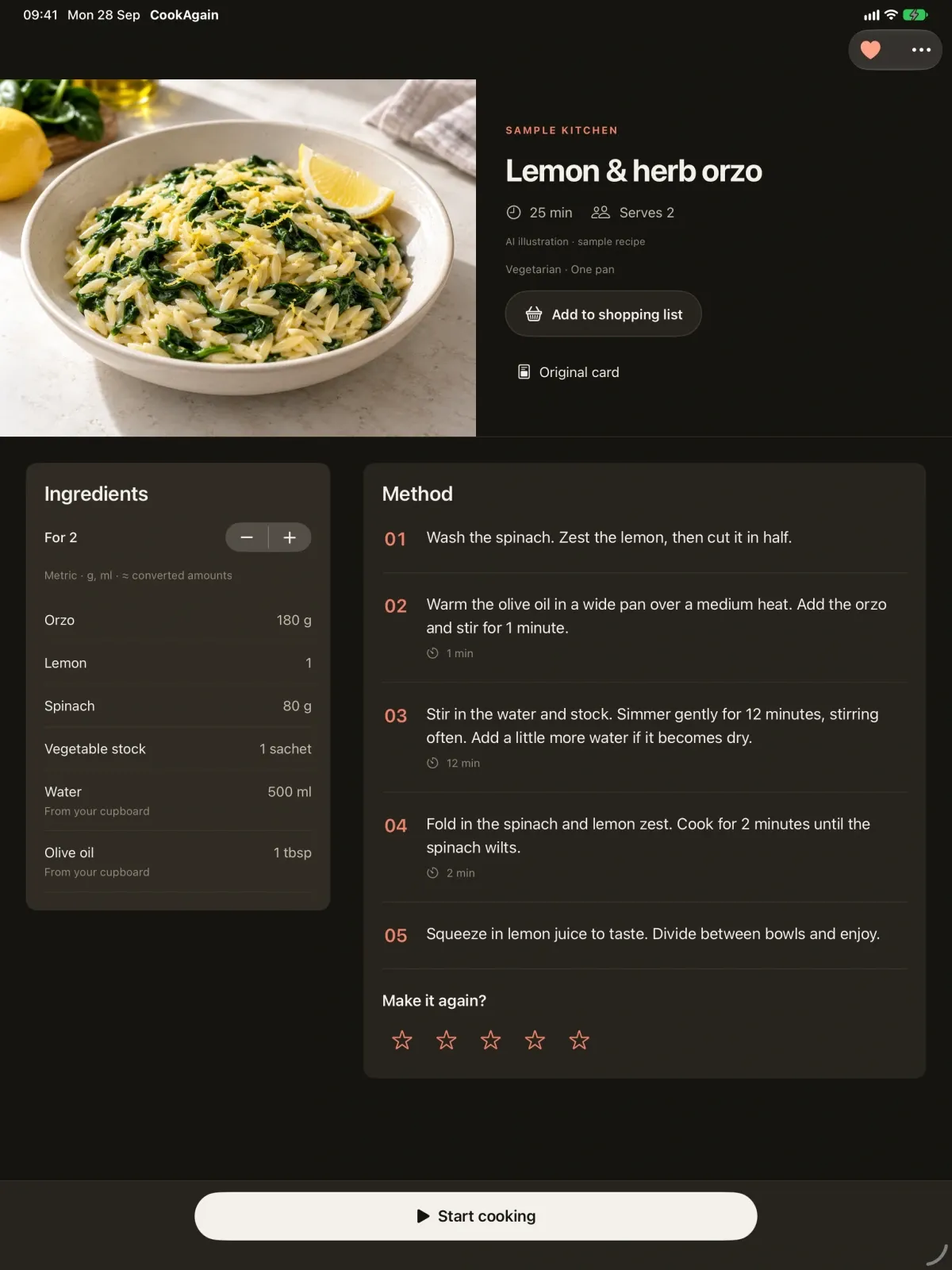
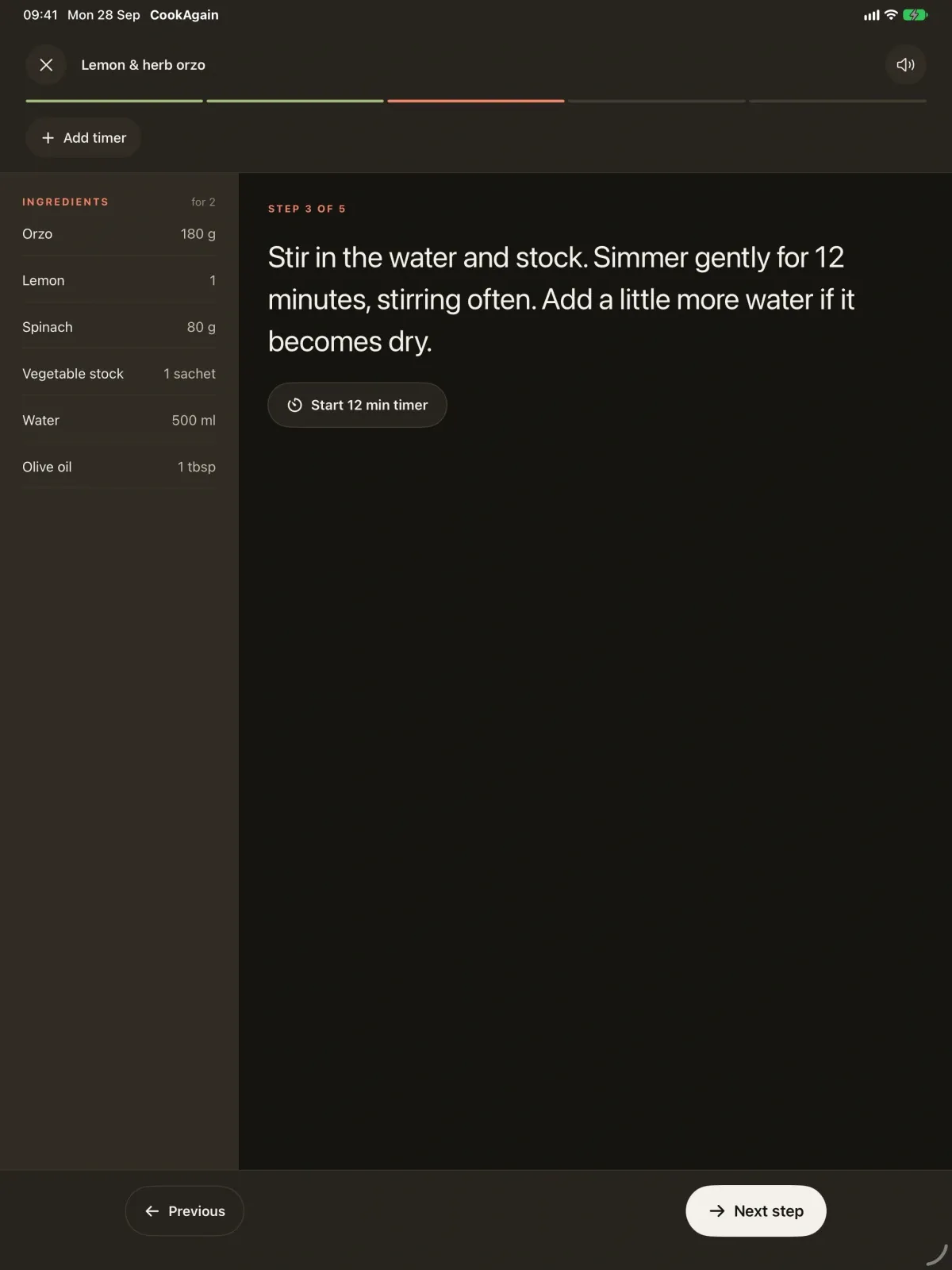
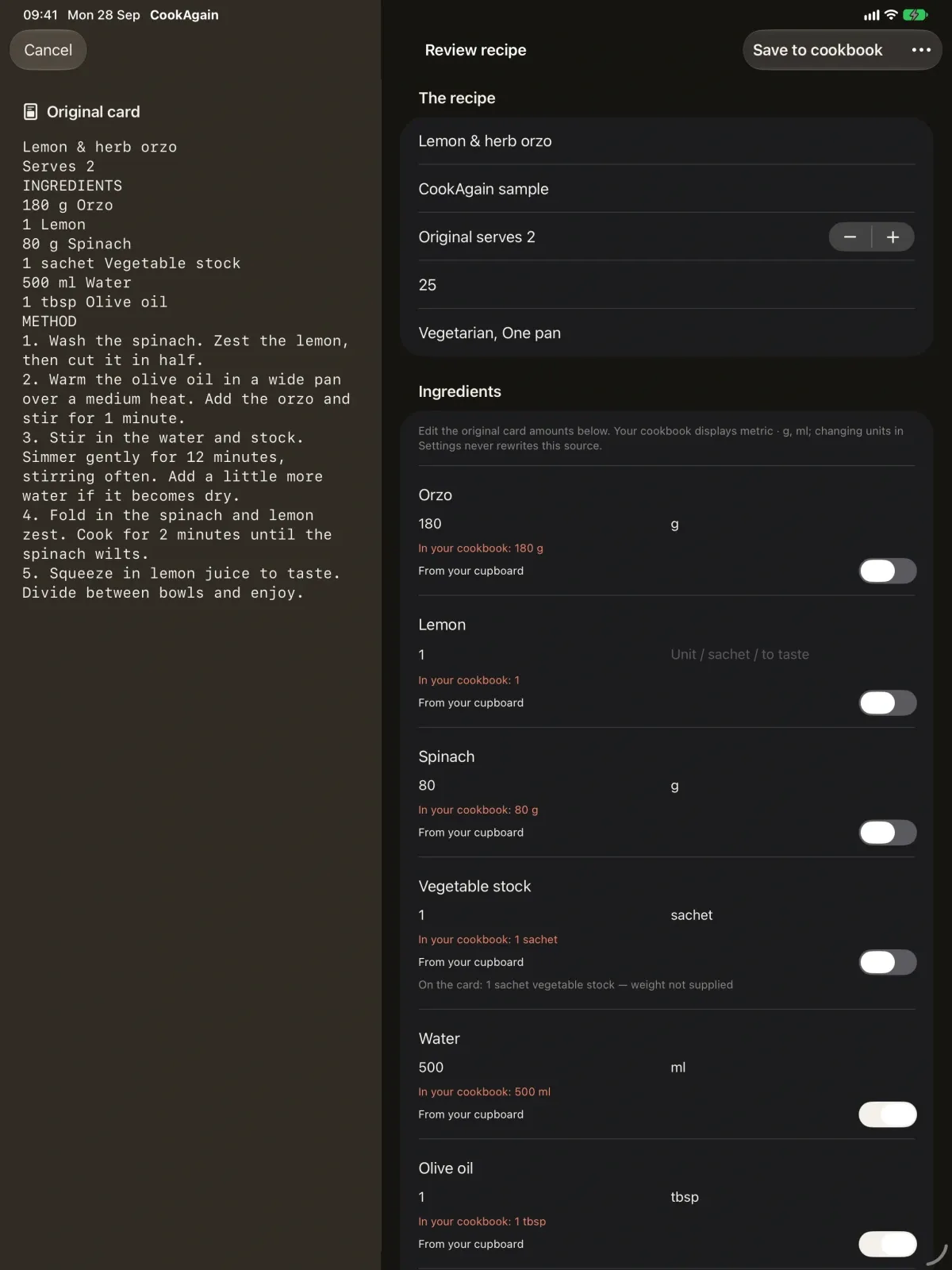
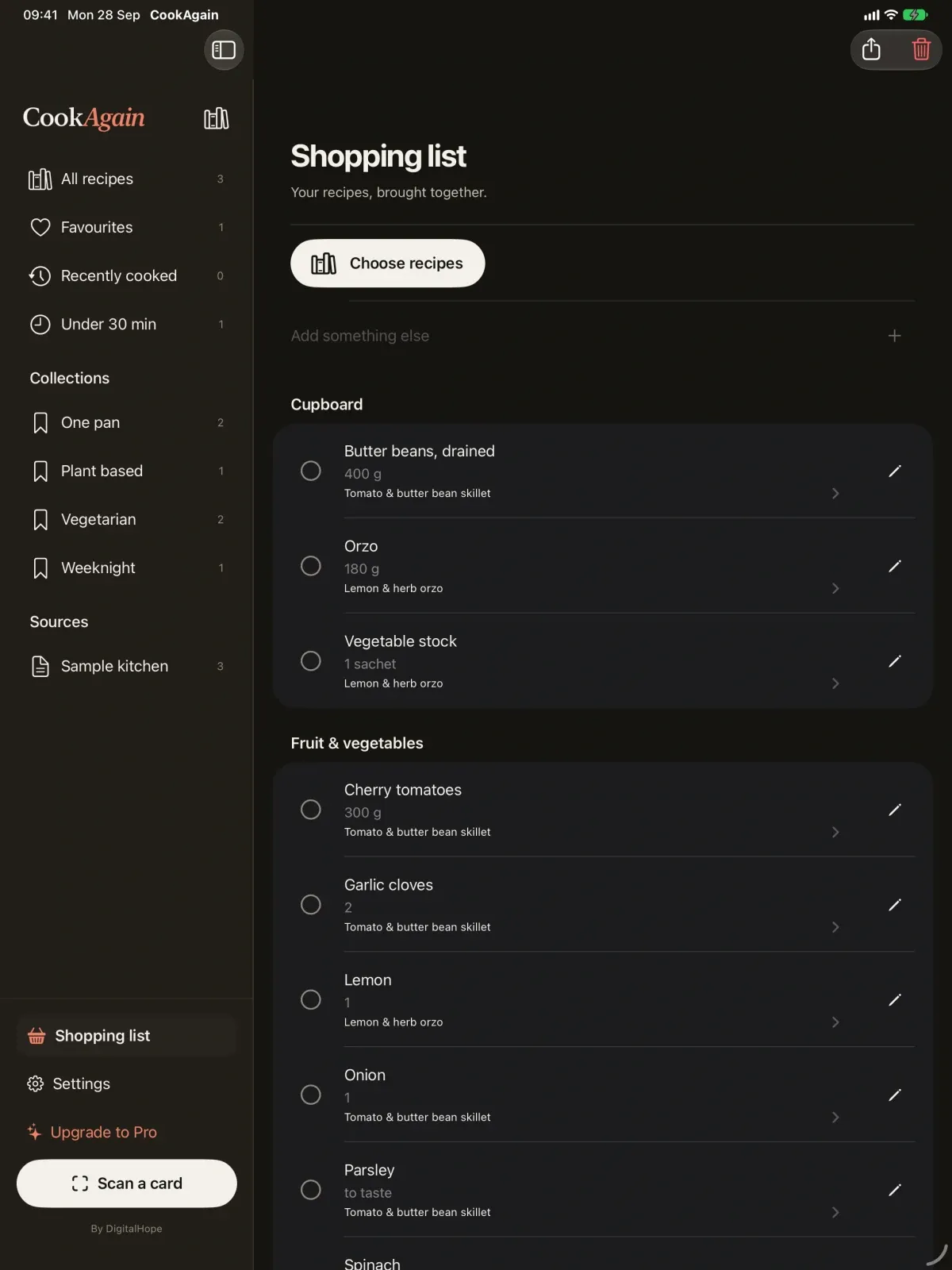
Designed for iPad first, and just as at home on iPhone.
What it does
Built around a few things done well.
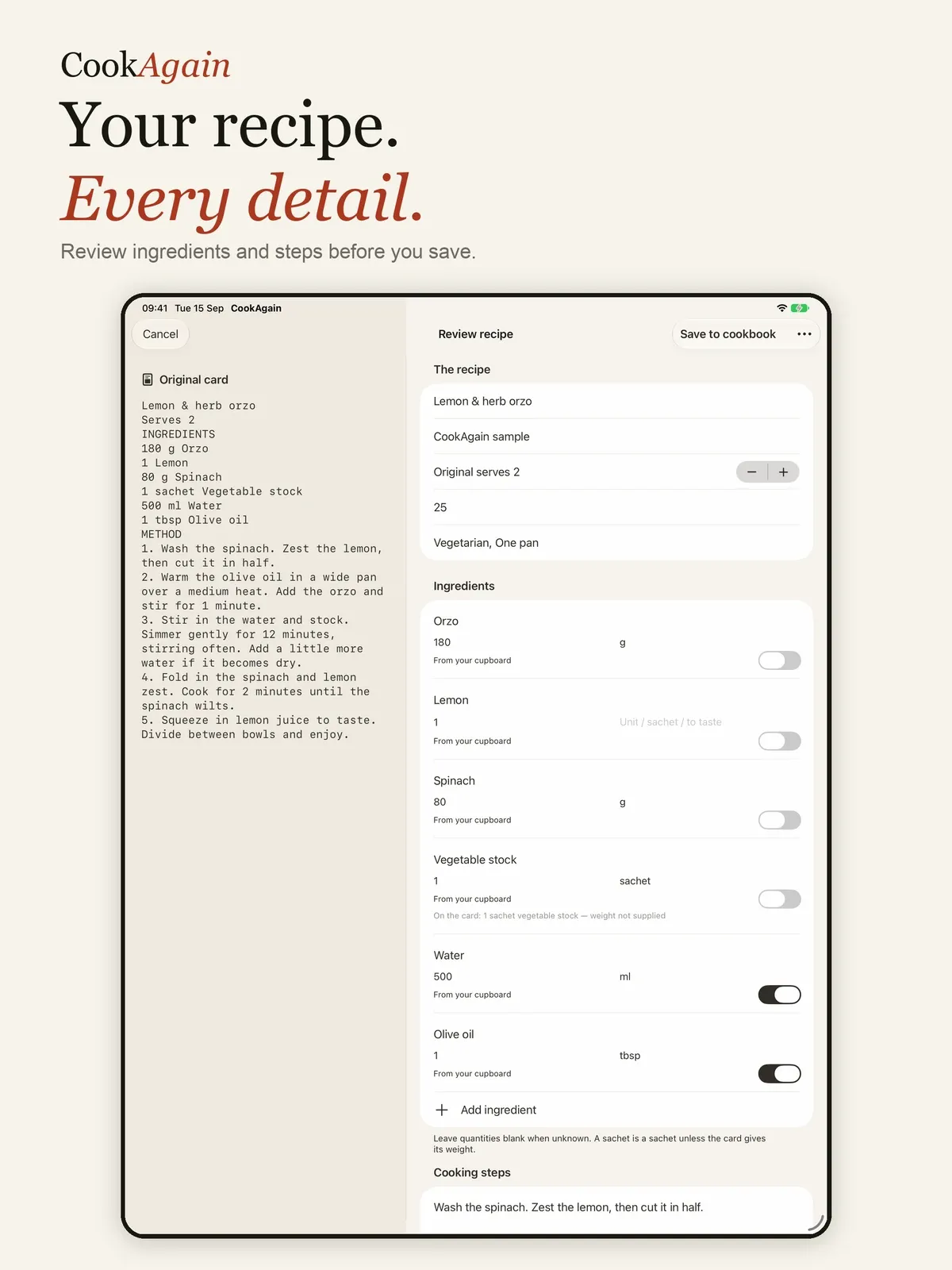
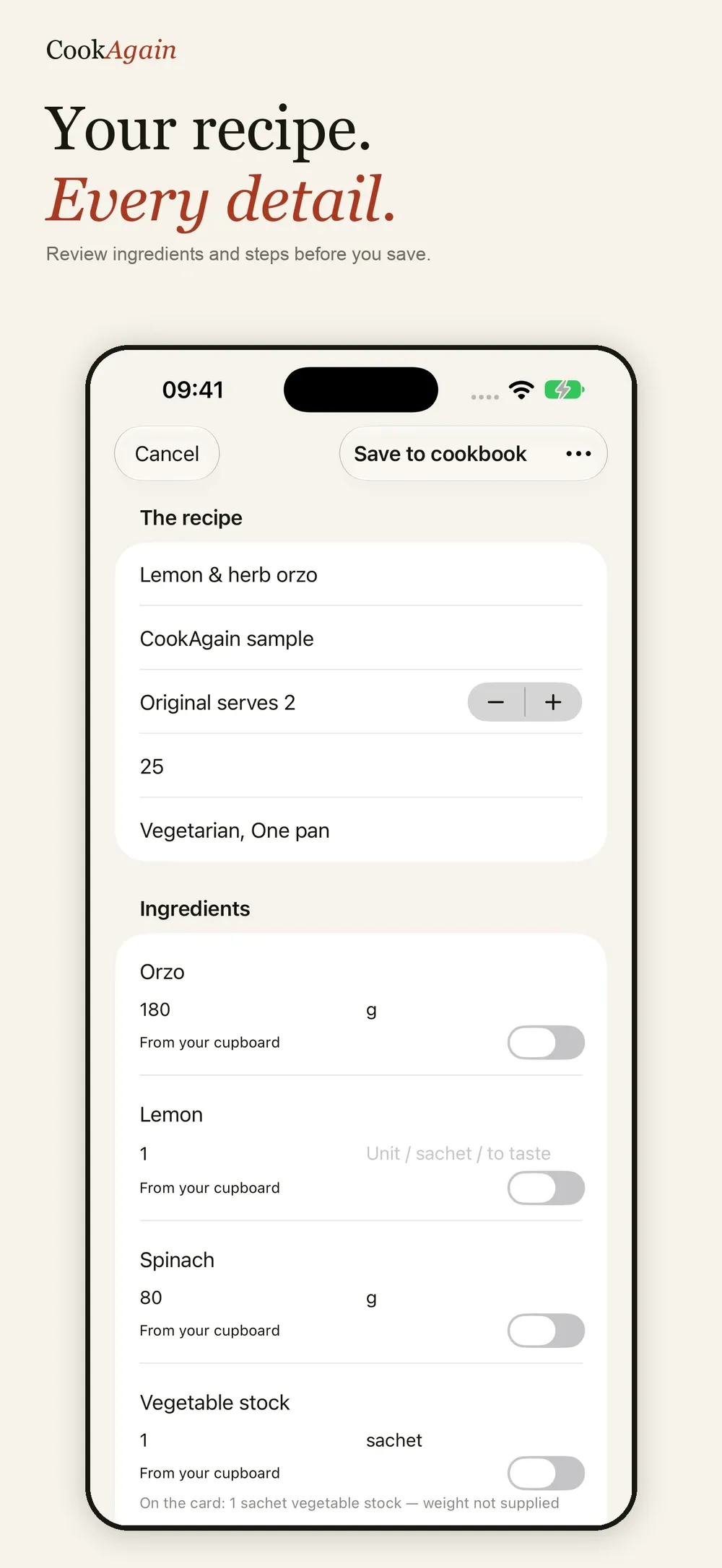
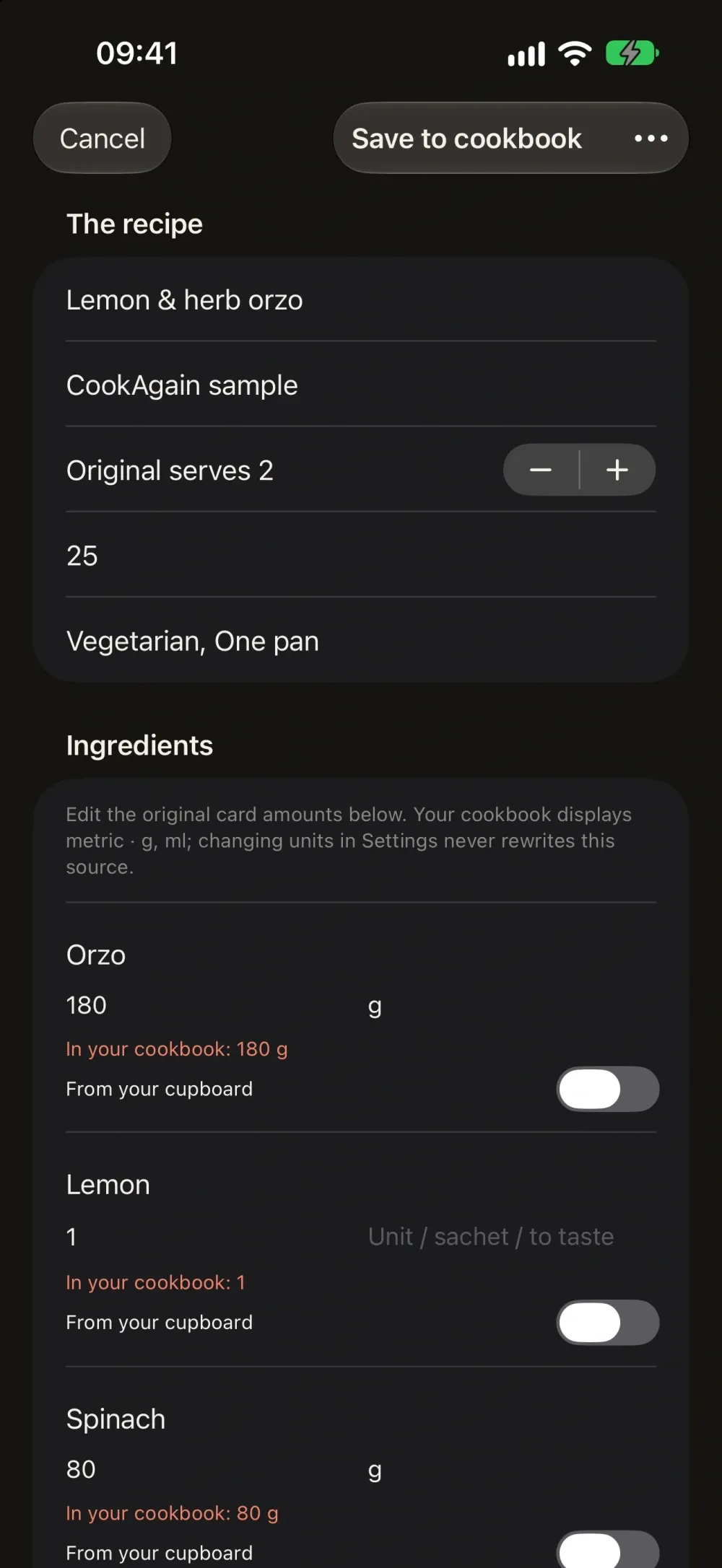
- Photograph the front and back of a recipe card and let AI organise the ingredients, quantities and steps.
- Review each draft against the original card before it joins your cookbook.
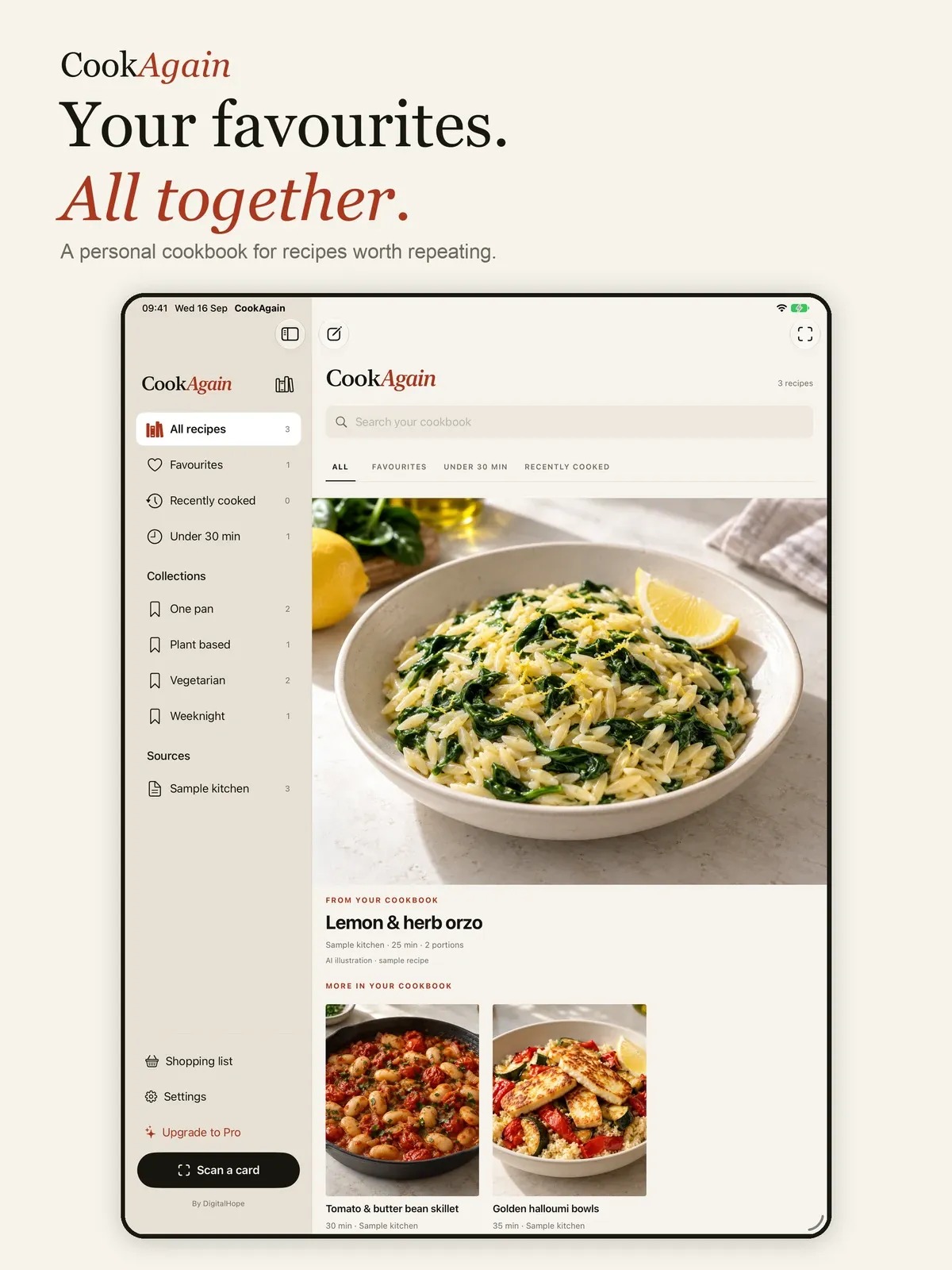
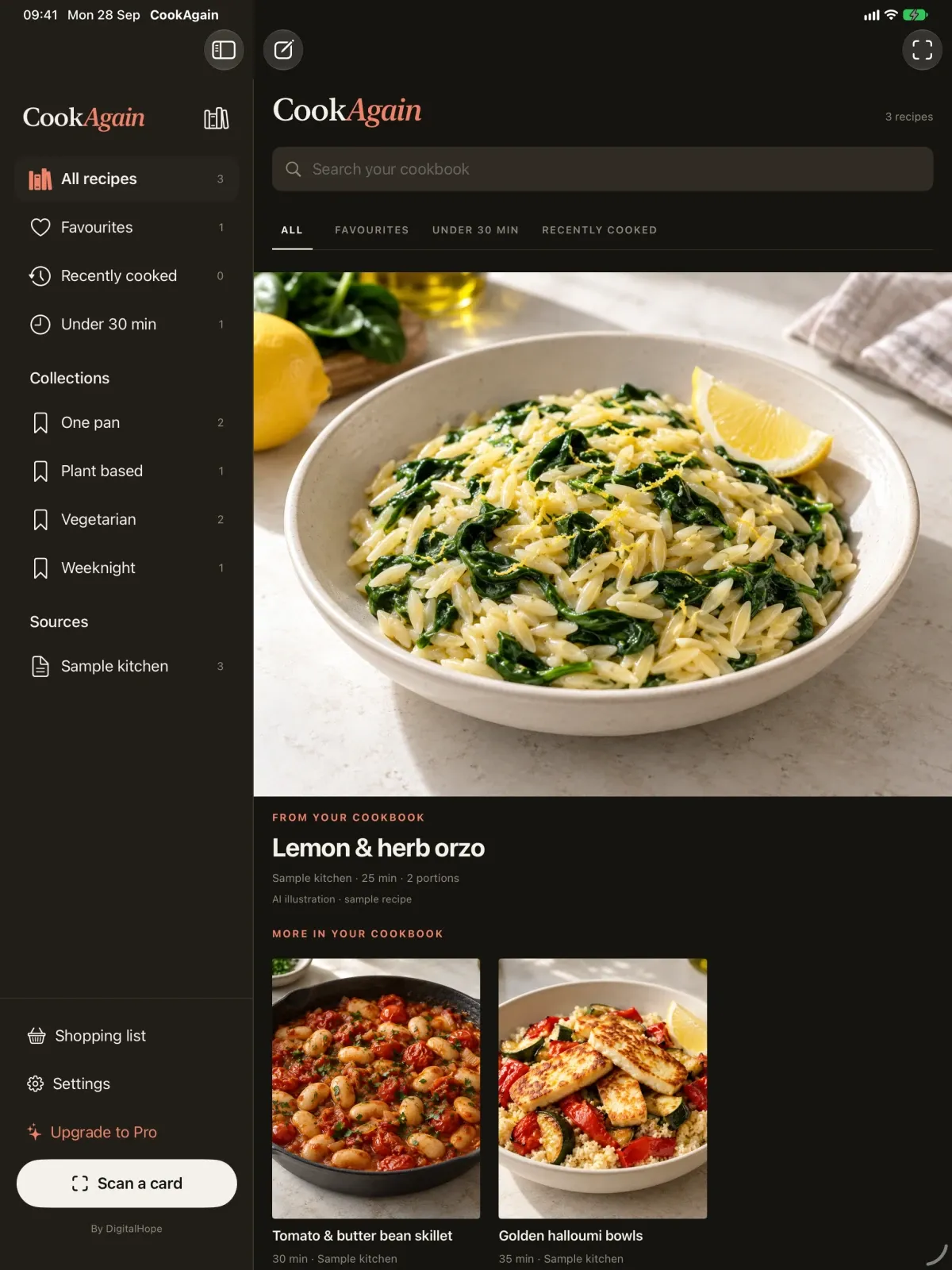
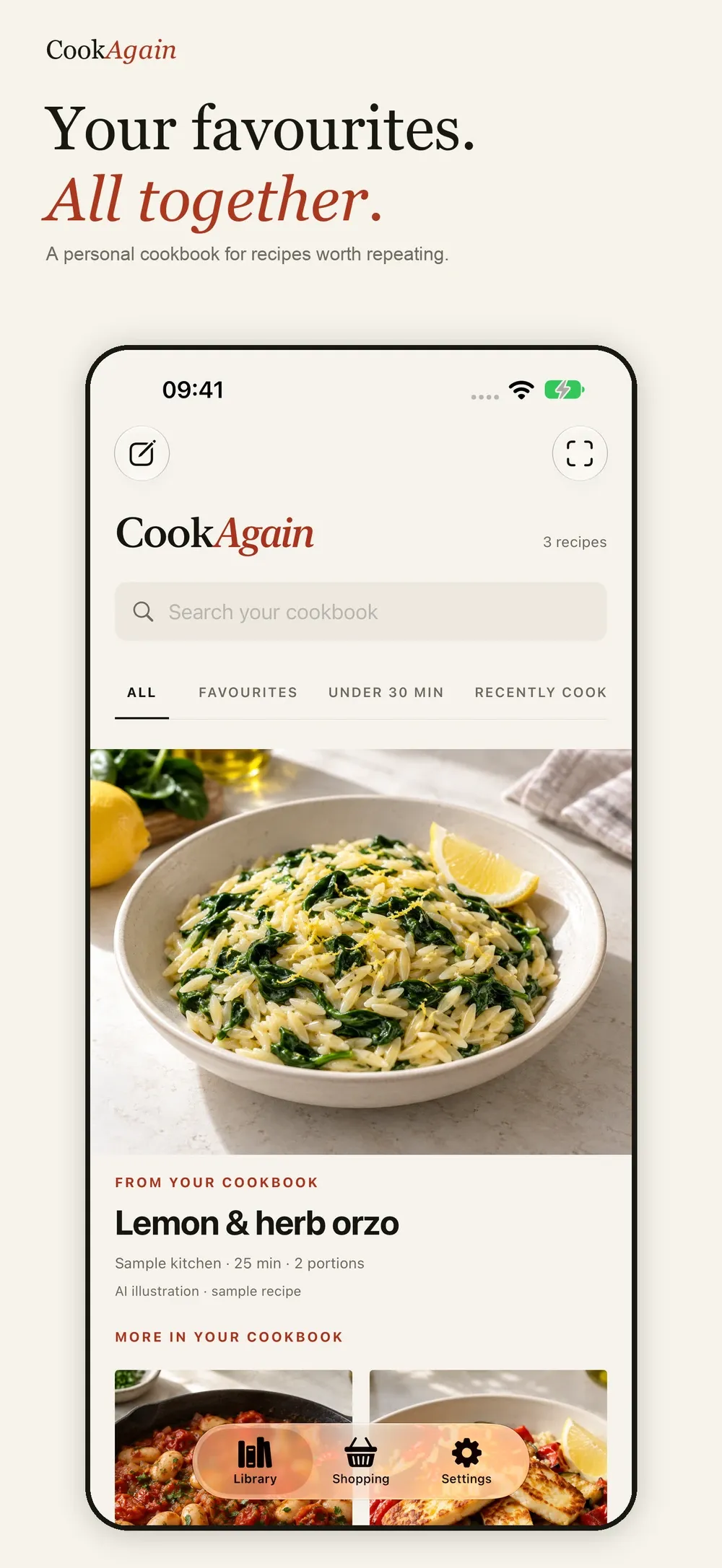
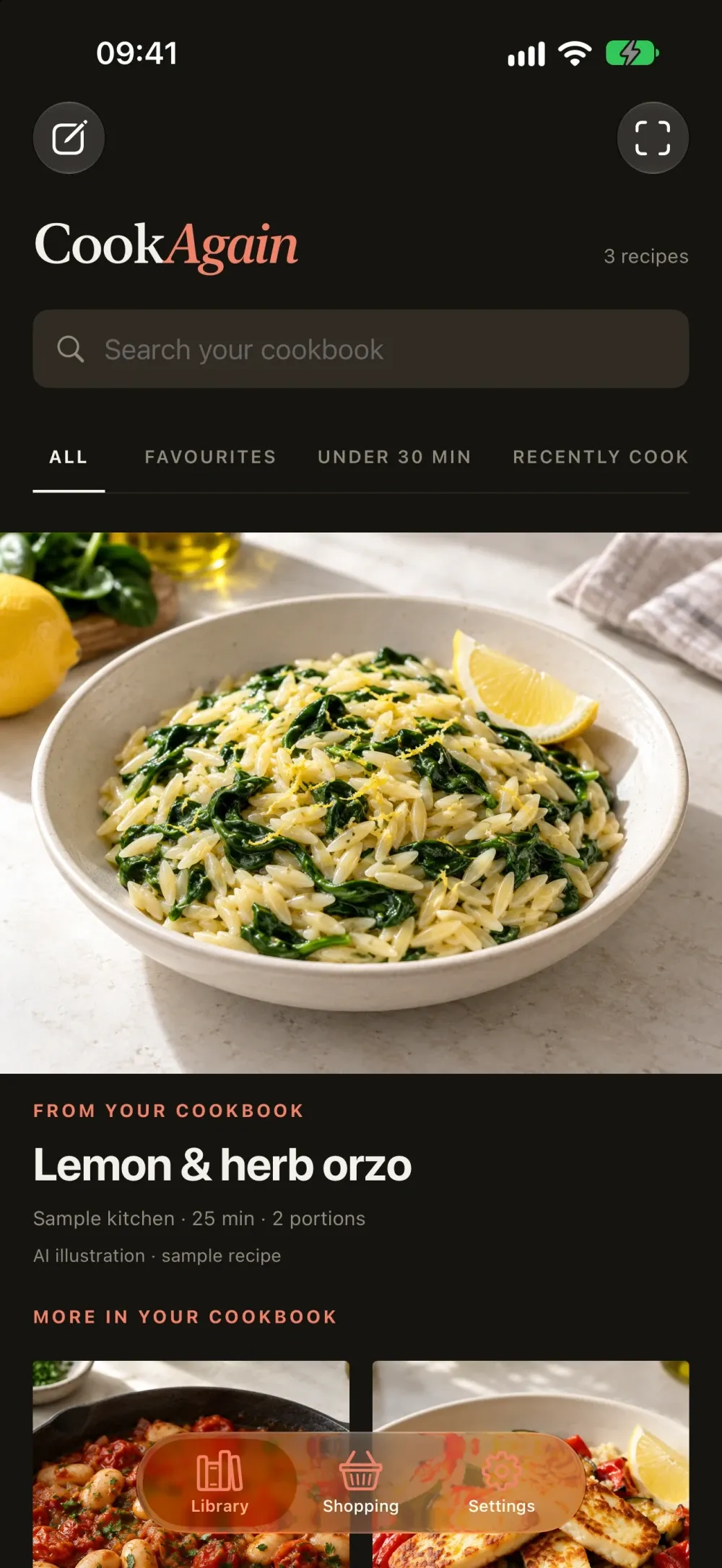
- Search, favourites, collections, notes and ratings keep the good ones close.
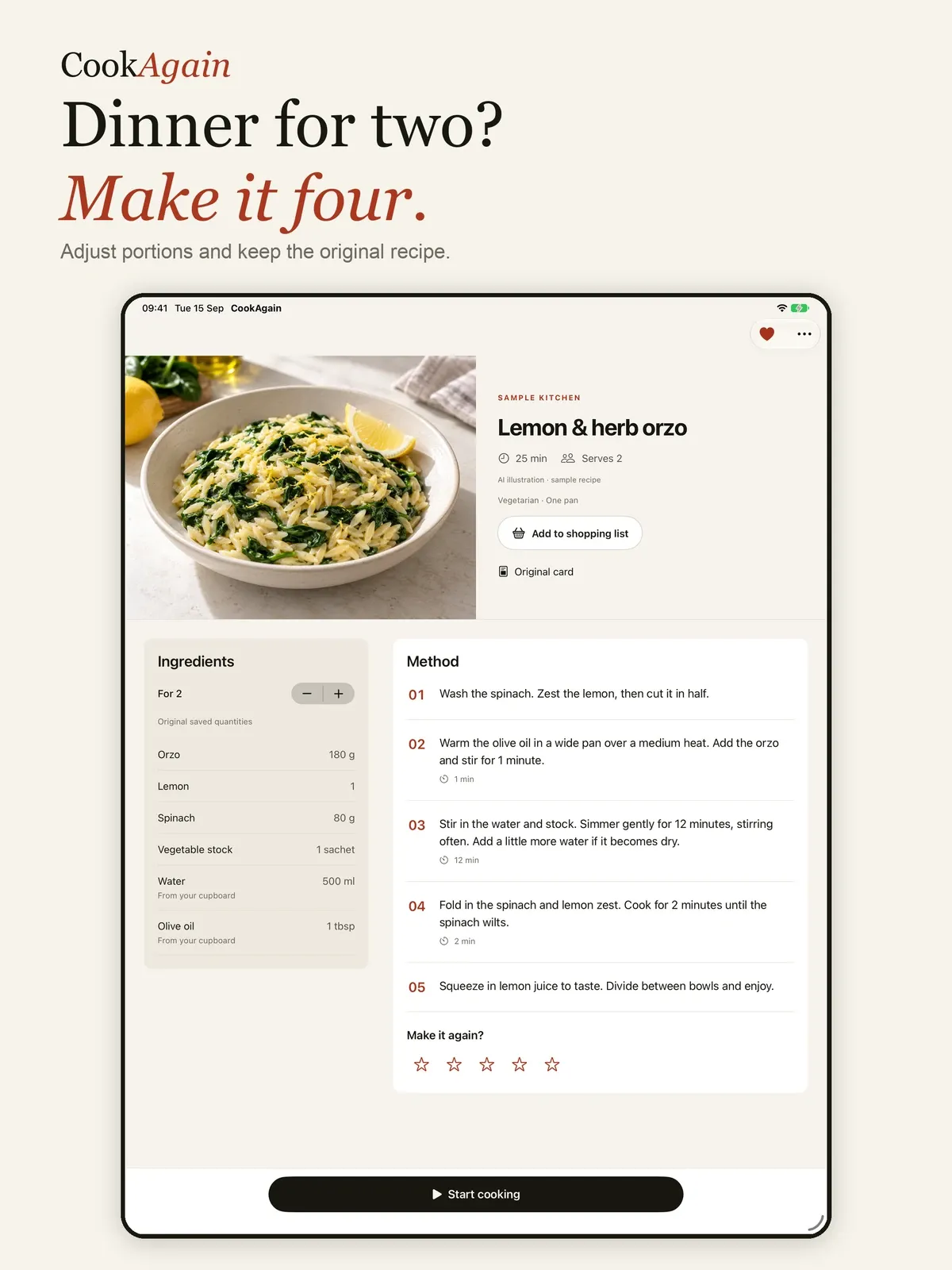
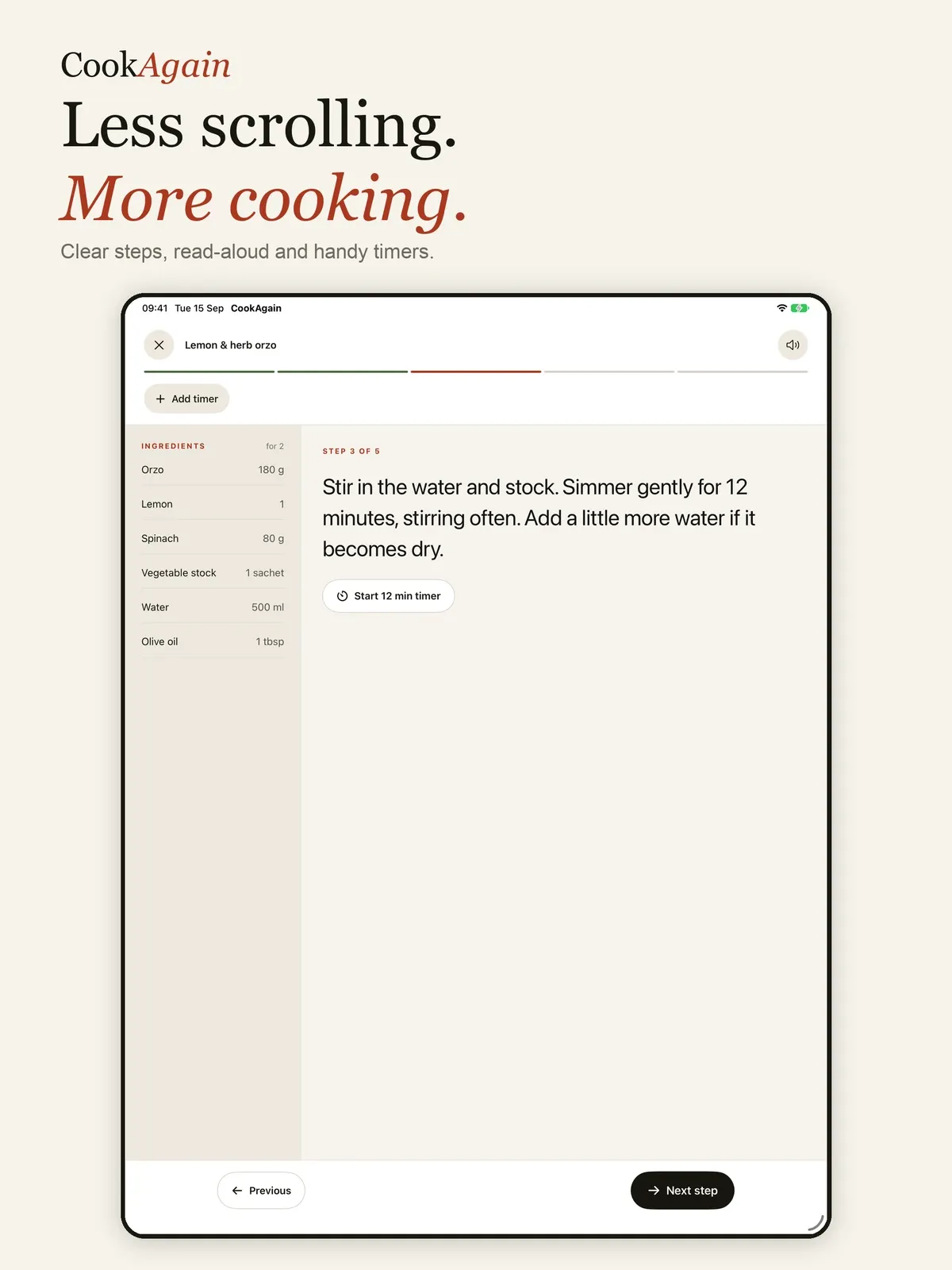
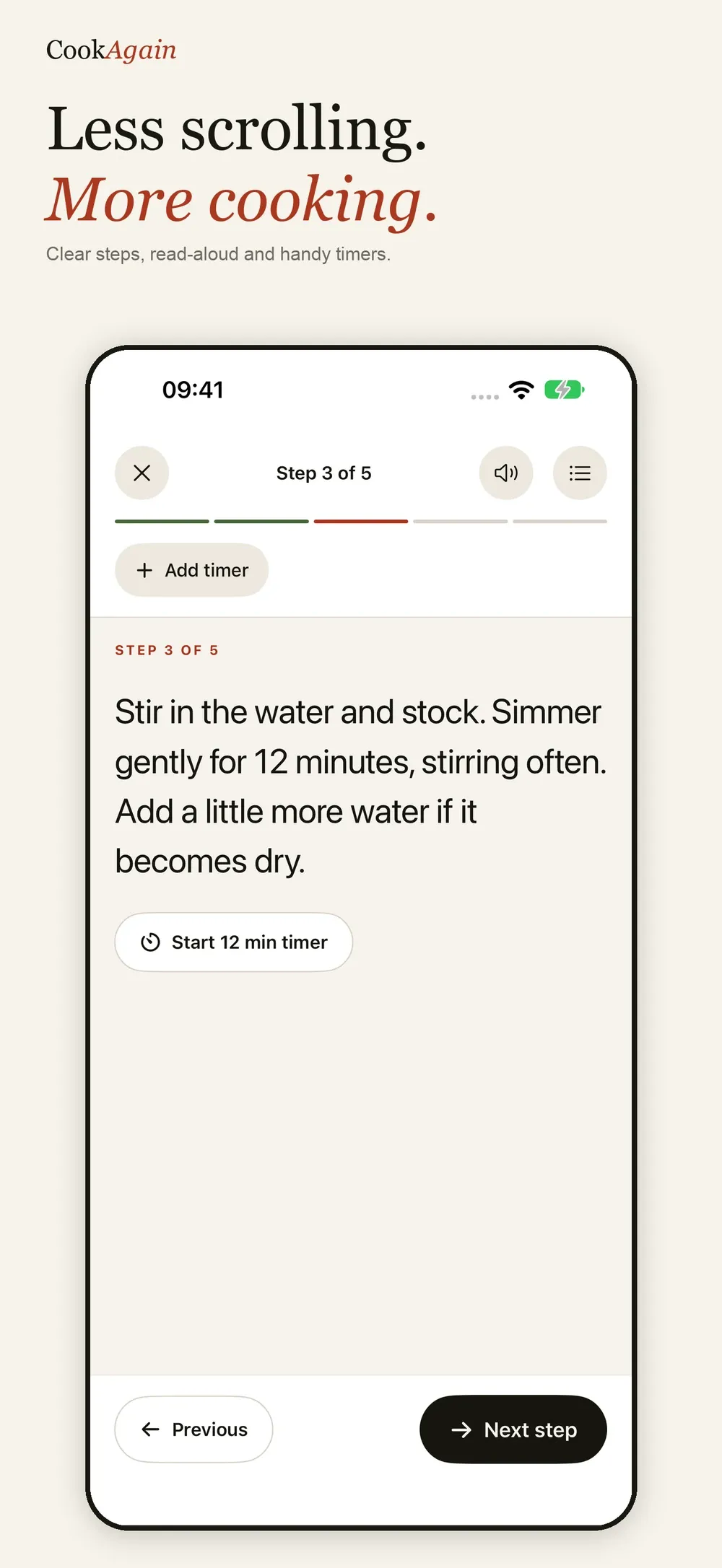
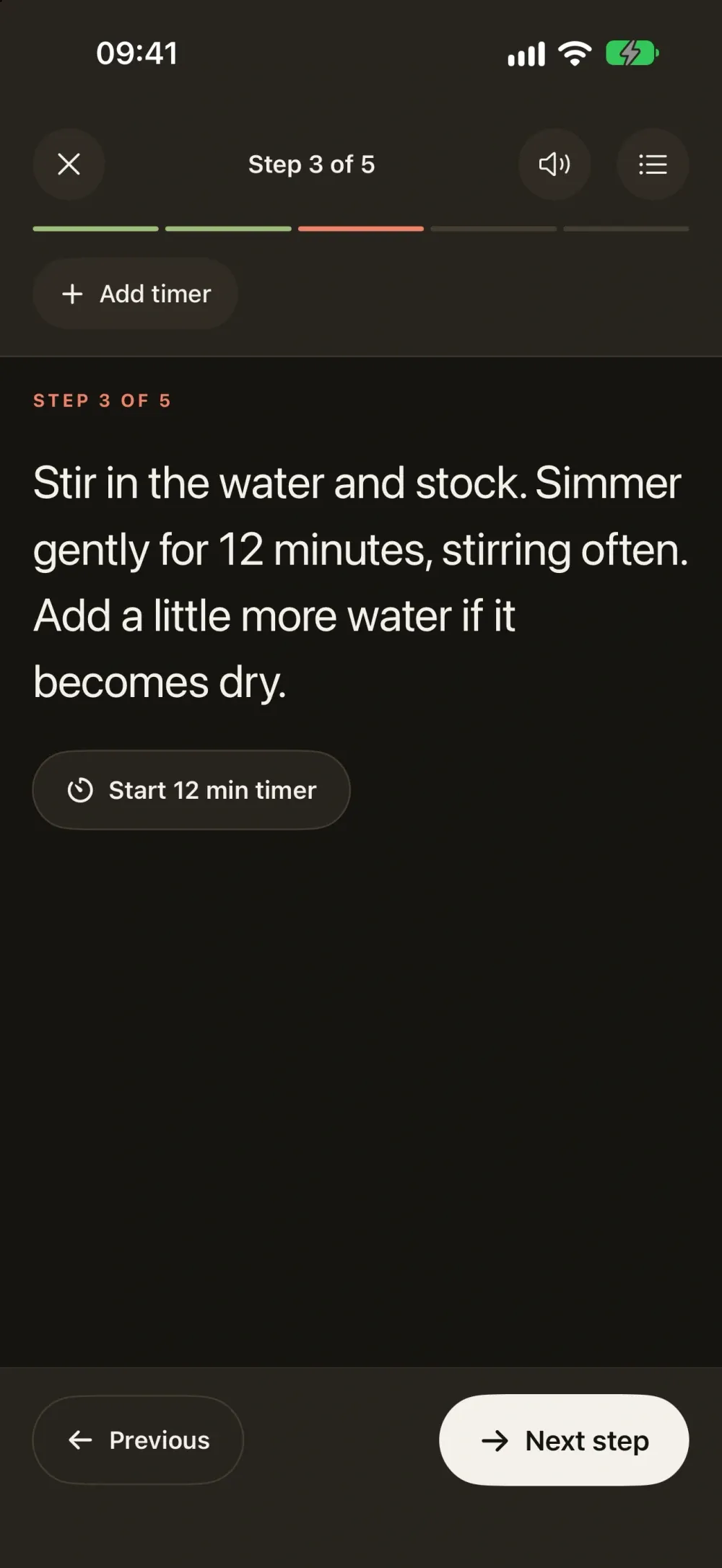
- Cooking mode with step timers, extra timers and read-aloud instructions.
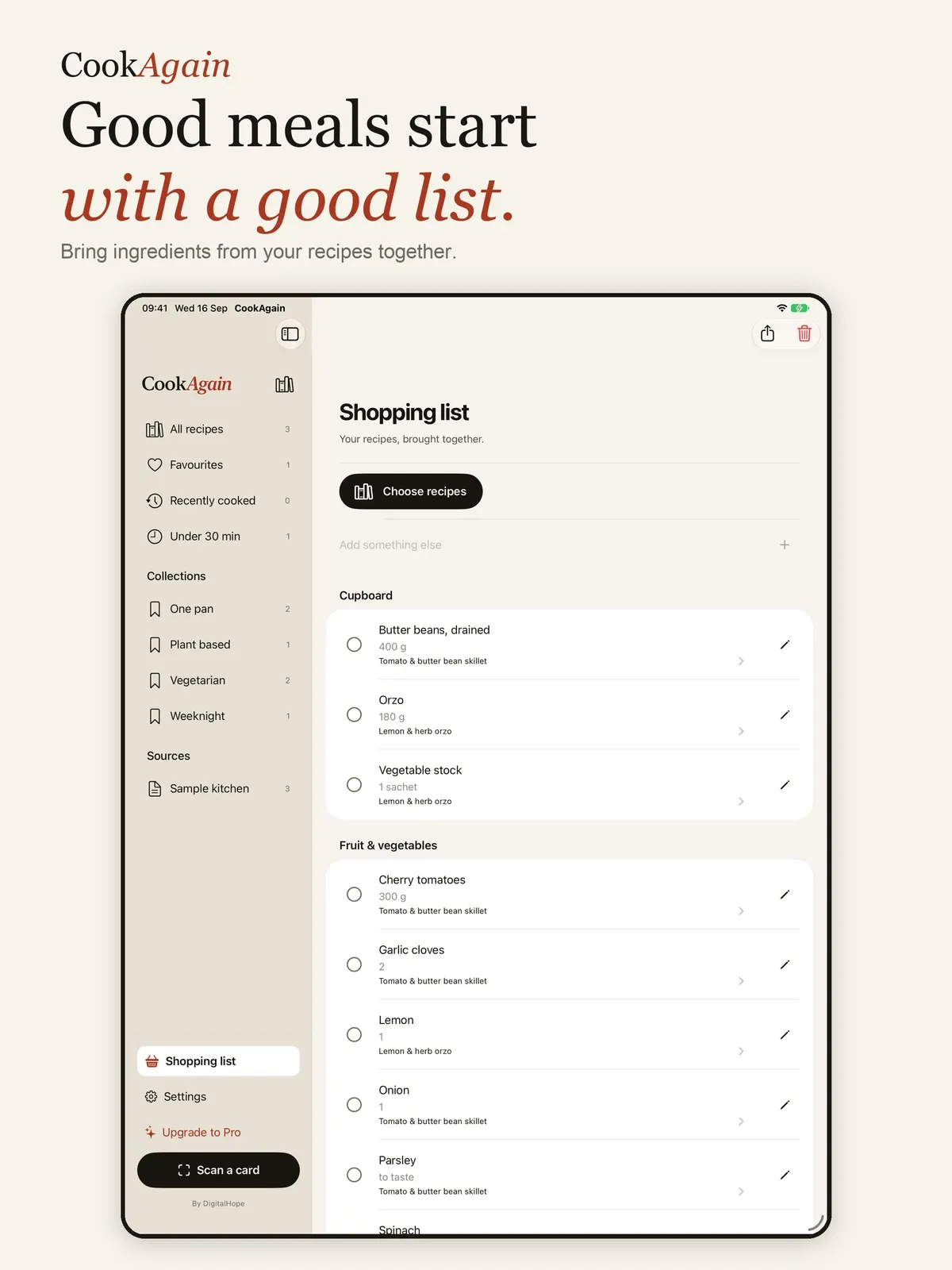
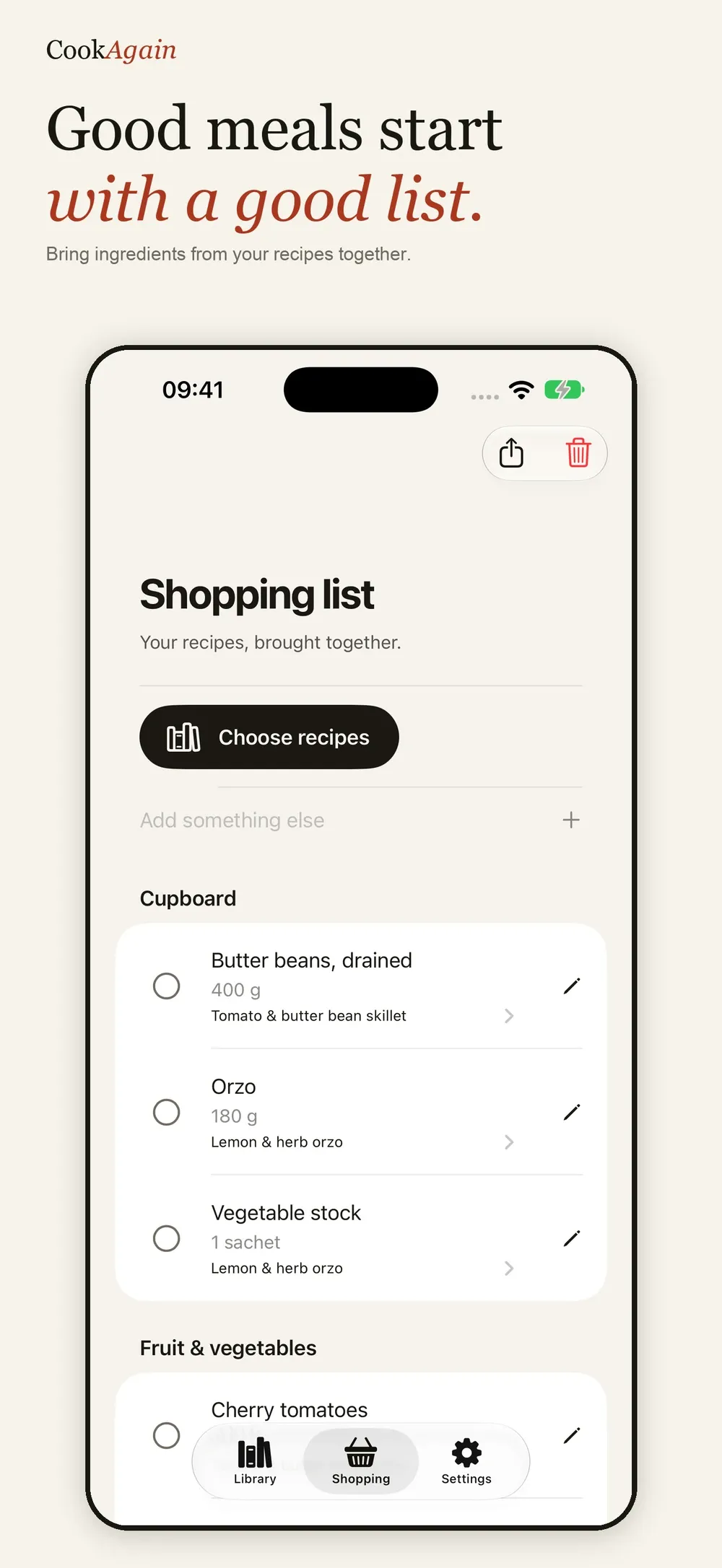
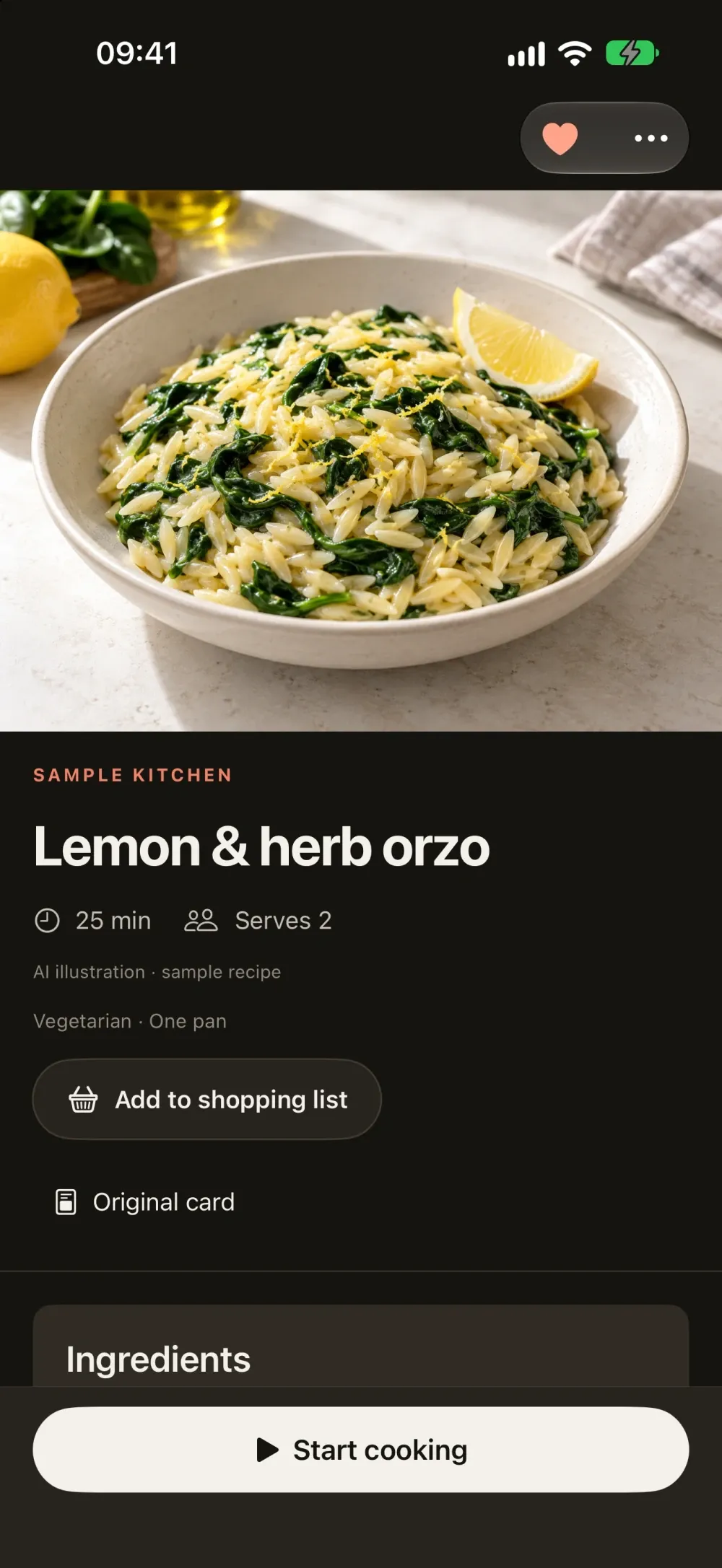
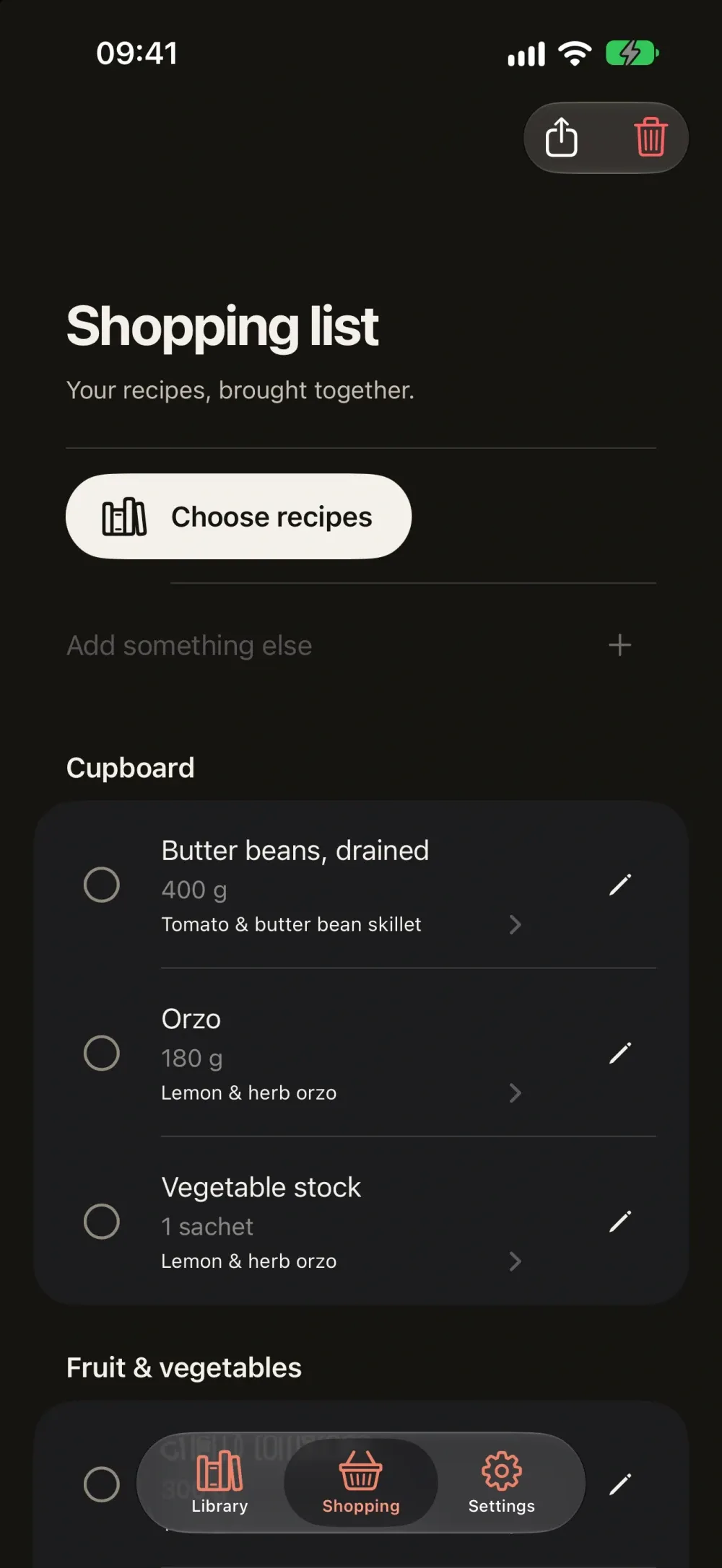
- Build one shopping list from the recipes and portions you choose.
- A native iPad layout, offline access and Sign in with Apple.
Recipes worth making again.
That recipe card you loved? Keep it. CookAgain turns your recipe cards into a personal cookbook, ready for the next time you want to make something good.
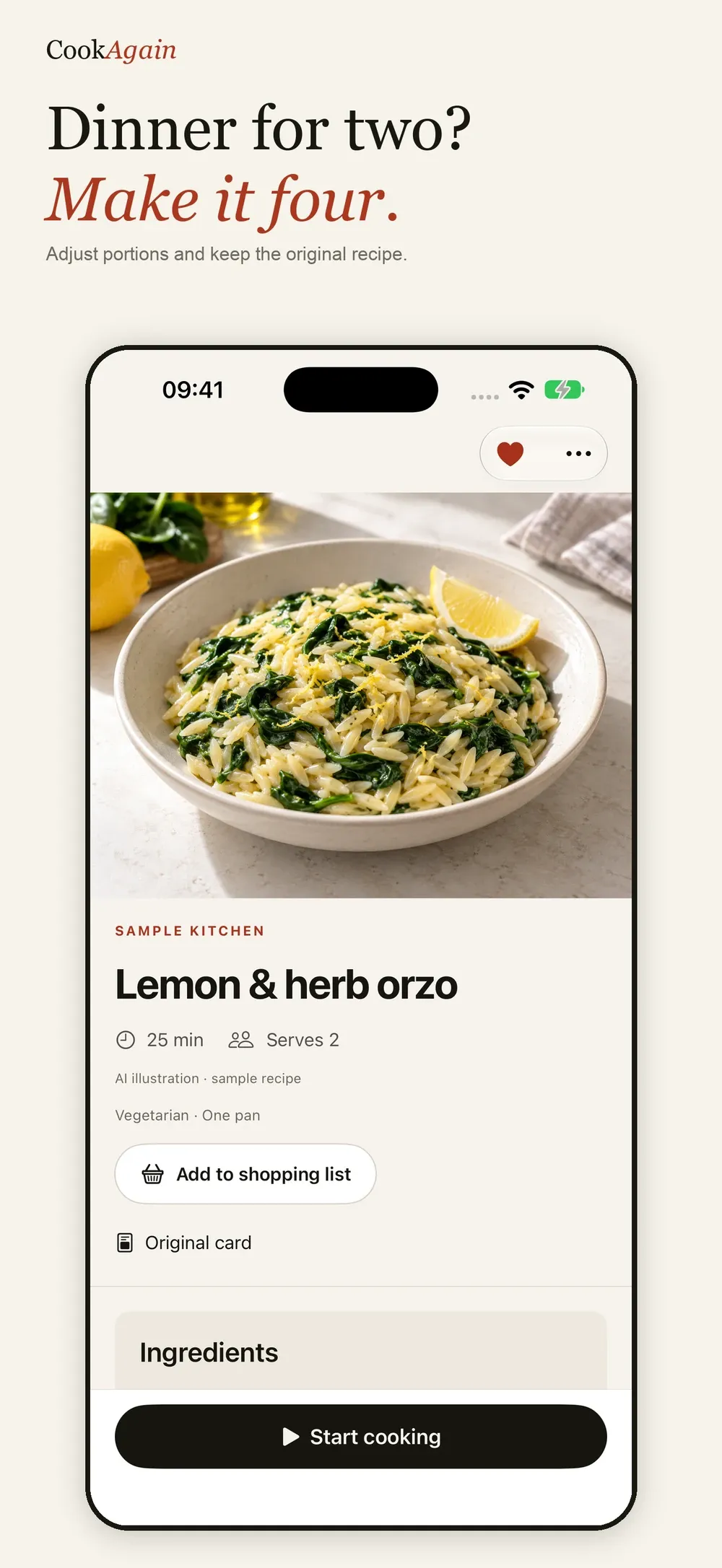
FROM CARD TO COOKBOOK Photograph the front and back of a recipe card, or import photos you already have. AI helps organise the ingredients, quantities and cooking steps. Review the draft against your original card, make any changes, then save it to your library. You can also write recipes yourself.
FIND YOUR FAVOURITES Search your cookbook, mark favourites and browse by collection, source or cooking time. Keep notes and ratings so the next attempt is even better. AI-generated dish illustrations bring your saved recipes to life and are clearly labelled.
COOK ONE STEP AT A TIME Open cooking mode for clear, readable instructions. Start step timers, add your own timers and have steps read aloud. Keep your progress for later, or finish and add the meal to your cooking history.
MAKE SHOPPING SIMPLER Choose recipes and portions to build a combined shopping list. Add extra items, adjust quantities, tick things off and share your list.
MADE FOR IPHONE AND IPAD Keep your cookbook close on iPhone or give your recipes room to breathe with a native iPad layout. Saved recipes and cooking steps remain available offline. Connect with Sign in with Apple to keep your library with your account.
AI scanning requires an internet connection and is subject to import limits. If a cloud scan fails, CookAgain asks before trying on-device recognition; Apple Intelligence features require a supported device. Always check imported quantities, allergens and instructions against the original. Dish illustrations are AI-generated and may differ from the finished meal.
CookAgain Pro offers additional AI imports through an optional auto-renewing subscription. Prices and billing periods are shown in the app before purchase. Manage or cancel subscriptions in your Apple account settings.
Privacy Policy: https://digitalhopeltd.com/cookagain/privacy Terms of Use: https://www.apple.com/legal/internet-services/itunes/dev/stdeula/
CookAgain is coming soon.
Coming soon


