




Photo & Video
LiveStoryMint
Brand posts, carousels & clips

Screens
Take a look around.
What it does
Built around a few things done well.
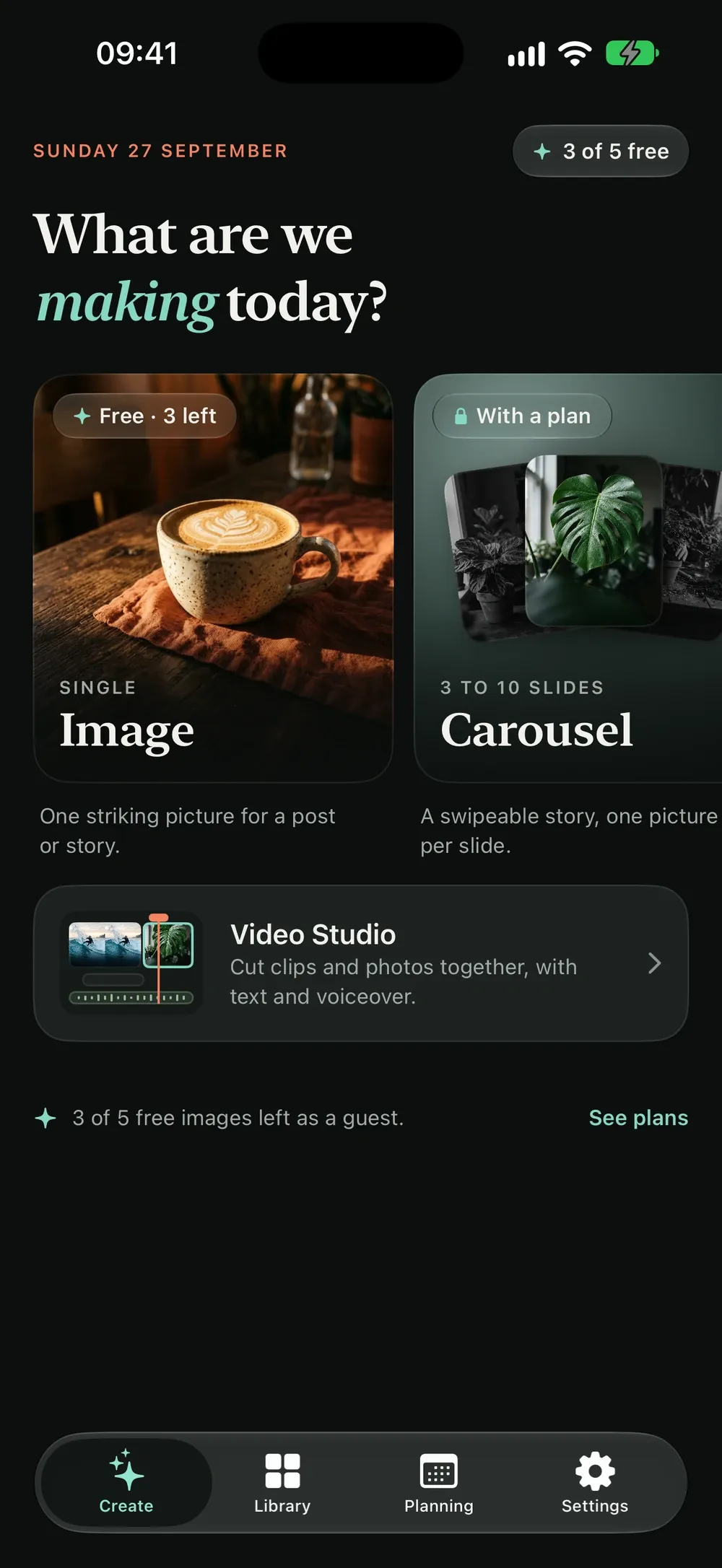
- Describe an idea once and StoryMint plans a whole carousel, writes each slide and makes a matching image for every one.
- Single images in any shape: square, 4:5, 9:16 for Stories and Reels, or 16:9, in eight visual styles.
- Short video clips from a written prompt, then trim, reframe, add text and record a voiceover.
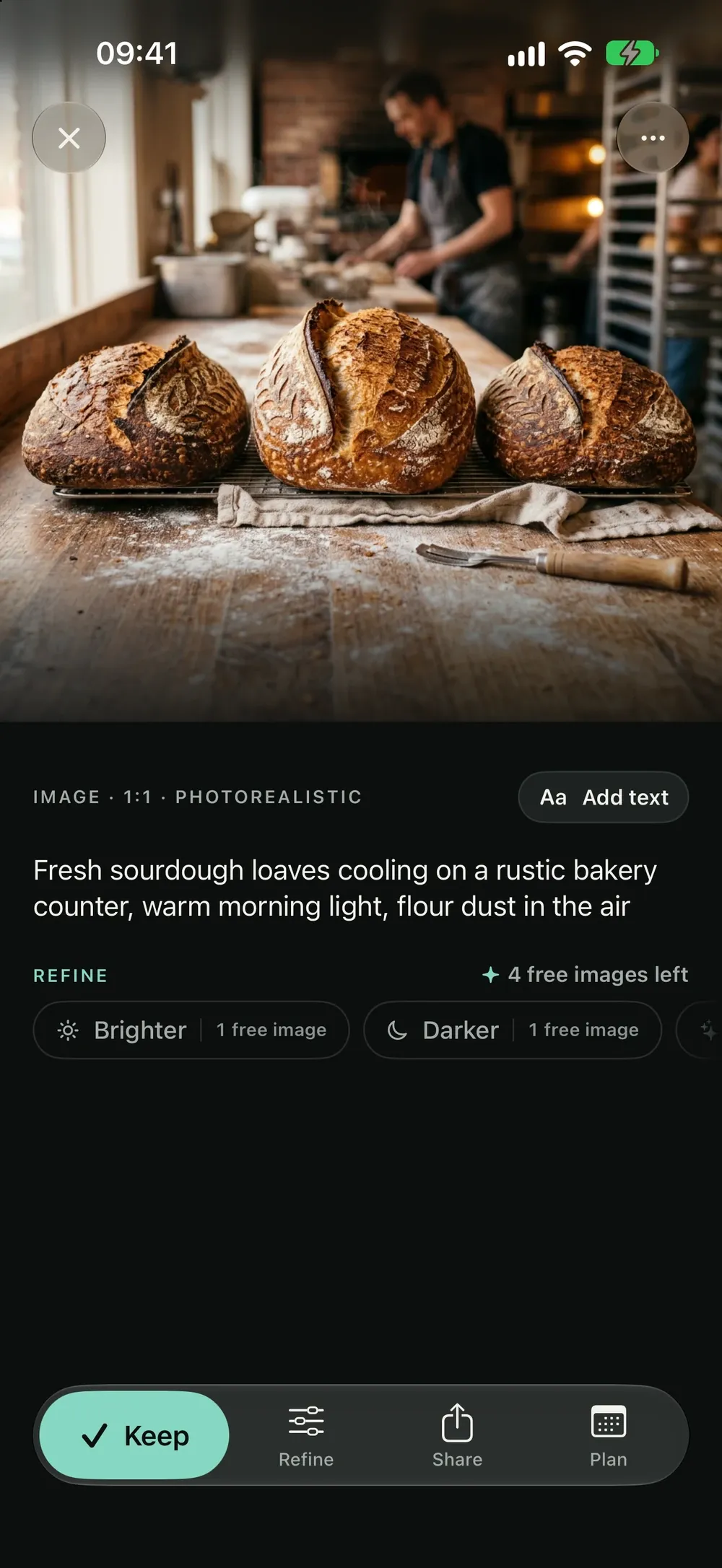
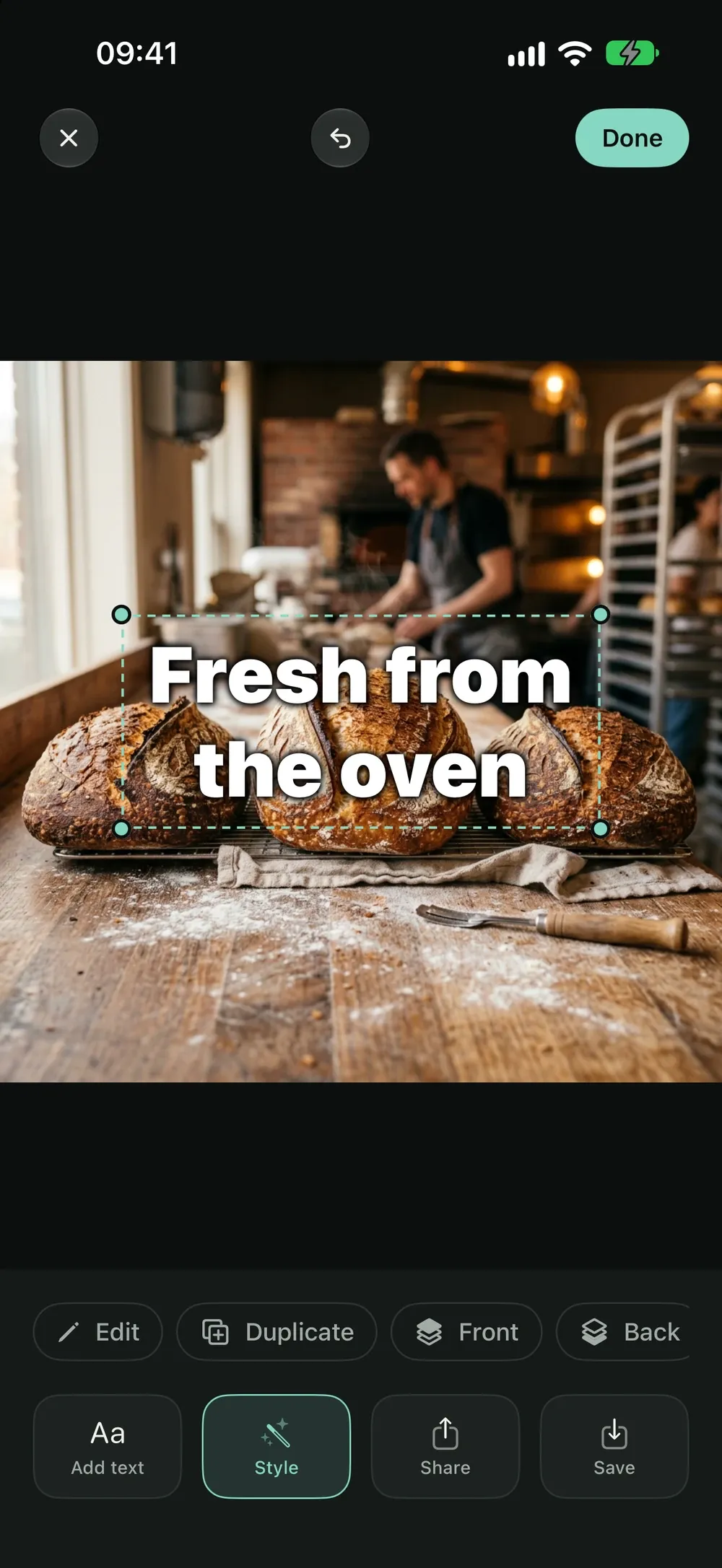
- Refine an image by asking in plain words, and add sharp, correctly spelt text in the editor.
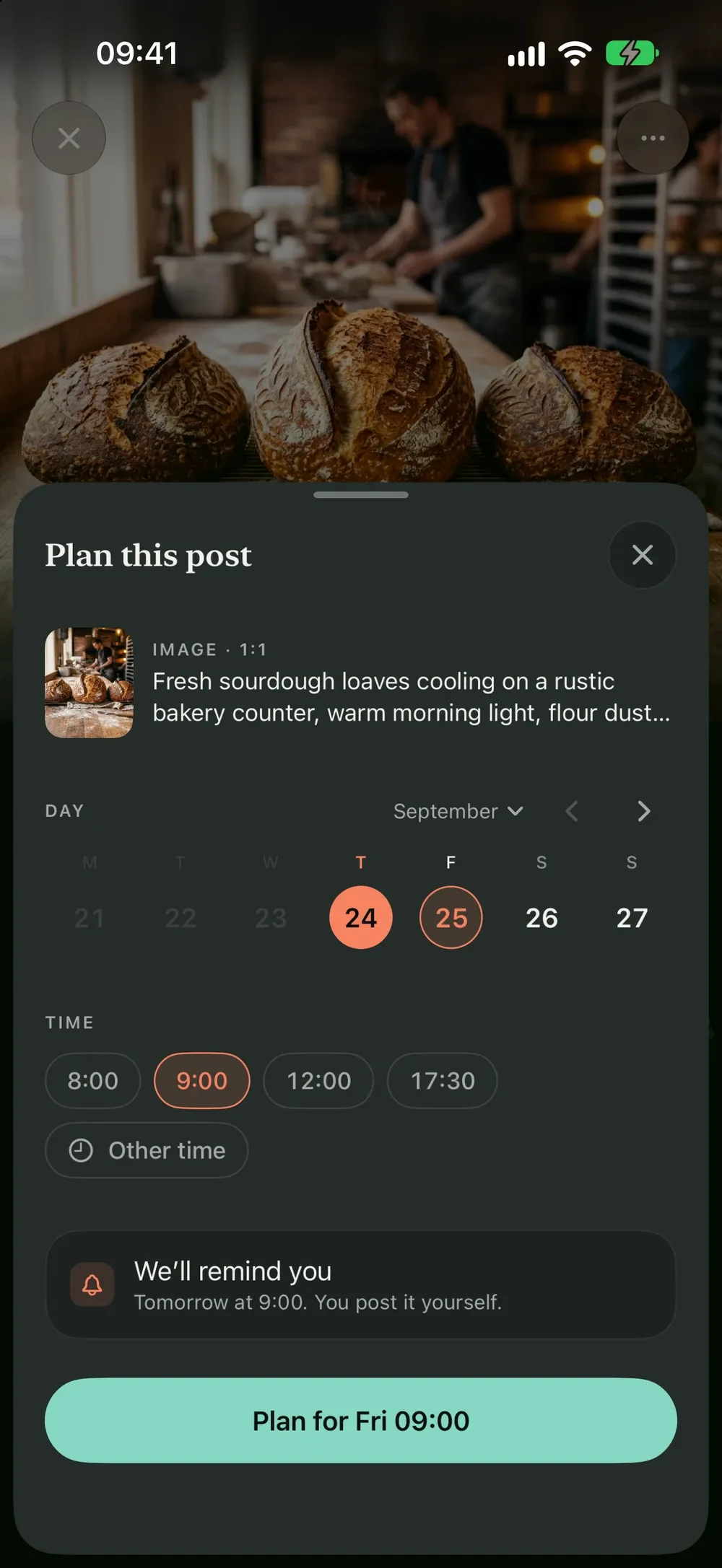
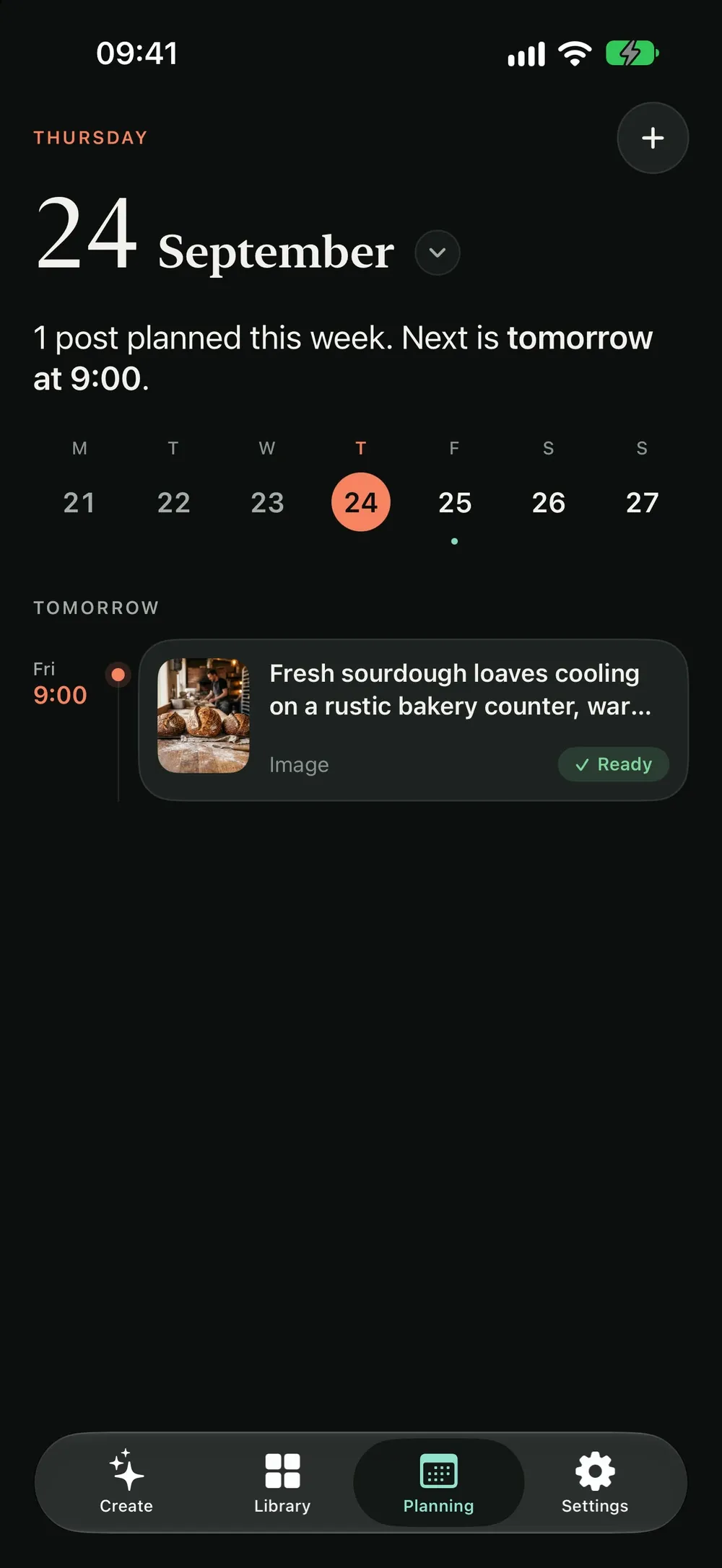
- Keep everything in your library and plan what goes out when, with a reminder on the day.
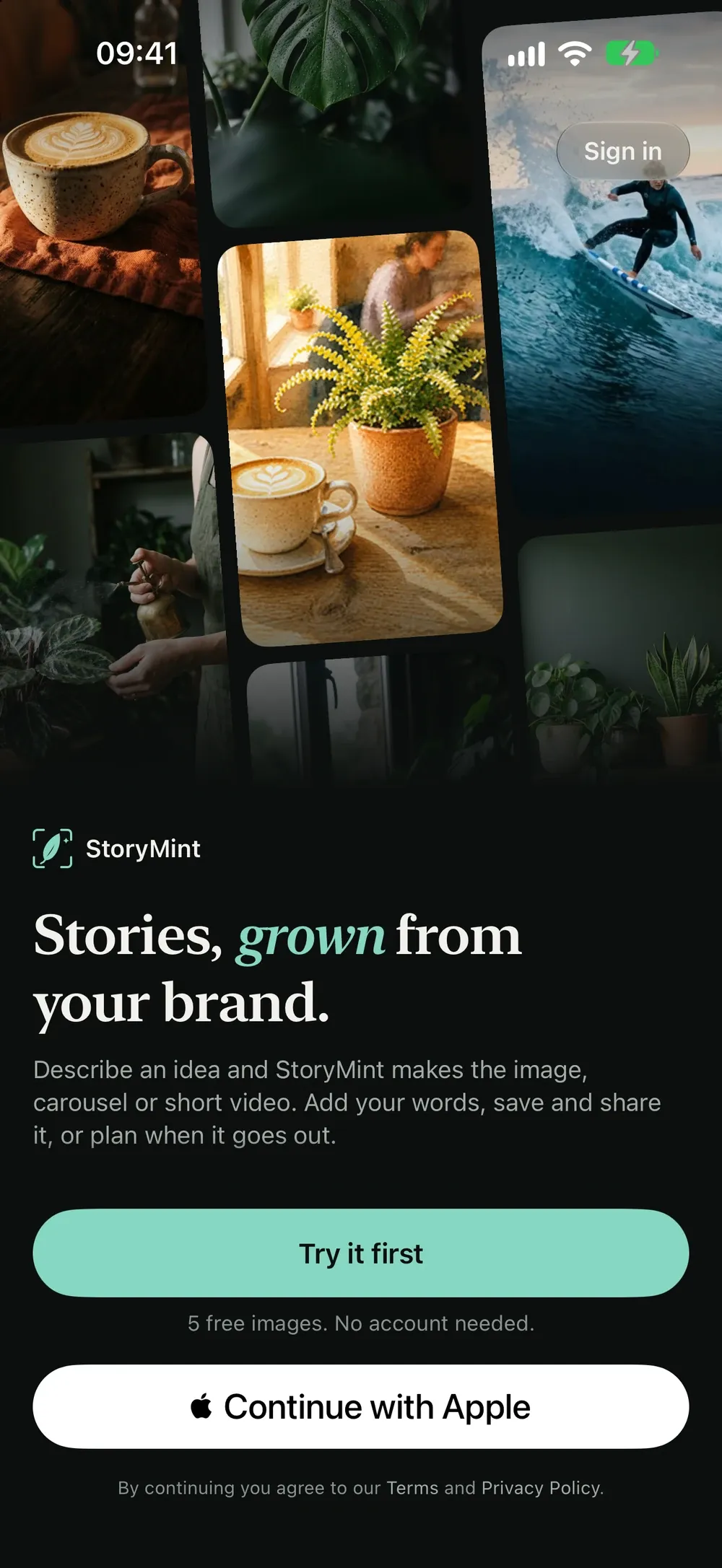
StoryMint turns one idea into ready-to-post content: single images, whole carousels, story-sized visuals and short video clips.
TELL IT ABOUT YOUR BRAND ONCE Set your name, your niche, your tone of voice and the pillars you post about. Carousels are written in that voice, so the words sound like you instead of like a template.
MAKE A WHOLE CAROUSEL, NOT ONE PICTURE Describe the idea once and pick how many slides you want. StoryMint plans the sequence, writes each slide, then generates an image for every one, composed to sit together as a set. Save them to Photos in posting order and pick them straight into your carousel post.
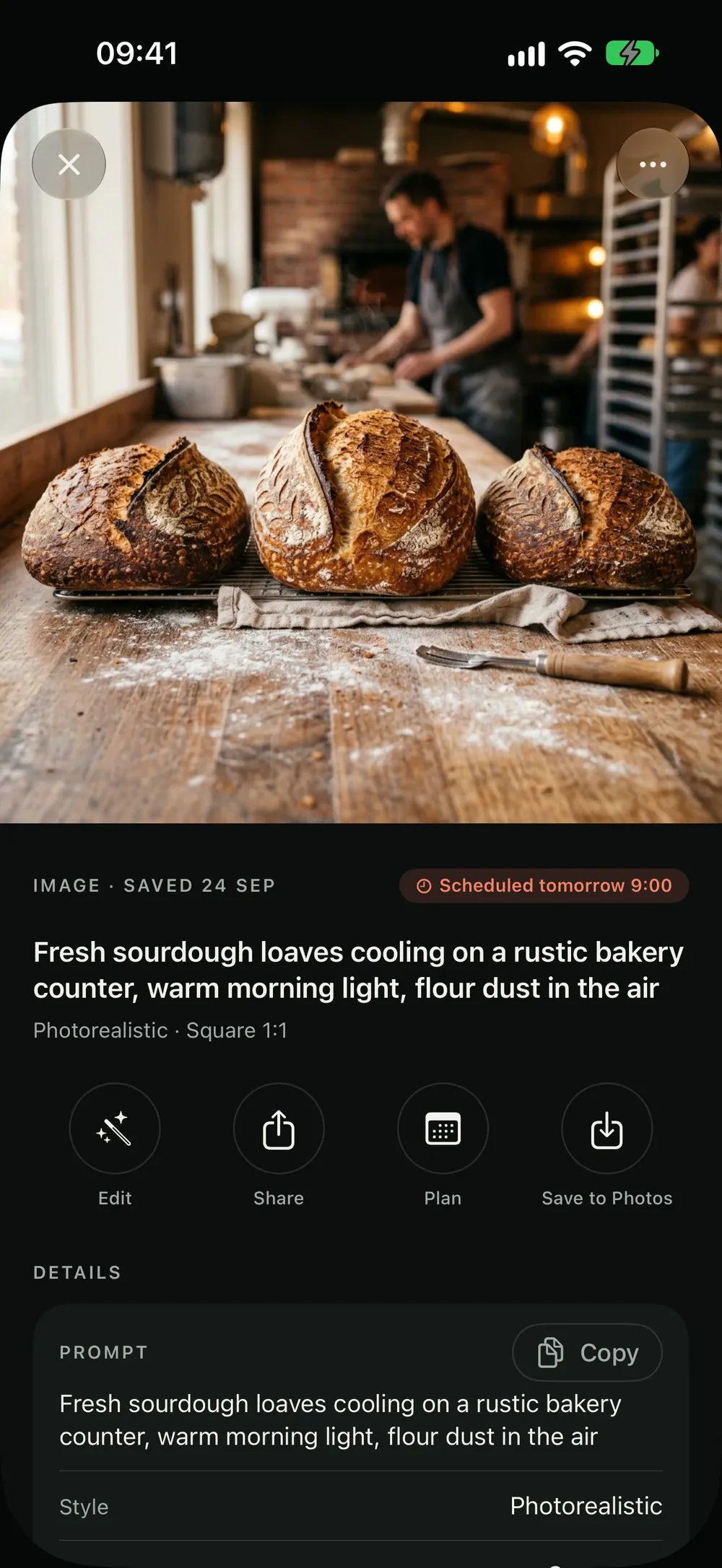
SINGLE IMAGES, ANY SHAPE Square for the feed, 4:5 portrait, 9:16 for Stories and Reels, 16:9 for LinkedIn and X. Eight visual styles from photorealistic to watercolour. Story sizes come with a safe-zone preview so nothing important sits under the platform's own buttons.
SHORT VIDEO WITH SOUND Generate a four, six or eight second clip from a written prompt, in landscape or vertical.
EDIT WITHOUT LEAVING THE APP Crop and recompose, add text with real typographic controls, and refine an image by asking in plain words: "make it warmer", "zoom in on the cup". The video editor trims, crops, adds text over the clip and lets you record a voiceover, and Video Studio puts clips and photos together on a timeline.
BRING YOUR OWN PHOTOS Import from your library and use the same editor on shots you took yourself. Importing, cropping and adding text cost nothing.
KEEP IT ALL TOGETHER Everything you save lands in your library. Plan what goes out when, and get a reminder on the day.
YOUR DATA, YOUR CALL StoryMint makes images, video and carousel text with Google's AI models, and asks your permission before anything is sent. If something it makes isn't right, report it from the ••• menu. No ads, no tracking, no analytics.
— — —
WHAT IT COSTS
Start free with 5 image generations. No card, no trial timer.
Subscriptions are billed monthly or yearly and unlock carousels and video: 40 or 100 credits a month. Yearly plans bill once a year at a discount on the monthly rate and grant the year's credits up front.
Credits are spent per generation: one credit per image, one per carousel slide, one per refinement, and five to ten per video clip depending on its length. Importing and editing your own photos never costs a credit.
Run out mid-month? Top up with a one-off credit pack of 10, 25 or 60 credits, added straight away. A pack is a single charge, not another subscription, and those credits stay on your balance when your plan renews.
Payment is charged to your Apple Account at confirmation of purchase. Subscriptions renew automatically unless auto-renew is switched off at least 24 hours before the end of the current period, and your account is charged for renewal within 24 hours of the end of that period. Manage your subscription and turn off auto-renew in your Apple Account settings after purchase.
Privacy Policy: https://digitalhopeltd.com/storymint/privacy Terms of Use: https://digitalhopeltd.com/storymint/terms
Get StoryMint.
Free on the App Store.


