
Utilities
LiveLRM
Nightstand clock & alarms
 5.0(2)
Screens
Take a look around.
What it does
Built around a few things done well.
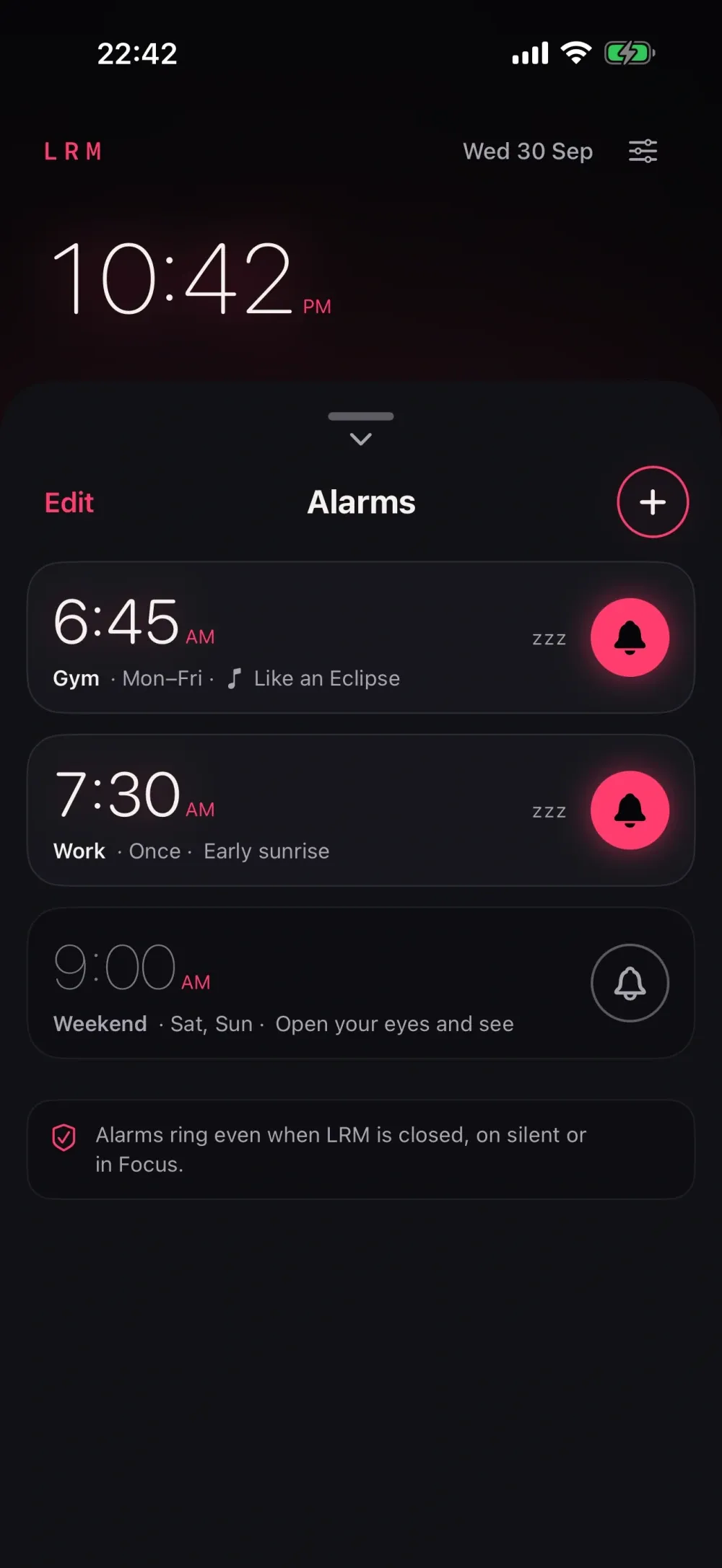
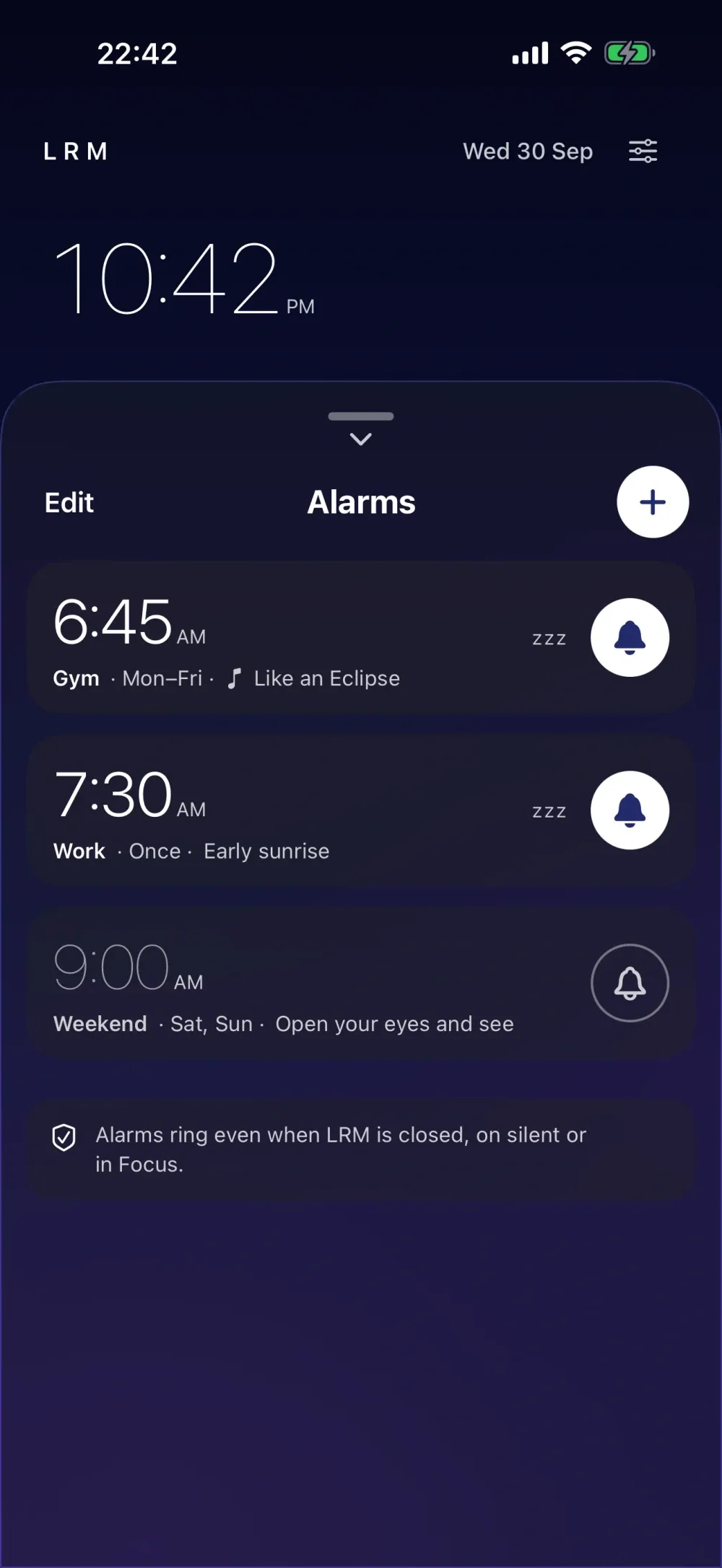
- Alarms ring even when LRM is closed, your iPhone is locked, on silent or in a Focus.
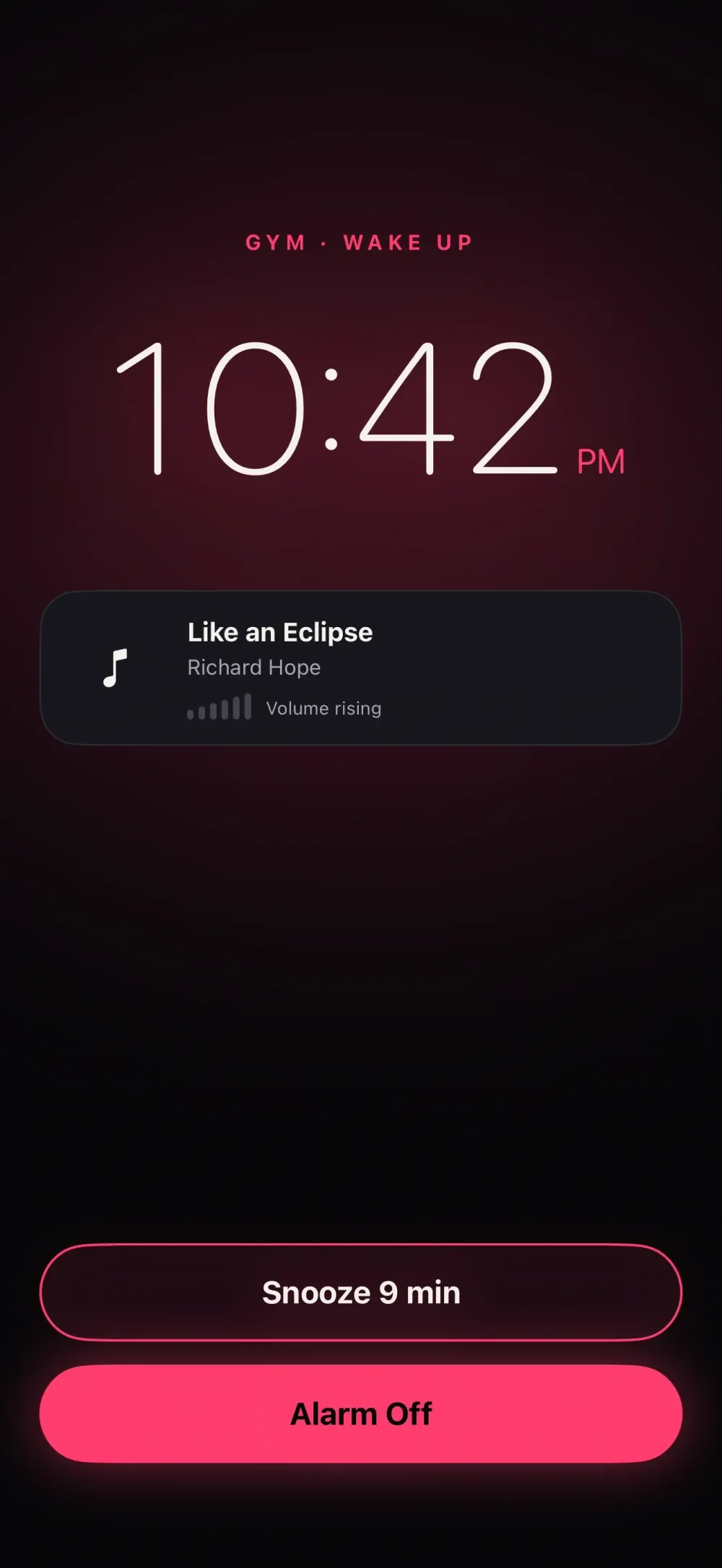
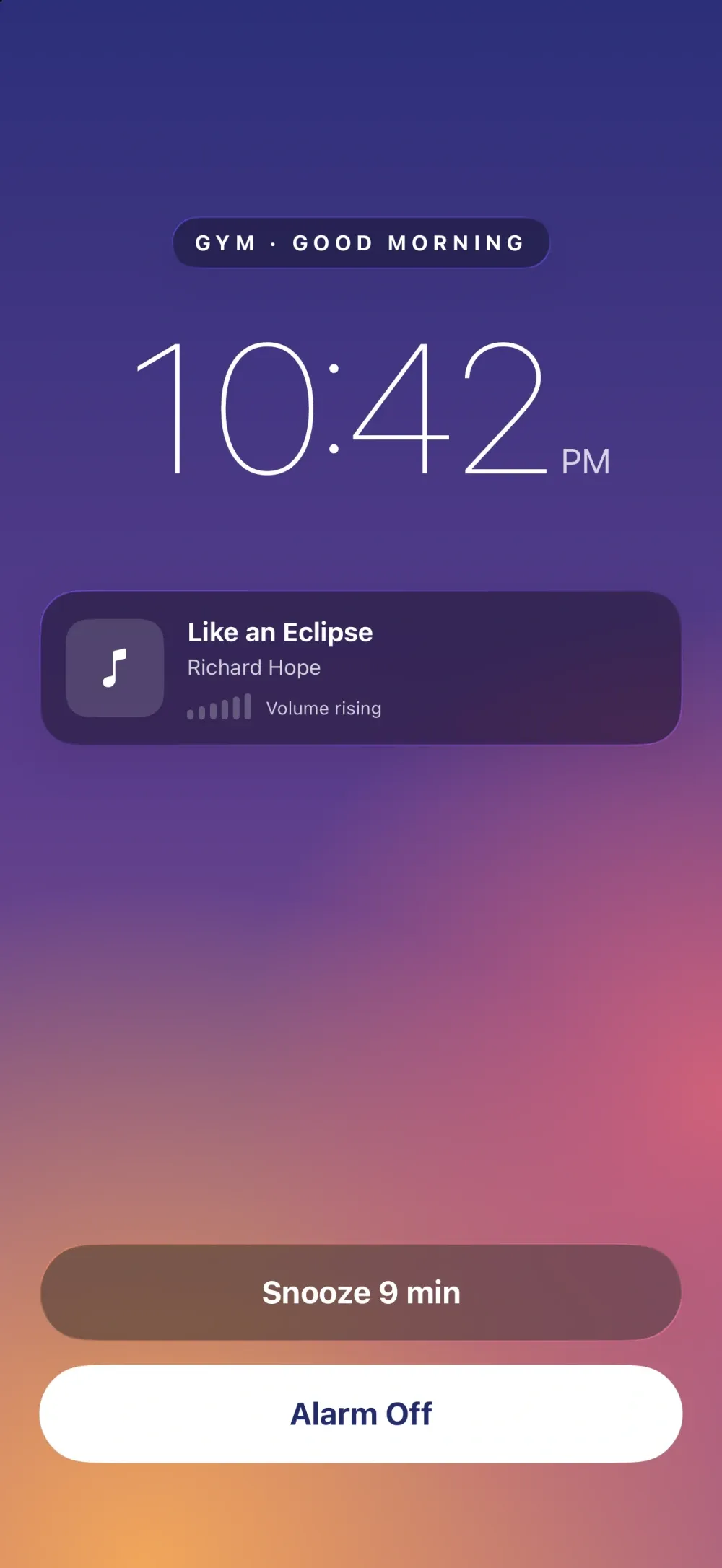
- Wake up to three original tracks by Richard Hope, fading in gently, or to a classic tone.
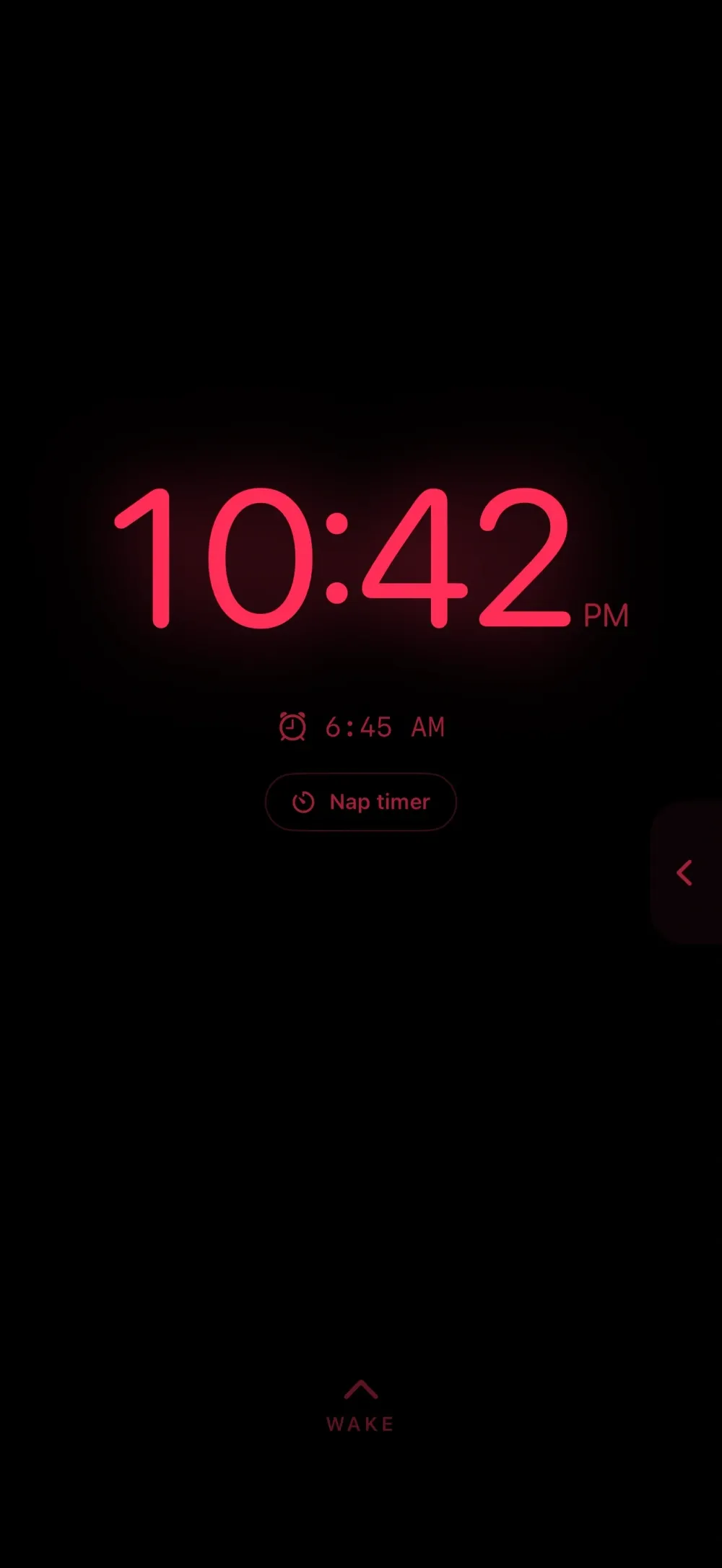
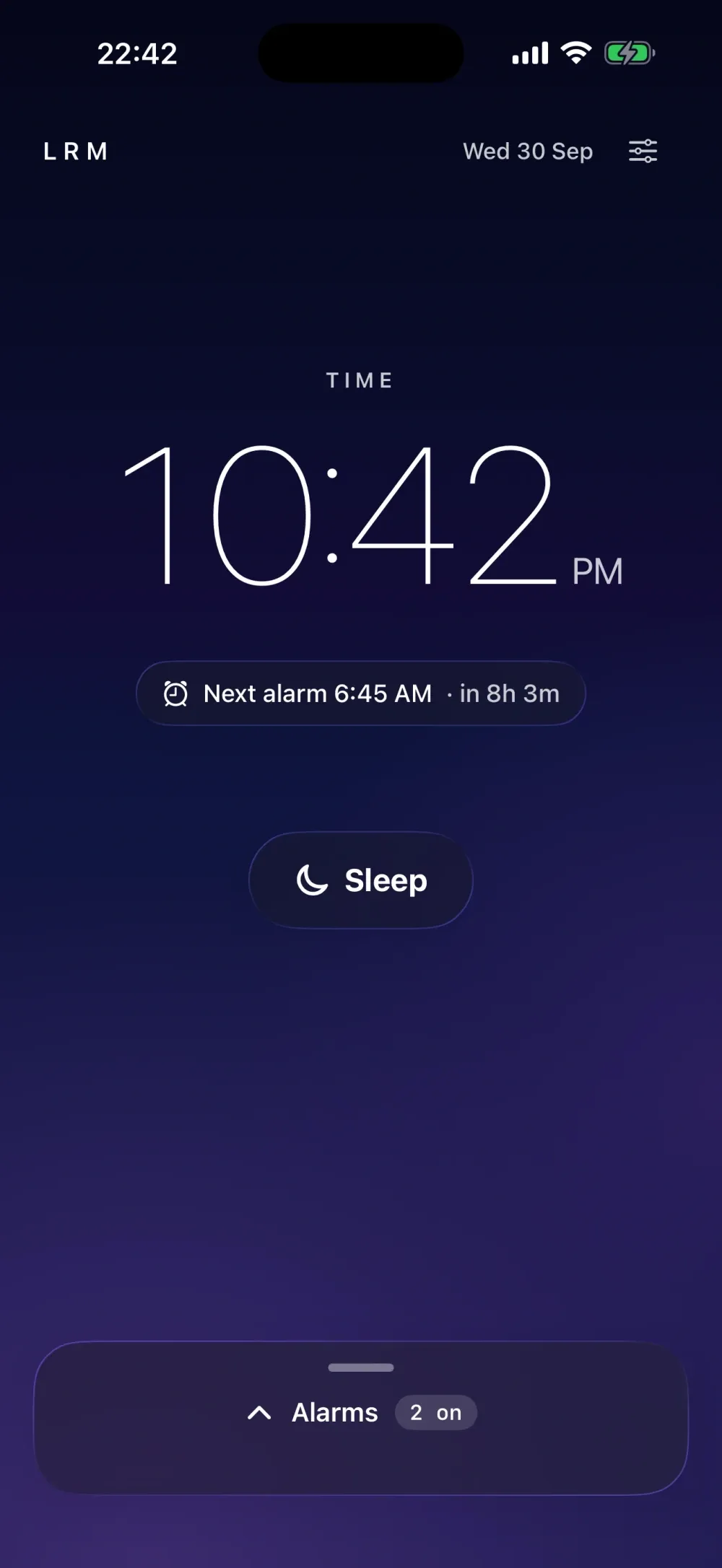
- A red Nightstand clock with a dimmer and Thin, Normal or Bold digits.
- Two looks: Neon Night's glowing digits, or Liquid Glass over a sky that follows the time of day.
- Repeat days, a nine-minute snooze and a nap timer with a Live Activity countdown.
- Ask Siri to set an LRM alarm, start a nap or turn your alarms off.
LRM is a nightstand alarm clock that wakes you gently, with alarms you can rely on.
ALARMS THAT ALWAYS RING LRM 2 uses Apple's alarm system, so your alarm goes off even when the app is closed, your iPhone is locked, on silent, or a Focus is on. No more leaving the app open all night.
WAKE UP TO MUSIC Choose from original tracks written for LRM by Richard Hope: Like an Eclipse, Sweet Afternoon Sunshine and To Warm the Coming Gray. Your alarm fades in with the opening of the song; tap Play full song and LRM keeps playing the whole track, getting gradually louder. Prefer a classic tone? Those are still here too.
A CLOCK FOR YOUR BEDSIDE Press Sleep to turn your iPhone into a red night clock. Pick thin, normal or bold digits and dim the screen exactly how you like it. Double tap for the darkest setting, triple tap for half brightness. Start a nap timer right from the Nightstand.
TWO LOOKS Neon Night: glowing digits on true black, in the accent colour of your choice. Liquid Glass: frosted glass over a sky that changes with the time of day. Switch between them any time in Settings.
JUST ASK SIRI "Set an LRM alarm", "LRM, wake me up", "Turn off my LRM alarms", "Start an LRM nap". LRM's alarms are its own and never change the alarms in the Clock app.
EVERYTHING YOU KNOW Snooze for 9 minutes, name your alarms, choose repeat days, and use a 12 or 24 hour clock. If you used LRM before, your alarms and settings come with you.
Get LRM.
£1.99 on the App Store.


